Zendesk is retiring Explore live reporting on 25 January 2027. Prebuilt live dashboards will be removed, and live components in custom dashboards will stop displaying data.
If your team relies on an Explore wallboard, now is the time to plan its replacement. Zendesk’s replacement is real-time monitoring, available to Professional and Enterprise customers. Geckoboard gives you another route: custom live dashboards on TVs, alongside your other tools, without changing your Zendesk plan.
Here’s what’s changing and how to choose the right route for your team.
Last checked: 28 October 2026
What is Zendesk removing?
Zendesk’s retirement announcement covers three changes:
- Prebuilt Explore live dashboards will be deactivated and removed from the dashboard library.
- You’ll no longer be able to create custom dashboards using live data components.
- Live components in existing custom dashboards will stop displaying data.
If a custom dashboard mixes live and historical reports, the live components are affected. This announcement does not retire all Explore reporting.
A TV showing an affected dashboard will lose those live numbers too. Include wallboards in your migration plan, even if nobody regularly opens the dashboard in a browser.
What replaces Explore live dashboards?
Zendesk is moving live monitoring into real-time monitoring, with further capabilities planned through agentic analytics.
The current real-time monitoring dashboards cover incoming tickets, ticket progress and agent productivity across channels. You can filter the dashboards and drill into the data. The incoming tickets dashboard requires omnichannel routing.
Real-time monitoring is available to Professional and Enterprise customers. Since 5 May 2026, the old prebuilt live dashboard has been restricted to users who accessed Explore before that date; new customers use real-time monitoring.
If you’re on Suite Team or Growth with Explore Lite, this retirement doesn’t remove an existing live dashboard entitlement. If you want live dashboards without upgrading Zendesk, see your options here.
What should you do now?
Zendesk says customers don’t need to take migration action until agentic analytics becomes generally available. It plans to provide instructions for moving workflows and rebuilding custom dashboards.
You can prepare now, without waiting for that release:
- Record what your team uses. Screenshot each live dashboard and note its metrics, filters and reporting periods.
- Find every place it’s displayed. Include office TVs, browser tabs and links used by managers or other teams.
- Identify what must survive the move. A supervisor’s drill-in report and a wallboard for the whole support floor serve different jobs.
- Choose your route and test it. Check the numbers, filters and viewing experience before you retire the old dashboard.
Don’t assume your existing layouts will carry across. Zendesk’s announcement describes rebuilding custom dashboards in the new interface.
Want help replacing your wallboard? Send us a screenshot of your current Explore dashboard and we’ll help you rebuild it in Geckoboard.
Before you rebuild, decide who needs to see the numbers
A dashboard helps protect your SLAs when the people who can act see the problem in time.
For a supervisor investigating workload inside Zendesk, real-time monitoring may cover the job. For a team that relies on a shared wallboard, you also need to consider:
- Visibility during the shift. Can agents see queues building without opening another report?
- Alerts when attention is elsewhere. Will the right people hear when a metric crosses a warning threshold?
- Access beyond the support team. Can managers and colleagues follow performance without needing a Zendesk seat?
- Context from other tools. Can the team see call demand, ticket workload and related business metrics together?
The retirement is a useful moment to rebuild around how your team works, rather than simply recreate the old layout.
Zendesk real-time monitoring or Geckoboard?
Zendesk real-time monitoring gives supervisors a detailed view of queues, ticket progress and agent workload inside Zendesk.
Geckoboard puts the numbers in front of the whole team. Build a dashboard around your priorities, display it on a TV and bring Zendesk together with tools such as Aircall, HubSpot and Jira. Your team can see what needs attention without waiting for someone to pull a report.
| What matters to your team? | Zendesk real-time monitoring | Geckoboard |
|---|---|---|
| Zendesk plan | Available to Professional and Enterprise customers | Connects on any Zendesk plan |
| Dashboard layout | Current dashboards support filtering and drill-in; customisation is planned | Build your own layouts, choose metrics and set filters |
| Shared visibility | Share with users and groups added in Zendesk, subject to their permissions | TV dashboards, share links, mobile access and scheduled snapshots |
| Other tools | Focused on Zendesk service workflows | Put Zendesk and other connected tools on the same dashboard |
| Historical context | Recent-history windows vary by report | Display historical trends alongside live operational metrics |
| Questions in your preferred AI tool | Zendesk offers its own AI analytics features, including agentic analytics in early access | Query supported metrics from Claude, ChatGPT and other compatible tools through the Metrics MCP |
Comparison checked on 28 October 2026. Zendesk is developing its replacement, so planned features should be distinguished from what’s available today. See its current dashboard limitations and sharing options.
What Geckoboard adds to your support shift
Give everyone a view they can act on
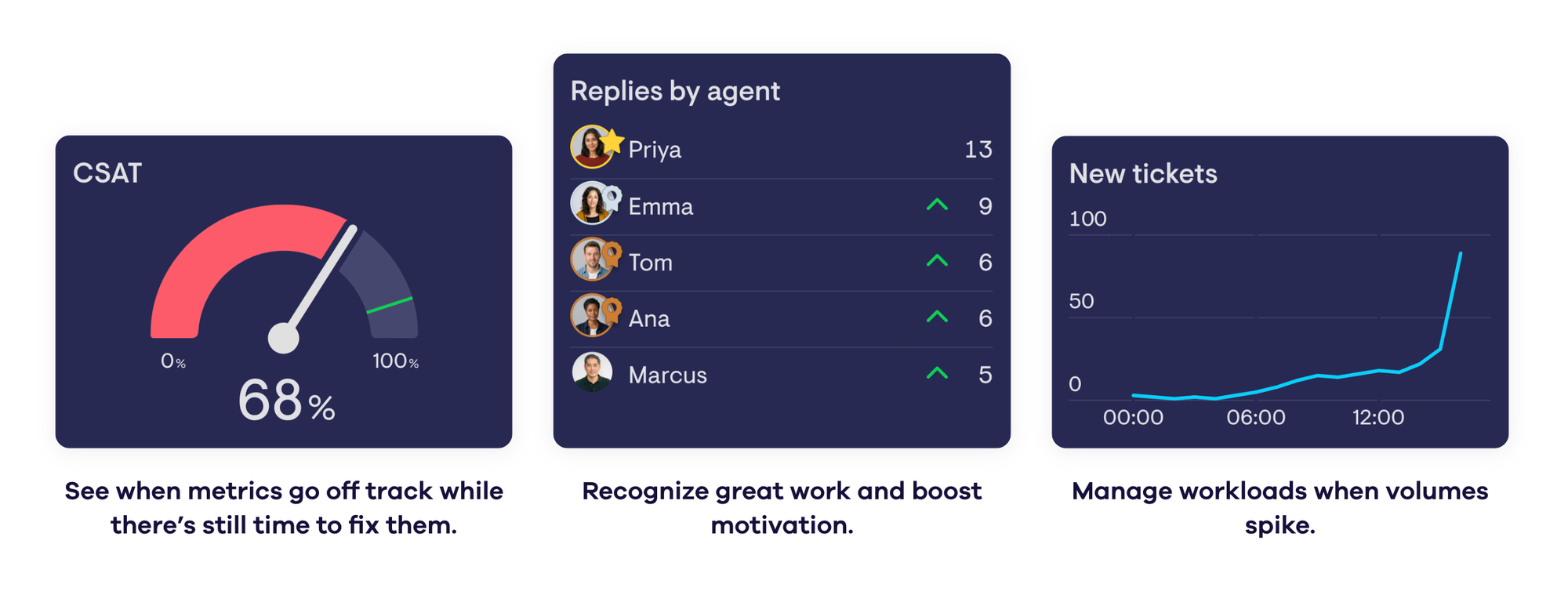
Put queue size, response times, SLA performance and agent activity on one screen. Add the numbers from your other tools that help explain the workload.
A shared dashboard lets the team spot pressure building and move help where it’s needed. You can stop being the person who has to notice every problem and tell everyone what to do.
Reach the team beyond the wallboard
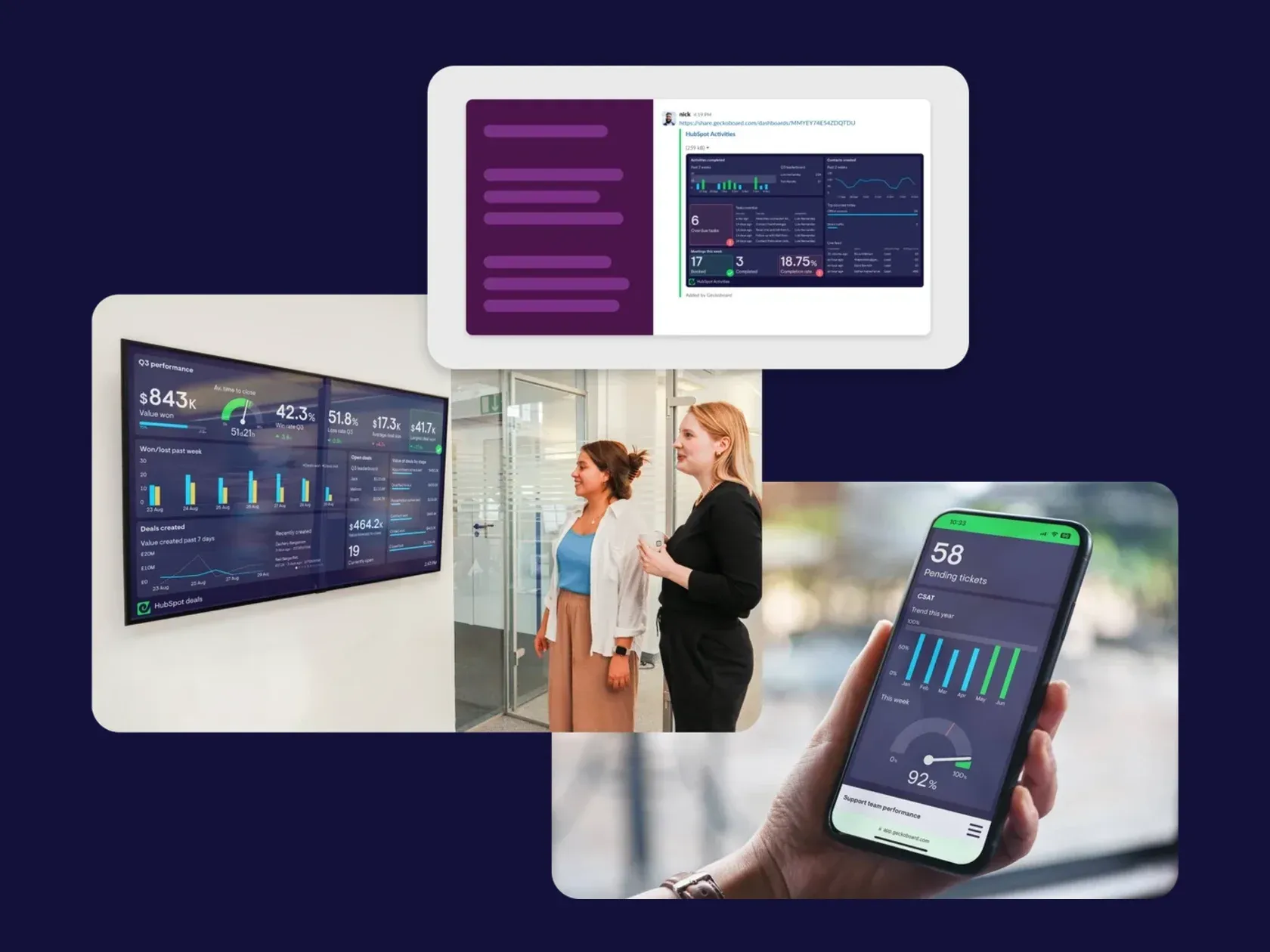
Display dashboards on office TVs, share them with remote colleagues and schedule snapshots to Slack, Microsoft Teams or email.
For changes that need a response, set a warning or success threshold and send an alert to the right channel. Alerts are available on Geckoboard’s Performance and Enterprise plans; dashboard sharing and scheduled snapshots are also available on Essentials. Compare plans.
Ask follow-up questions without building another report
Geckoboard’s Zendesk Metrics MCP gives compatible AI assistants read-only access to supported metrics calculated by Geckoboard.
Ask “How has first reply time changed since Monday?” or request a draft of your weekly support update. Geckoboard calculates the metrics; your assistant explains the results and prepares the output.
The Metrics MCP is included on all Geckoboard plans. Scheduling a recurring AI report depends on the assistant or automation tool you use.
How to rebuild your Explore wallboard in Geckoboard
- Capture the existing dashboard. Take screenshots and record the metrics, filters, time periods and intended audience.
- Connect Zendesk. Keep your current Zendesk plan and connect your account to Geckoboard.
- Build around the shift. Start with a template or an empty dashboard. Add the queue, response-time, SLA and performance metrics your team needs.
- Check the numbers. Match metric definitions, filters and reporting periods before comparing totals. Allow the initial data import to finish.
- Put it in front of the team. Connect a TV, create a share link or schedule snapshots. Add threshold alerts if your Geckoboard plan includes them.
- Run it alongside the old dashboard. Let the people who use it check that it gives them what they need before switching over.
For a broader comparison of reporting options, read our Zendesk Explore alternatives guide.
Keep your team’s live numbers in view
You already know which numbers your team relies on. We’ll help you keep them visible when Explore live reporting retires.
Send us a screenshot of your current dashboard and we’ll help you rebuild it in Geckoboard.
Prefer to build it yourself? Start a free trial, connect Zendesk and create a dashboard for your next support shift.

