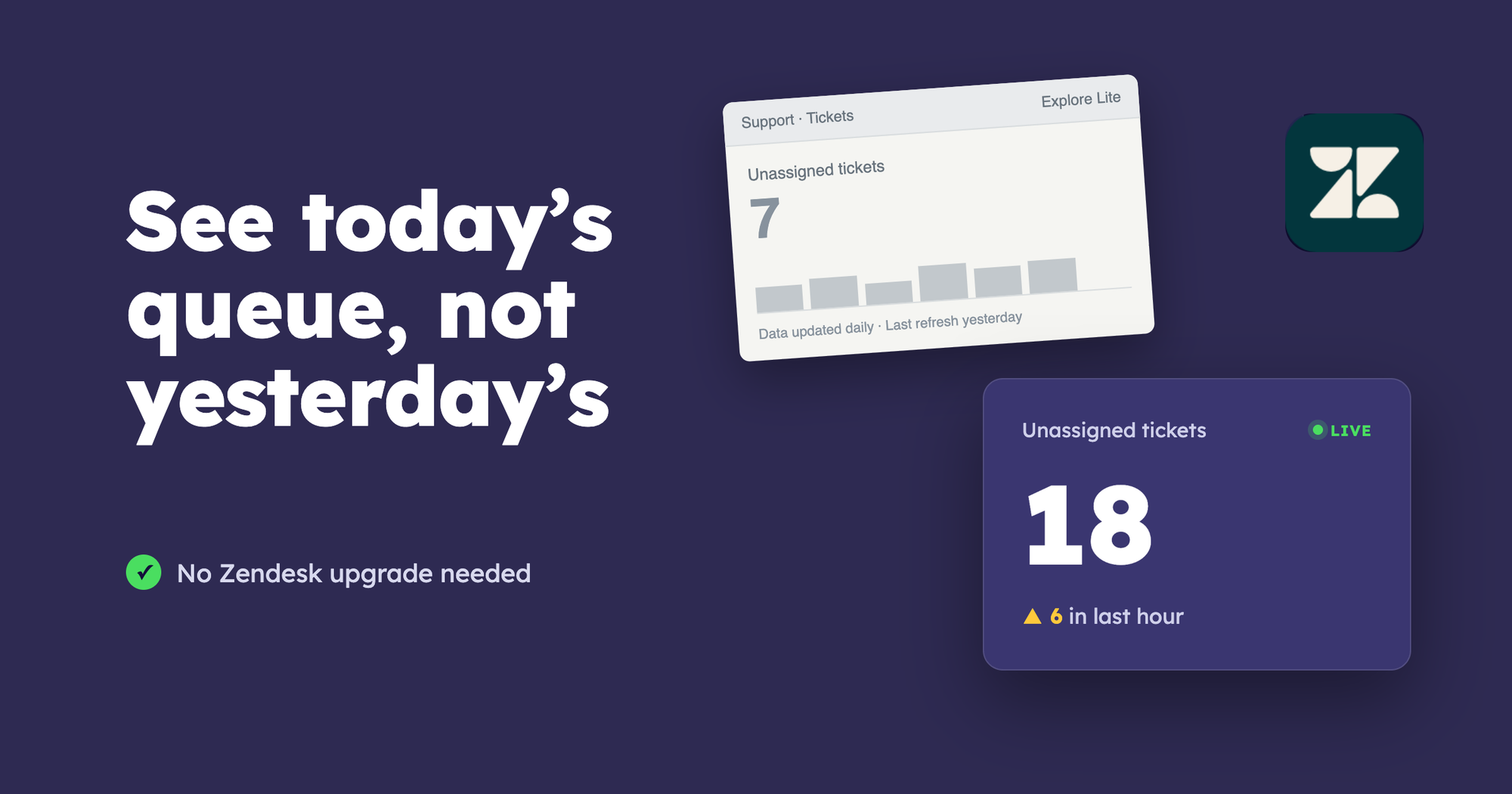
Keep your Zendesk plan and give your team a live view of what needs attention. Geckoboard connects directly to Zendesk and puts queue size, response times and team performance on a shared dashboard.
See queues building and response times slipping while there’s still time to act. Your team gets the numbers to respond, and you can stop being the person who has to spot every problem.
You can also set real-time alerts in Slack or Microsoft Teams when things need action, and use our Metrics MCP to ask questions about your Zendesk data in plain English from AI assistants like Claude and ChatGPT.
Explore Geckoboard’s Zendesk dashboards.
Get live reporting without upgrading every agent
If you’re on Suite Team or Suite Growth, Explore Lite gives you prebuilt reports with historical data that updates daily. When you’re running a support shift, you need to know where work is piling up today.
Upgrading Zendesk gets more expensive as your team grows because you pay for every agent. Moving from Suite Team to Suite Professional adds $60 per agent per month at US list prices, billed annually. For a team of 10, that’s $7,200 more a year. See Zendesk pricing.
Geckoboard lets you add live dashboards while keeping your existing Zendesk plan. Adding a Zendesk agent doesn’t automatically increase your Geckoboard bill.
Plans start at $79 a month, billed annually. Essentials includes 2,500 new Zendesk tickets a month; higher plans and additional data allowances cover larger volumes. Compare Geckoboard plans.
If better dashboards are your reason for upgrading Zendesk, Geckoboard gives you another route.
What you get compared with Explore Lite
Refresh-rate details · Zendesk’s reporting refresh intervals
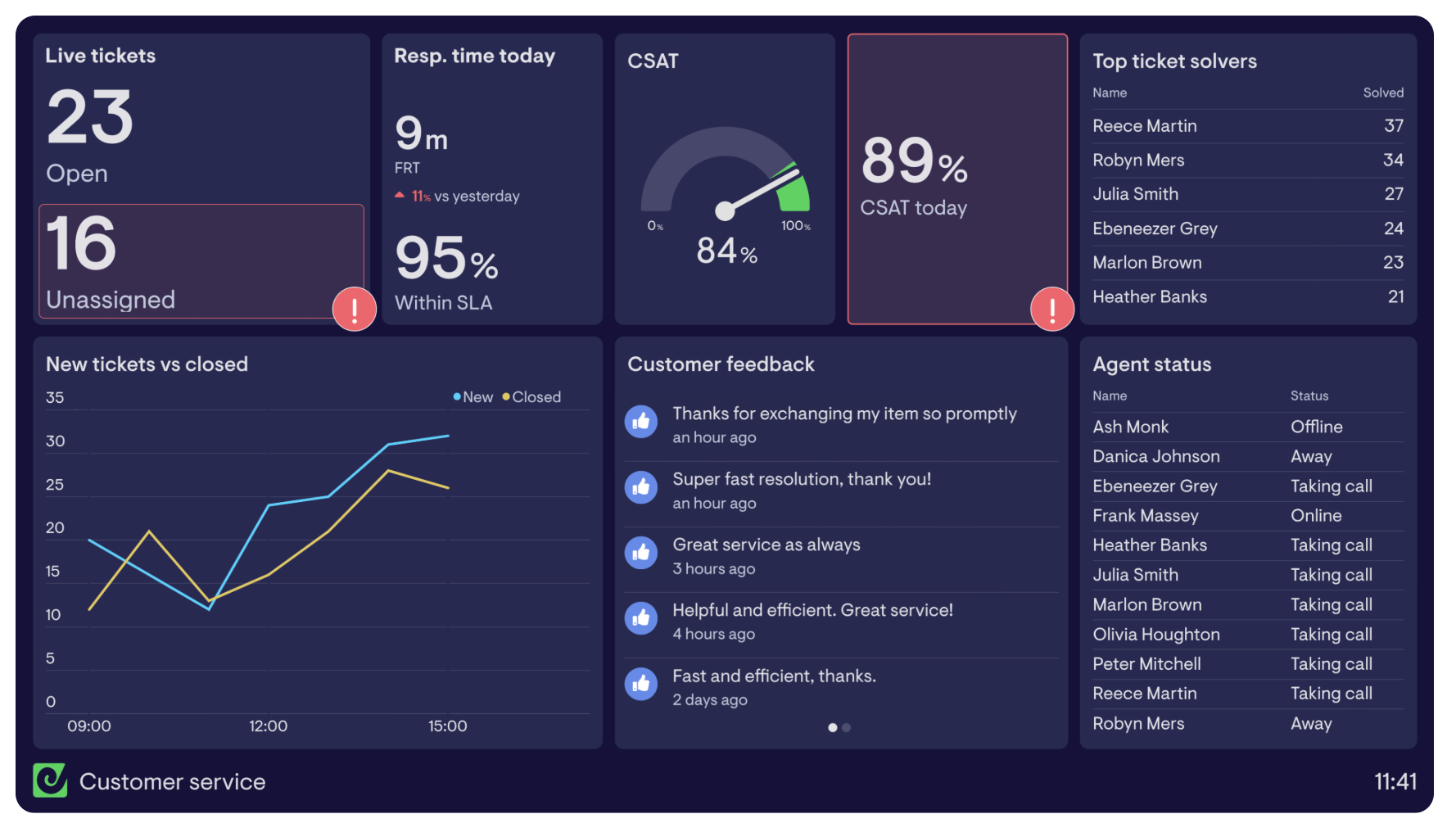
Build your first Zendesk dashboard
- Start a free Geckoboard trial. Add a Zendesk Support widget to your dashboard.
- Connect your Zendesk account. Enter your Zendesk subdomain, sign in and approve access. There’s nothing to code.
- Pick the metrics your team needs. Start with open tickets, unassigned tickets, first reply time and tickets solved today. Add CSAT and SLA performance if you already use those features in Zendesk.
- Set targets and status colours. Give the team a clear signal when performance needs attention.
- Share it. Put the dashboard on an office TV, send colleagues a viewing link, or schedule snapshots to Slack, Microsoft Teams or email.
Geckoboard works with any Zendesk plan and reports on the data available in your account. Follow the connection guide.
Already on Professional or Enterprise? Get the numbers beyond support
Having reports available doesn’t mean everyone sees them. Geckoboard puts support performance in front of agents, operations and leadership without requiring everyone to have a Zendesk account.
Keep the team in the picture. Display queue size, response times and progress against targets on office TVs. Rotate dashboards to show different teams or regions.
Give colleagues their own access. Invite colleagues to Geckoboard as viewers so they can log in and see the dashboards relevant to them, with password-protected access and no Zendesk seat needed.
Share a live view in seconds. Send a dashboard link anyone can open without a Zendesk or Geckoboard login. You can also paste the link into tools like Notion as an embed, so the live dashboard sits right alongside your team’s plans and docs.
Bring the numbers into the working day. Schedule snapshots to Slack, Microsoft Teams or email for shift handovers and weekly reviews.
Get alerted when action is needed. On Performance or above, send alerts to Slack or Microsoft Teams when a metric crosses a threshold, such as a growing unassigned queue.
You can also bring Zendesk together with Aircall, HubSpot or Salesforce. See support workload alongside call demand or sales activity, without switching between reports.
See how dashboard sharing works.
Ask follow-up questions with the Metrics MCP
Dashboards show the numbers you planned for. For the questions you didn’t, Geckoboard’s Metrics MCP connects AI assistants such as ChatGPT and Claude to the same metrics engine that powers your dashboards.
Ask “How has first reply time changed since Monday?” and investigate the change without pulling together another report.
Explore the Zendesk Metrics MCP.
Build a dashboard for your next support shift
Start a free Geckoboard trial, connect Zendesk and put your team’s most important numbers where everyone can see them. Keep your current plan and give the team a clearer view of what needs attention.

