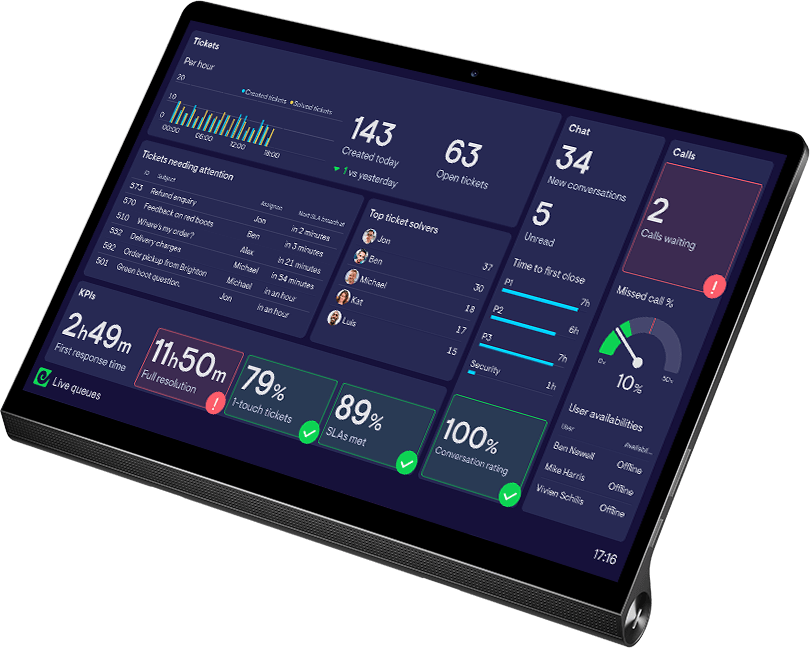
TV dashboard software for teams that act on live data
Connect to the tools where your data lives and build a dashboard everyone can understand at a glance. No specialist hardware or digital signage software required.
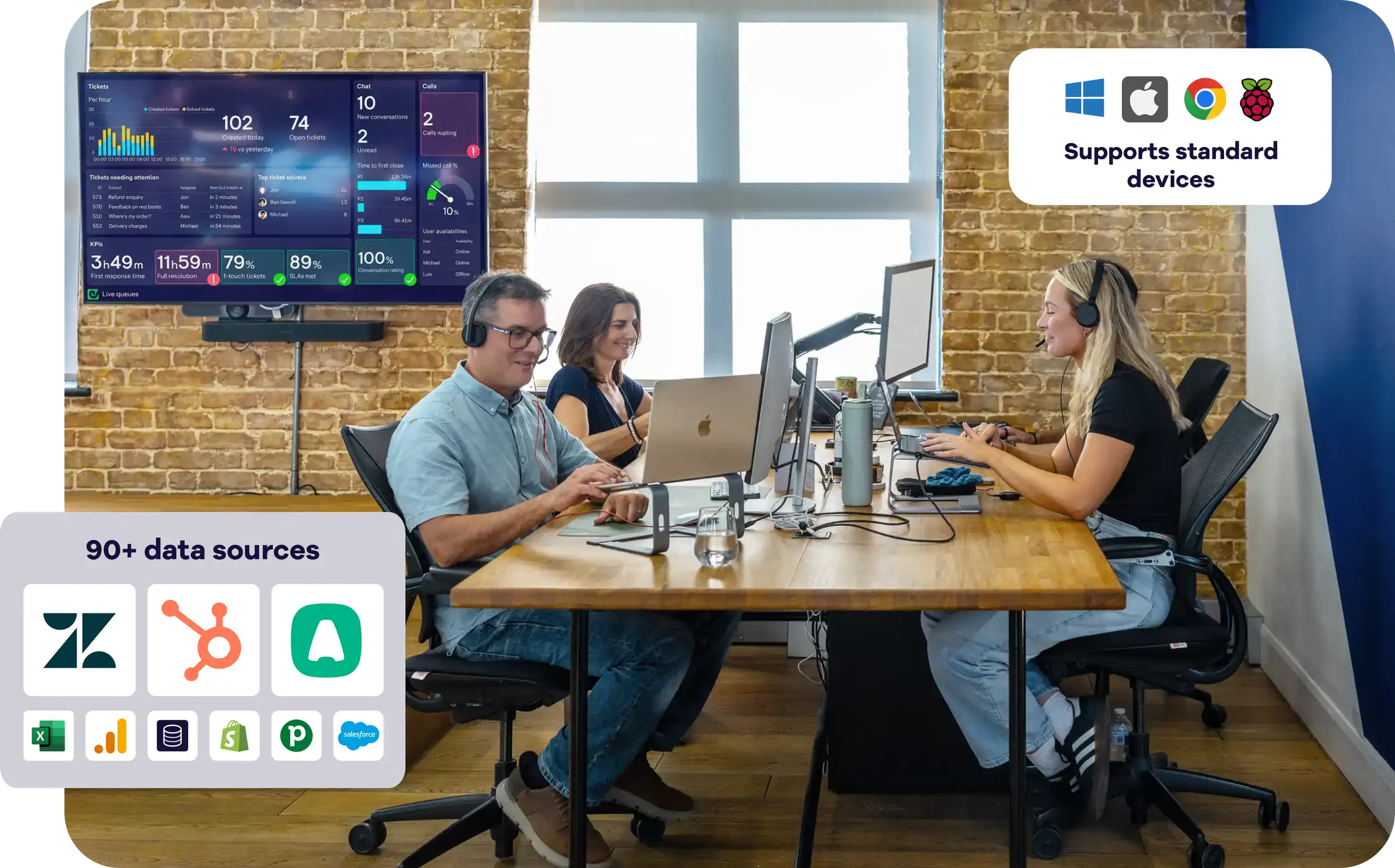
Helping thousands of teams improve performance • ★ 4.5 on G2
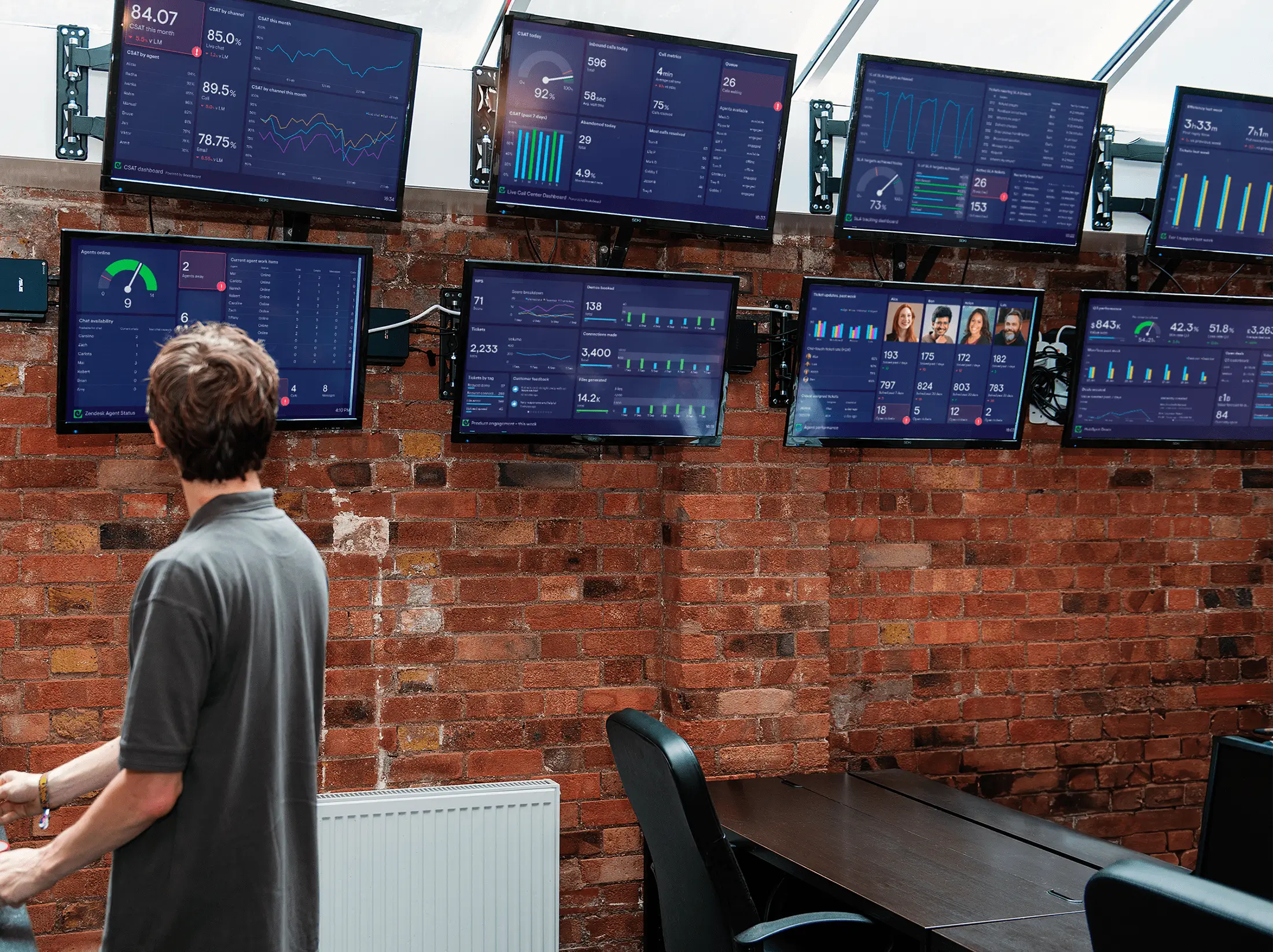
Dashboards designed for TV, not just displayed on one
Most dashboard software is built for one person to explore on a laptop. Geckoboard is designed for a whole team to understand from across the room. It keeps live performance visible, removes the clutter of an interactive report and makes what needs attention immediately clear so the team can spot changes and act quickly.
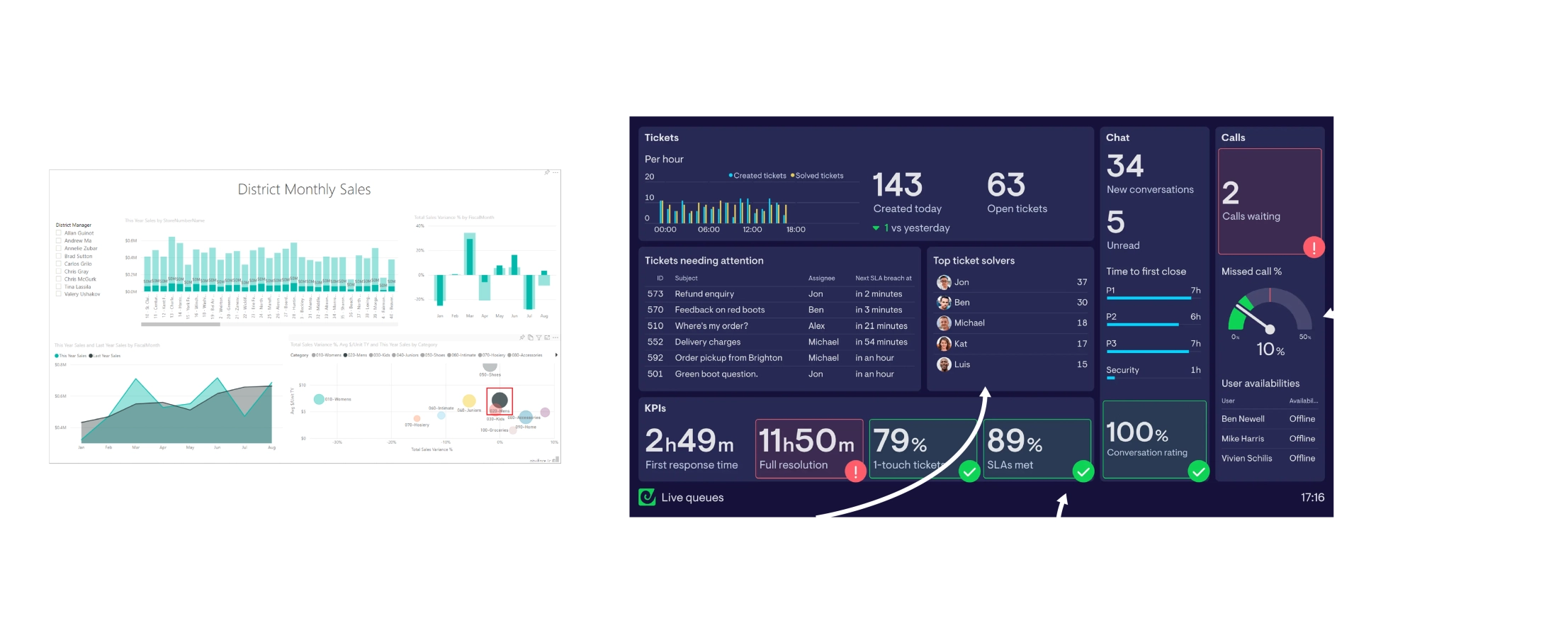
Always current, without manual refreshes
Direct integrations keep your metrics up to date automatically, so everyone can see what is happening now and respond sooner.
Clear from across the room
Large numbers, focused layouts and simple visualizations make performance easy to understand at a glance.
Built around your team
Choose the metrics, targets and context that matter to your team, then update the dashboard yourself as priorities change. No analyst or BI project required.
Everything you need to build effective TV dashboards
Geckoboard connects directly to the tools your business already uses, turns their data into useful metrics, and keeps those metrics updated.
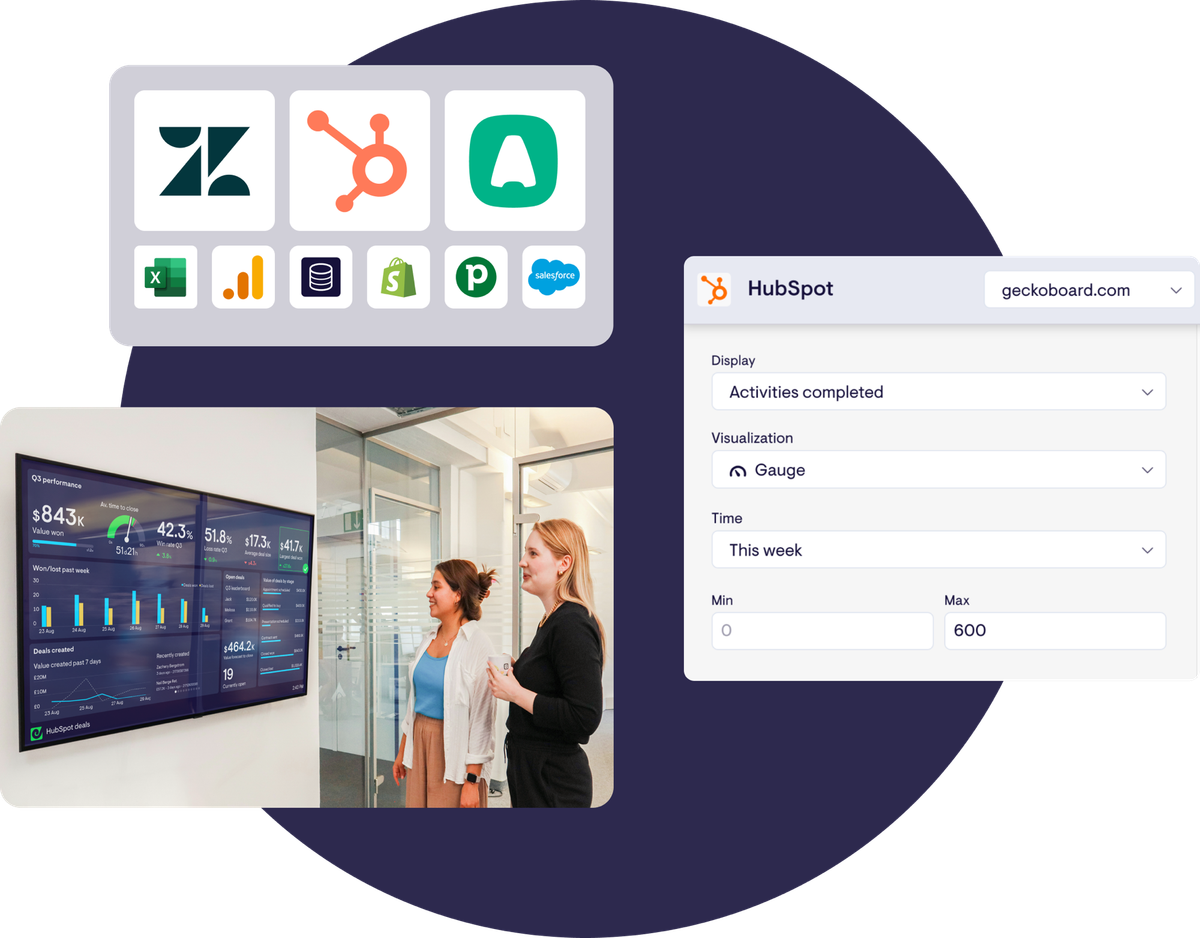
1. Connect your tools
Pre-built integrations with 90+ tools, including HubSpot, Zendesk, Salesforce, Aircall and Google Sheets, get you set up in minutes.
2. Tailor the metrics to your team
Start with ready-to-use metrics, then filter and customize them so the dashboard shows exactly what matters.
3. Design it for the big screen
Choose layouts and visualizations that keep the most important information clear and easy to understand from a distance.

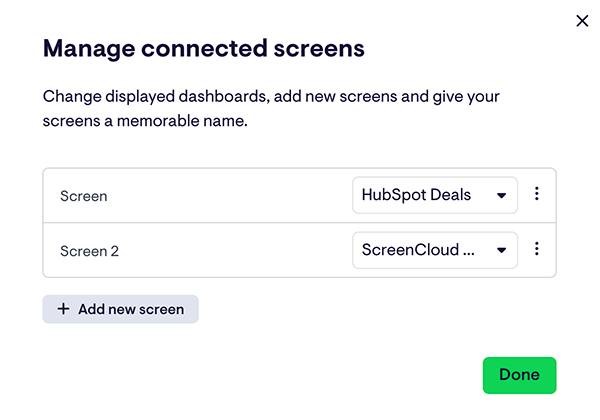
Manage your screens from one place
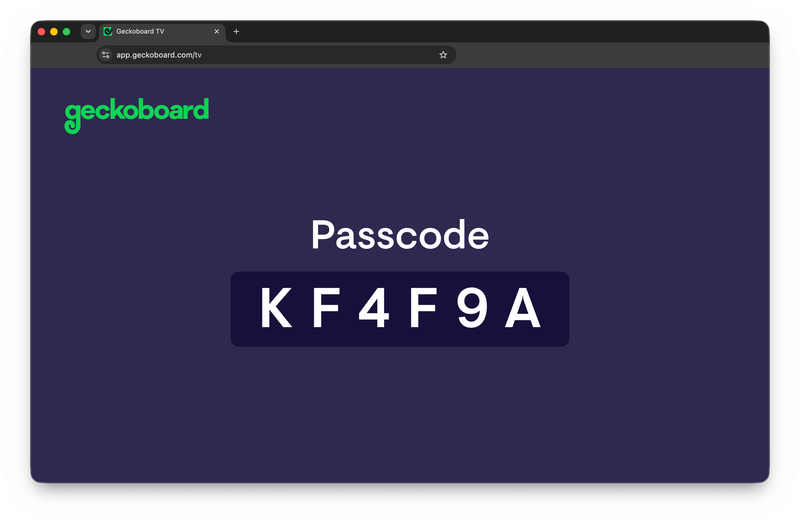
Display your live dashboards on office screens, control them remotely and keep them running throughout the day.
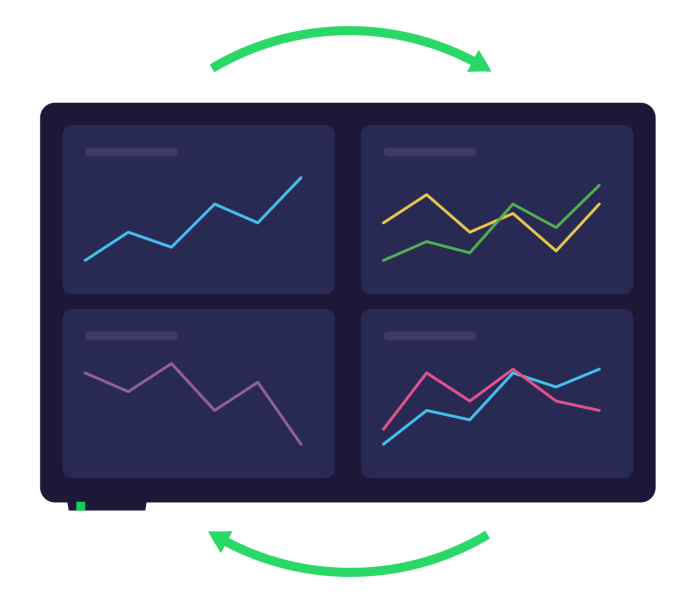
Make your wallboards impossible to ignore
A TV dashboard needs to do more than stay on screen. Geckoboard helps important changes stand out, keeps teams engaged and makes progress visible.
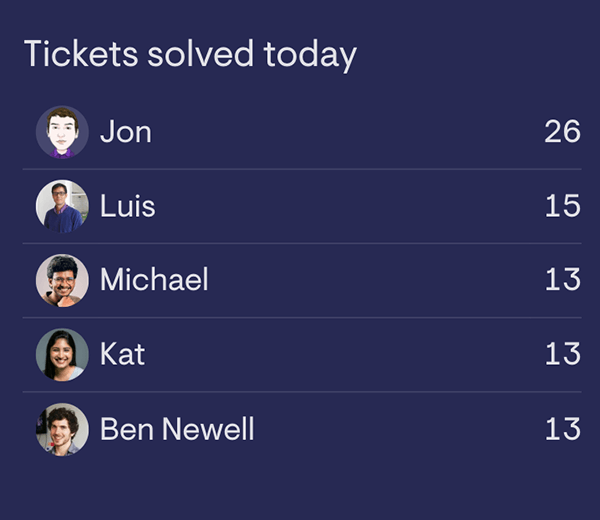
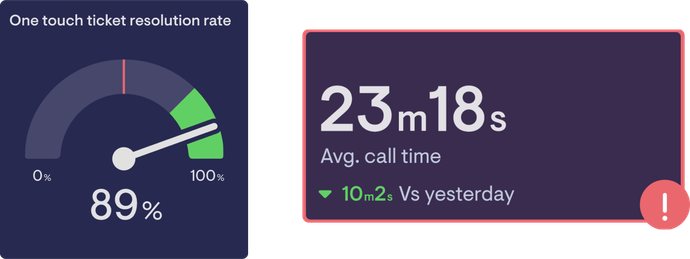
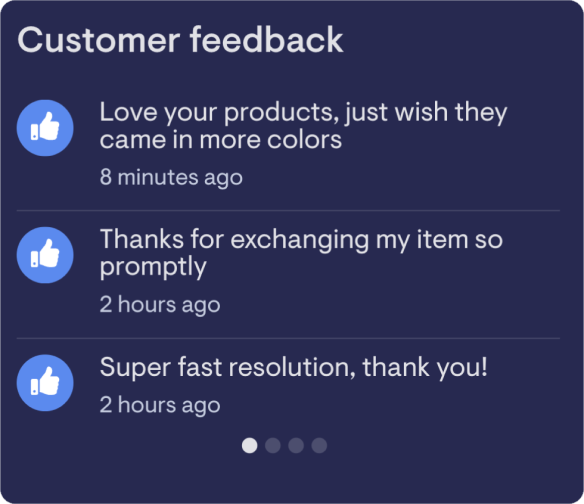

Dashboards for every part of the business
Every team should be able to see its most important KPIs at a glance. Use Geckoboard to bring real-time visibility to your whole business and help every team perform at its best.
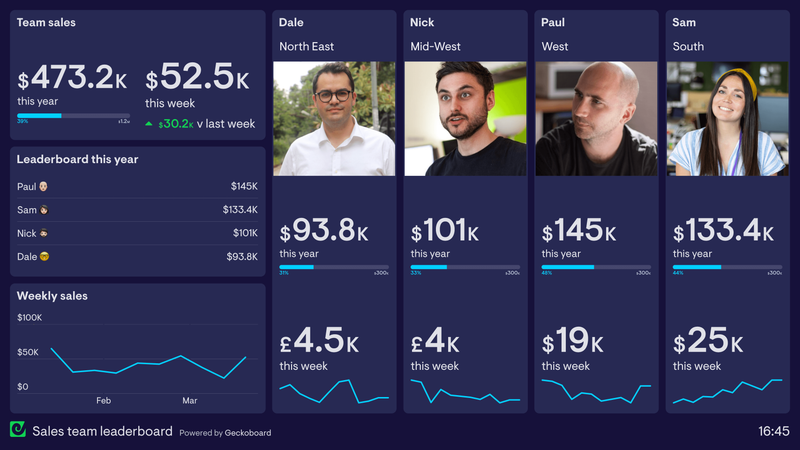
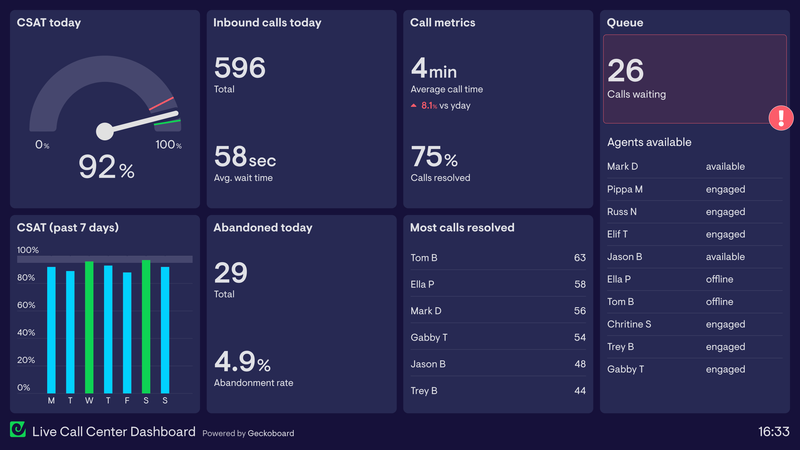
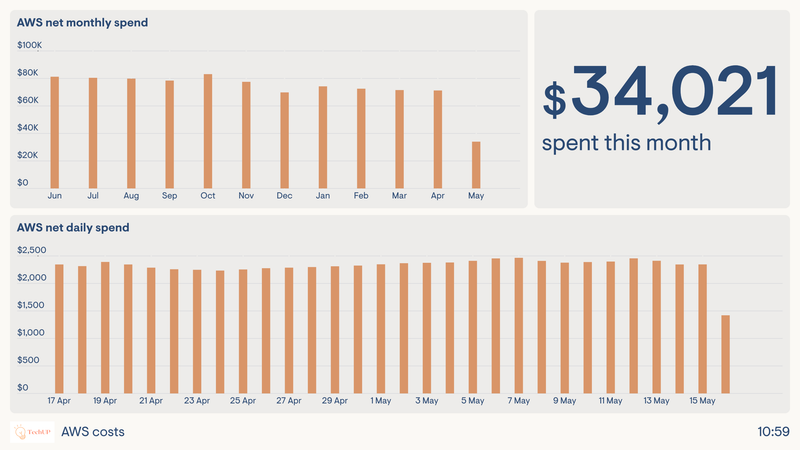
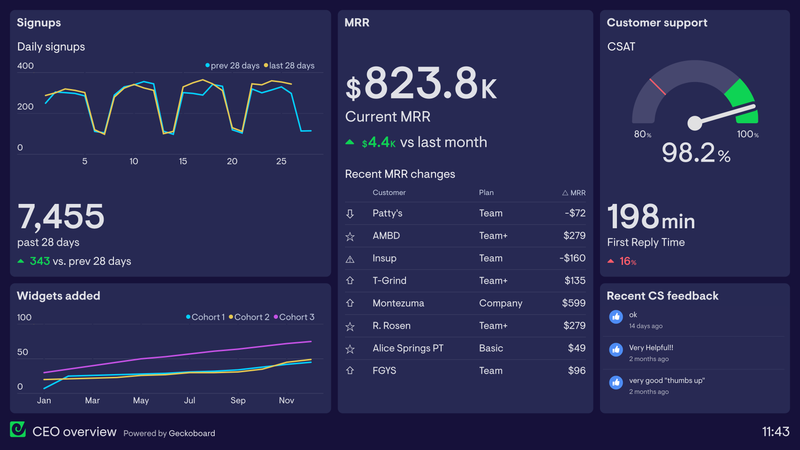
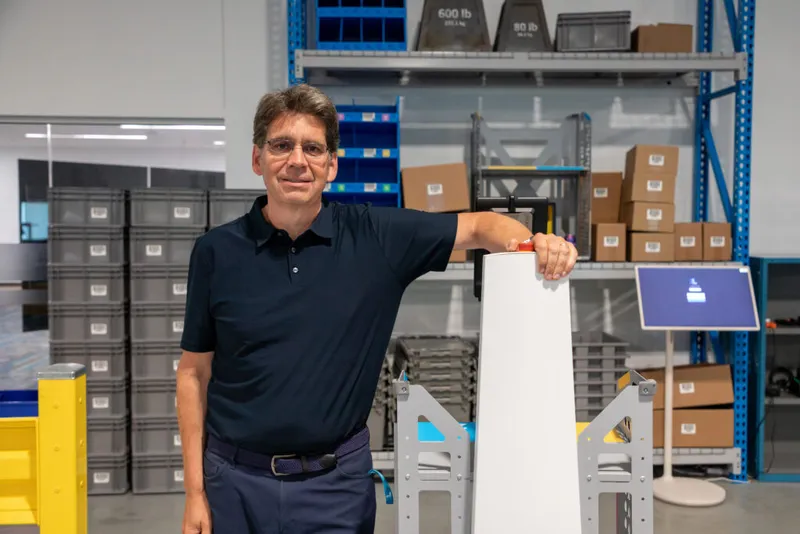

At a glance, everyone in our organization can instantly see how we’re doing. And it looks fantastic — large, easy to read, and intuitive!
Our complete guide to TV dashboards
Learn what makes TV dashboards effective, how they improve team performance, what hardware and software you need, and how to design and set up a dashboard that stays clear, current and reliable throughout the day.
Read GuideGeckoboard is designed specifically for displaying live data on TV. Its visualizations are easy to read across a room and understand at a glance, dashboards can be customized for your team, and the data updates automatically. You can display them on any screen connected to a device with a modern web browser.
Geckoboard keeps your dashboard up to date automatically. Some metrics update instantly, while others refresh every few minutes, depending on the integration. Real-time updates are included on every plan, with no need to refresh or update the dashboard manually.
Yes. You can bring metrics from multiple business tools onto the same dashboard, giving your team one shared view instead of a separate report for every system.
Yes. Geckoboard Loops rotate through multiple dashboards on the same screen. This lets you show more information while giving each dashboard enough space to remain clear and readable.
Yes. Once a screen is paired with Geckoboard, you can choose which dashboard or Loop it displays from your account without returning to the screen.
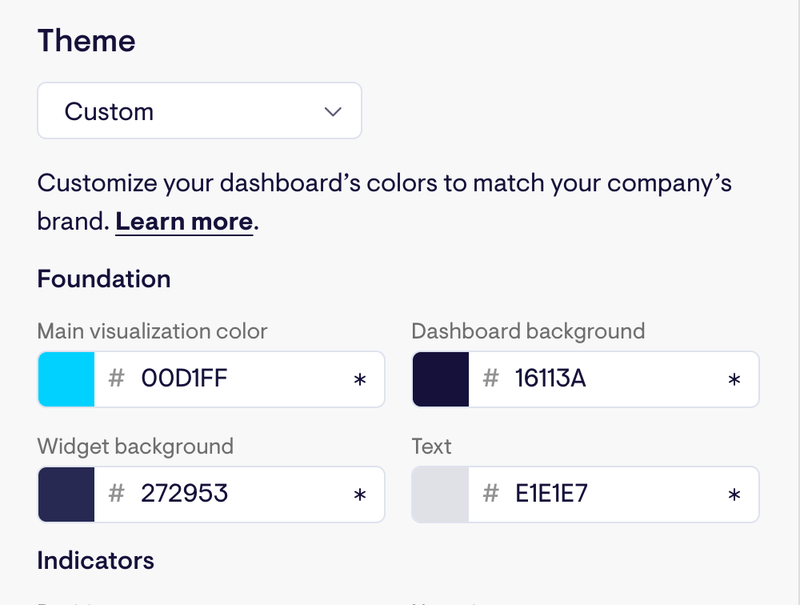
Yes. You can customize themes, colors, logos and images, and choose the visualizations and layouts that best suit the information you want to display.
Yes. Geckoboard supports live leaderboards, goals, status indicators, activity feeds and celebrations. These make important changes more noticeable, show progress clearly and encourage friendly competition.
No. Geckoboard lets you build a dashboard, display it on a browser-connected screen and manage what appears there without a separate digital signage subscription.
You can also display Geckoboard dashboards through a digital signage platform when you need more advanced device management or want to combine dashboards with other types of content.
Geckoboard and digital signage software solve different problems.
Geckoboard is designed to help teams create live, easy-to-read dashboards that keep important KPIs visible throughout the day.
Digital signage software is primarily designed to help IT, HR and communications teams manage content across large numbers of screens and locations. That content might include announcements, videos, menus and internal communications, as well as dashboards.
A digital signage platform can display a dashboard created in Geckoboard, but it does not usually create the dashboard itself. Teams that display reports from tools such as Power BI, Tableau or Salesforce often find they are difficult to read on TV, do not refresh as expected, or are not easy to customize for a shared screen.
Ready to get started?