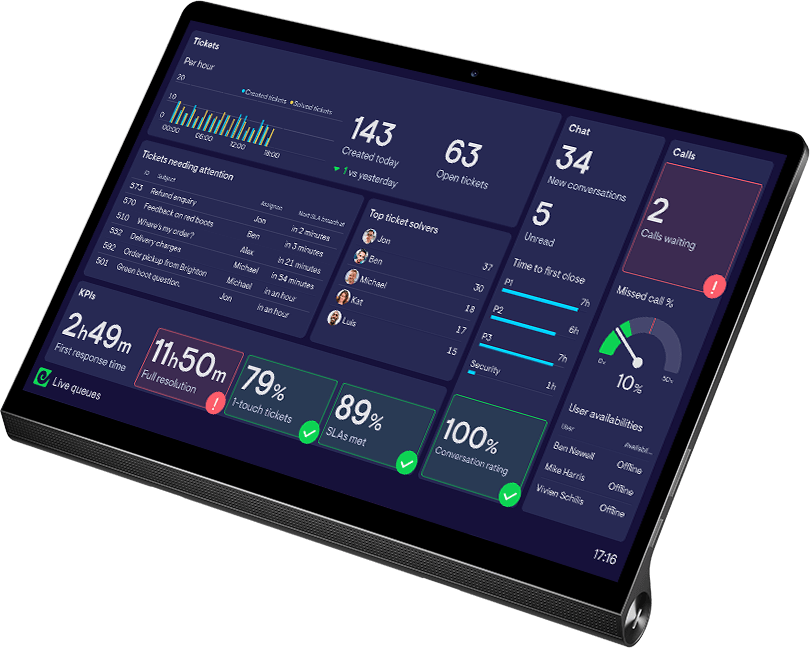
Improve sales team performance with real time HubSpot dashboards.


Trusted by 1,000s of teams






Since I joined and implemented Geckoboard, we had the first month where we drove 10% month over month growth of our entire business’s revenue. Geckoboard made it easier to understand that we were on track across all the different leading indicators.

Putting numbers in front of the team has really increased awareness. They care — they don’t want to be in the red! It really pushes them forward to lift each other up and push themselves
Data drives performance, when it’s shared the right way
Geckoboard gives teams instant access to live KPIs and data from across HubSpot, helping them perform at their best. No reports to dig through, no stale numbers, just real-time insights.

We started to see the effort metrics go up and with this, we’ve also seen outputs increase too. More than anything, we’ve seen excitement.
Bring key metrics into one focused view
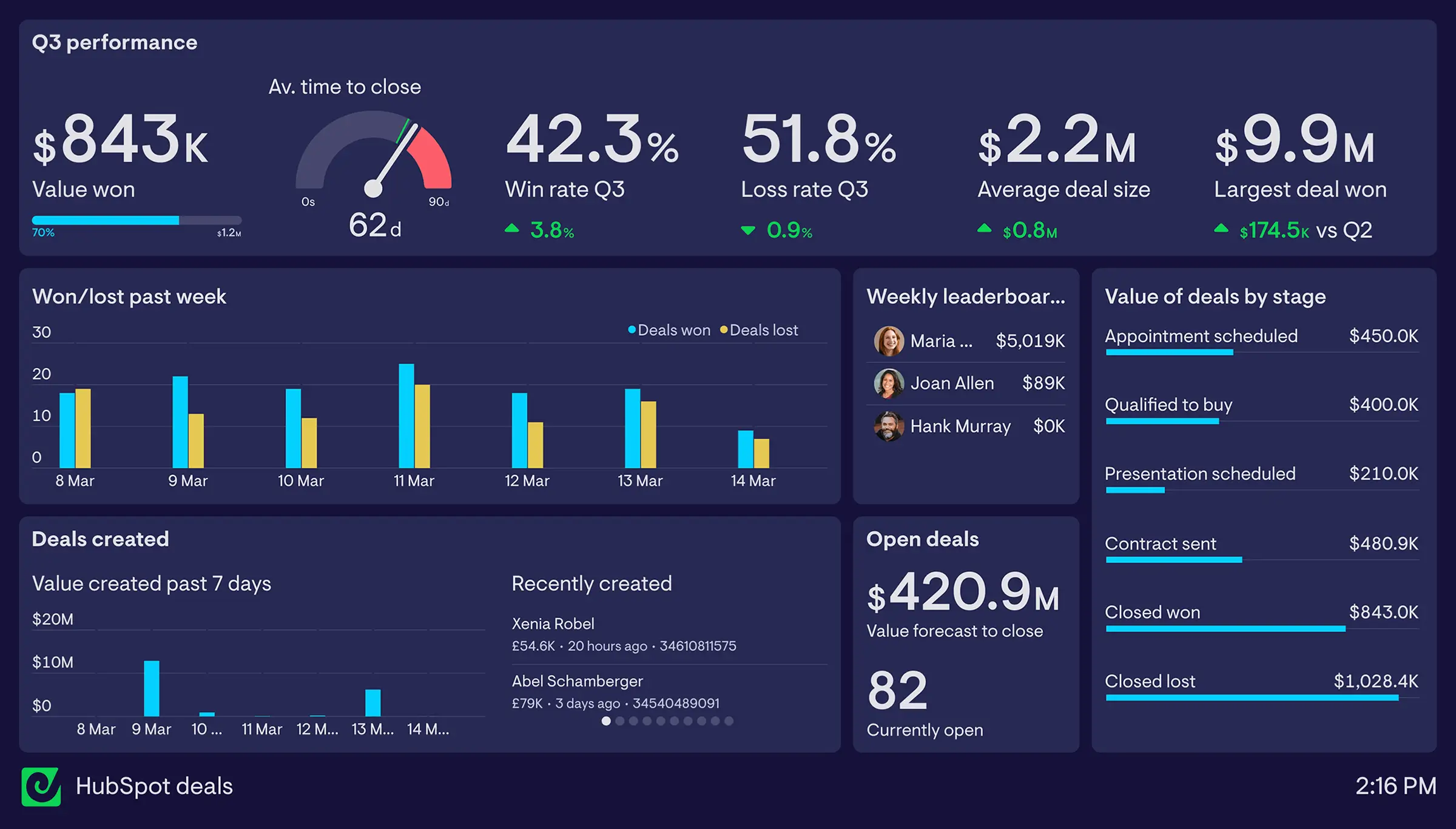
Connect HubSpot to Geckoboard and instantly visualize live data from your HubSpot account. Access dozens of metrics from across Sales and Service Hub, dial them in with powerful filters, and build up your own custom dashboard in minutes.
See data from 90+ sources alongside HubSpot data
Connect phone systems, databases, and other tools to see all your most important data in one place.


Focus attention on the metrics that matter
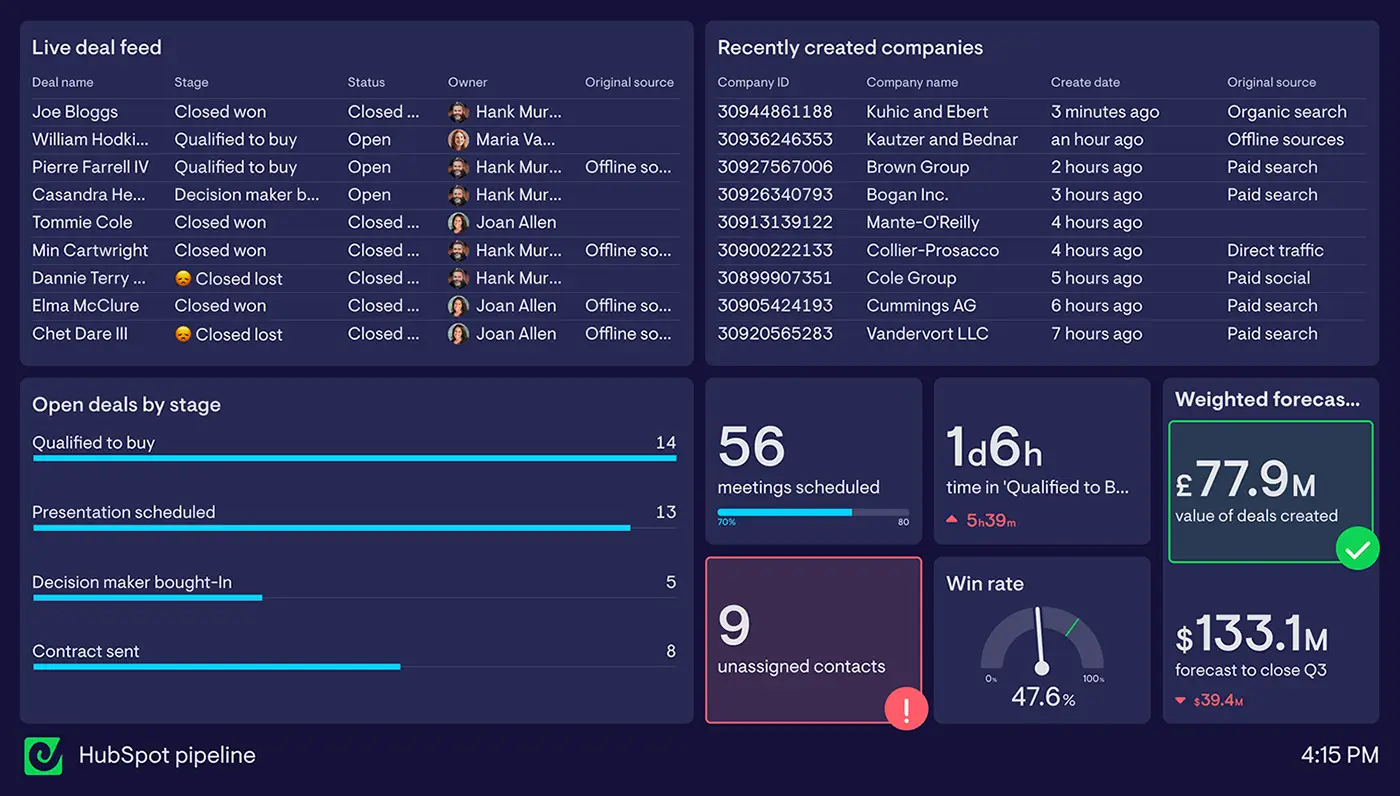
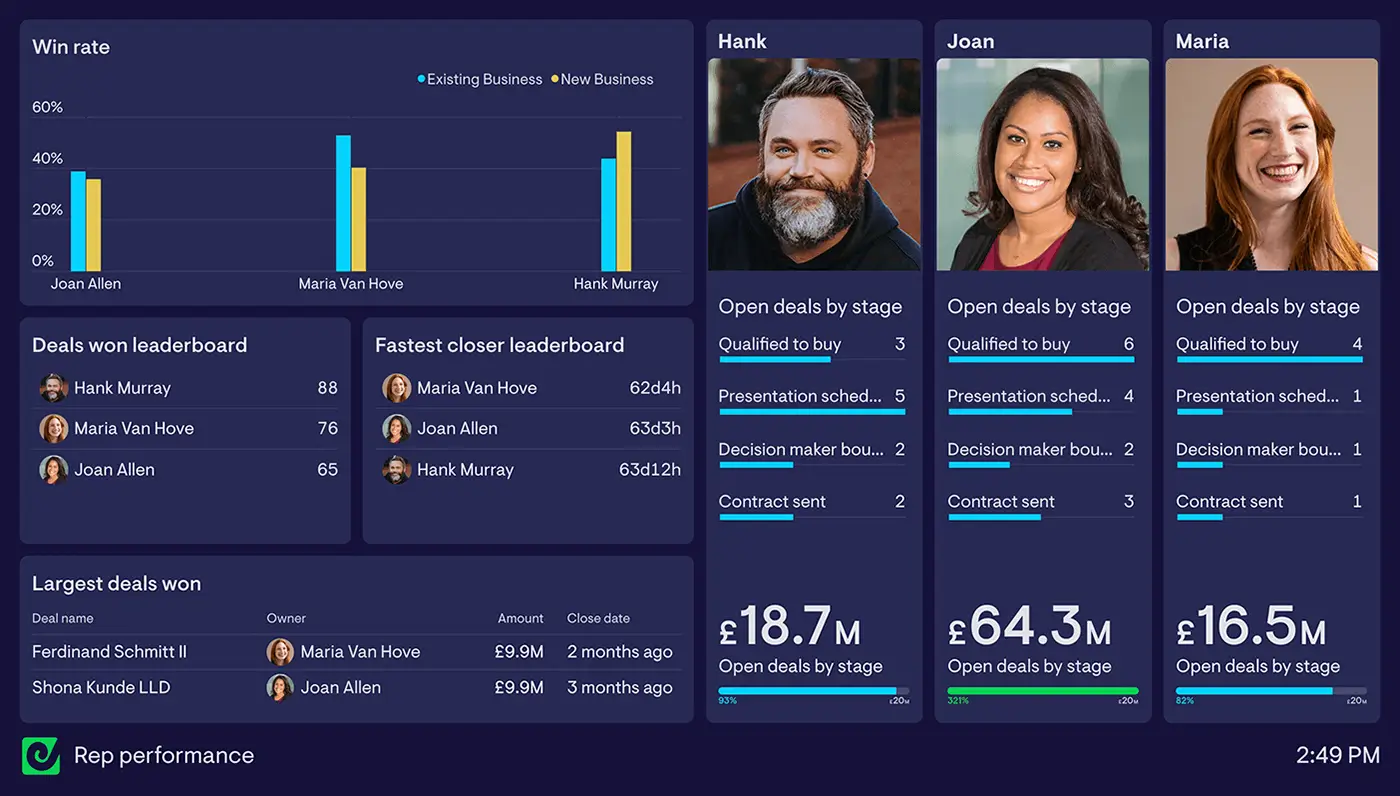
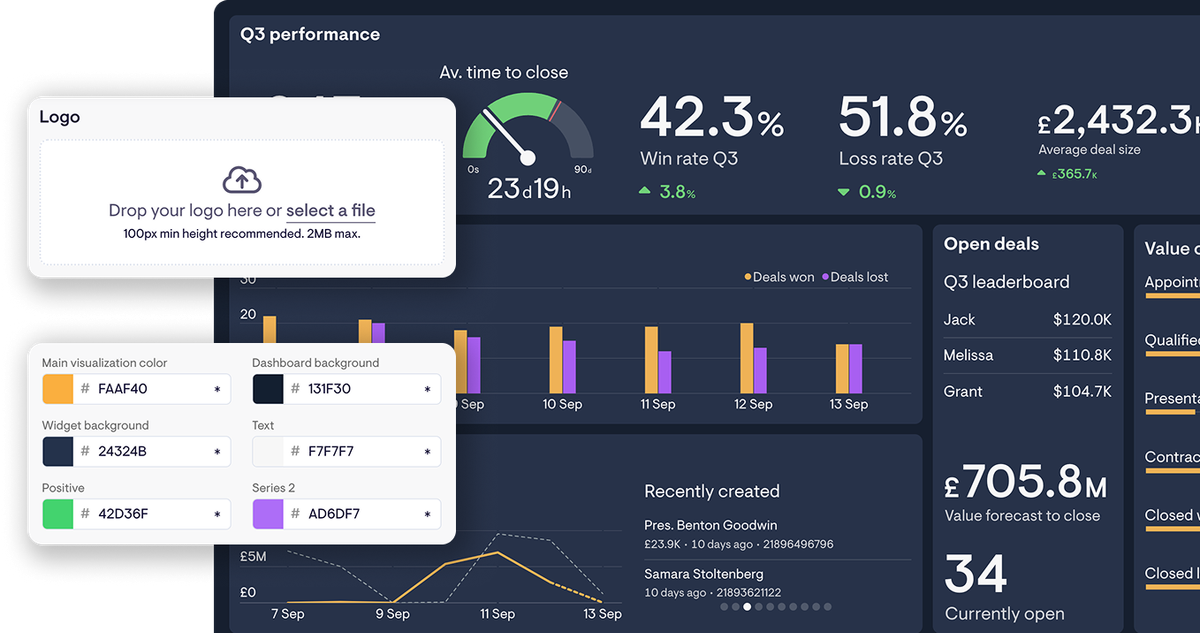
Create dashboards that focus on every aspect of your sales or support operation — from company-wide targets to individual performance.
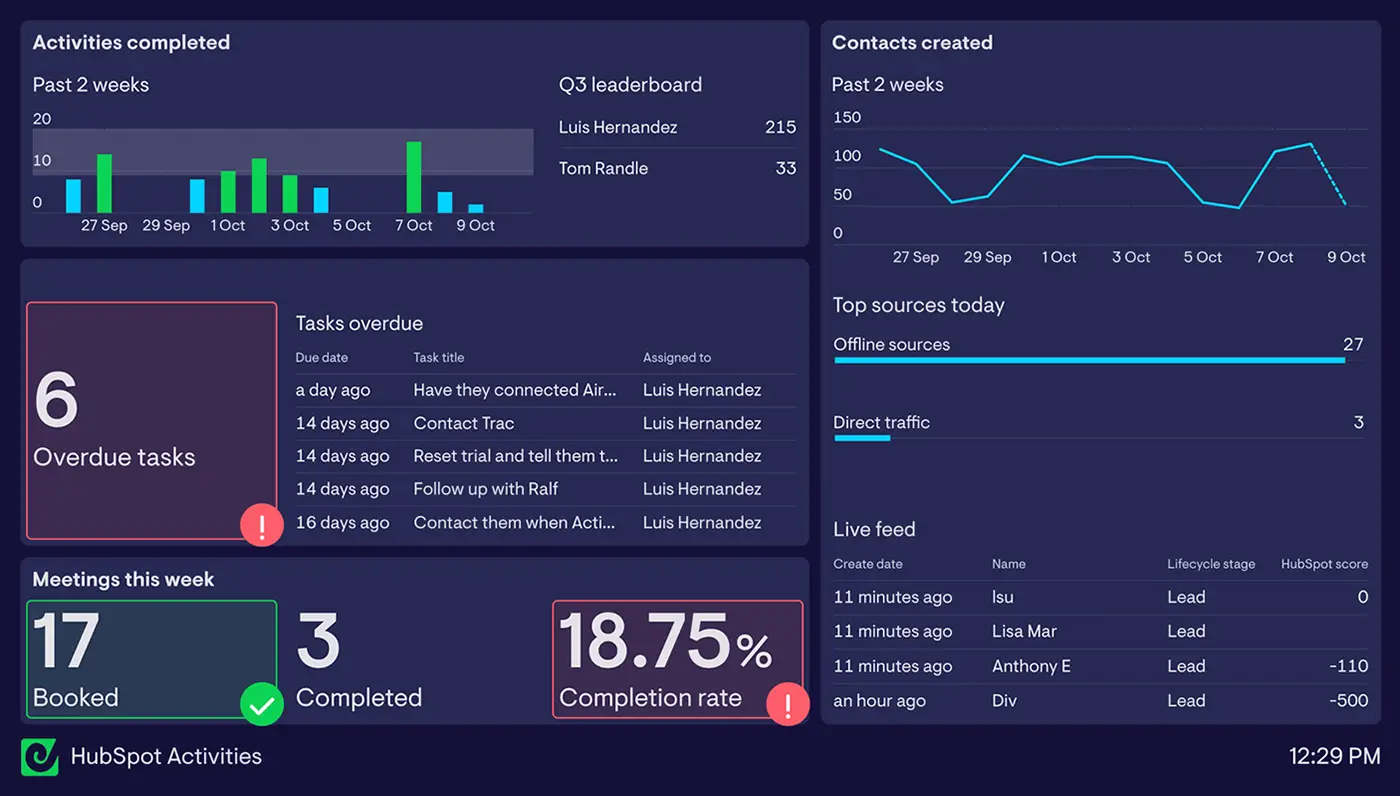
Turn data into action
Geckoboard’s dashboards are clear, engaging, and built for impact, making it easy for teams to understand key metrics — and respond in real time.
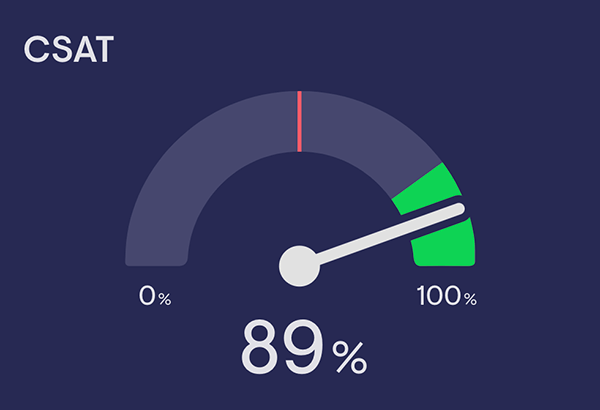
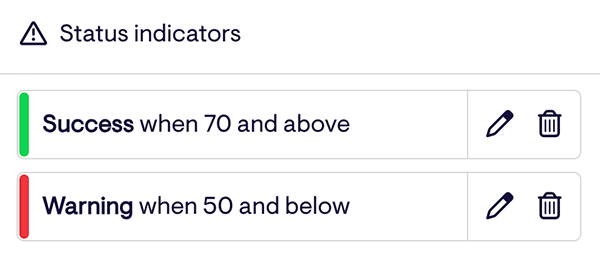
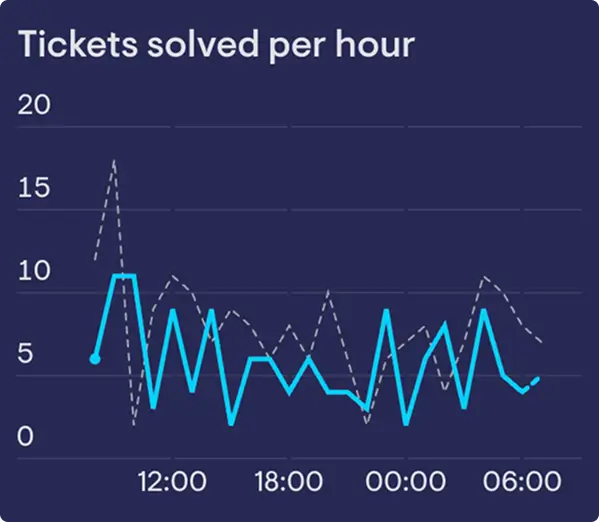

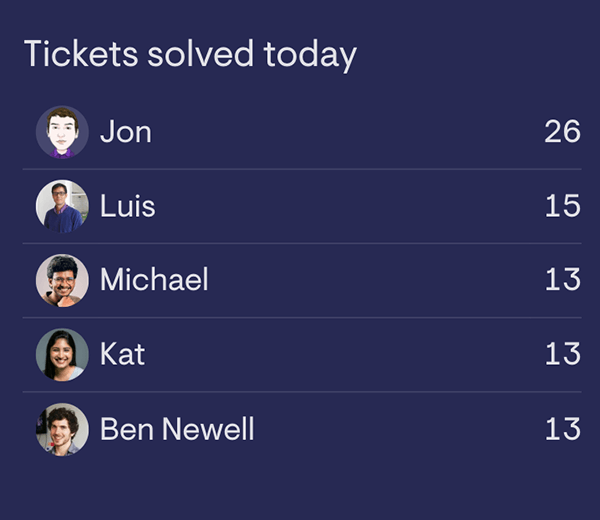
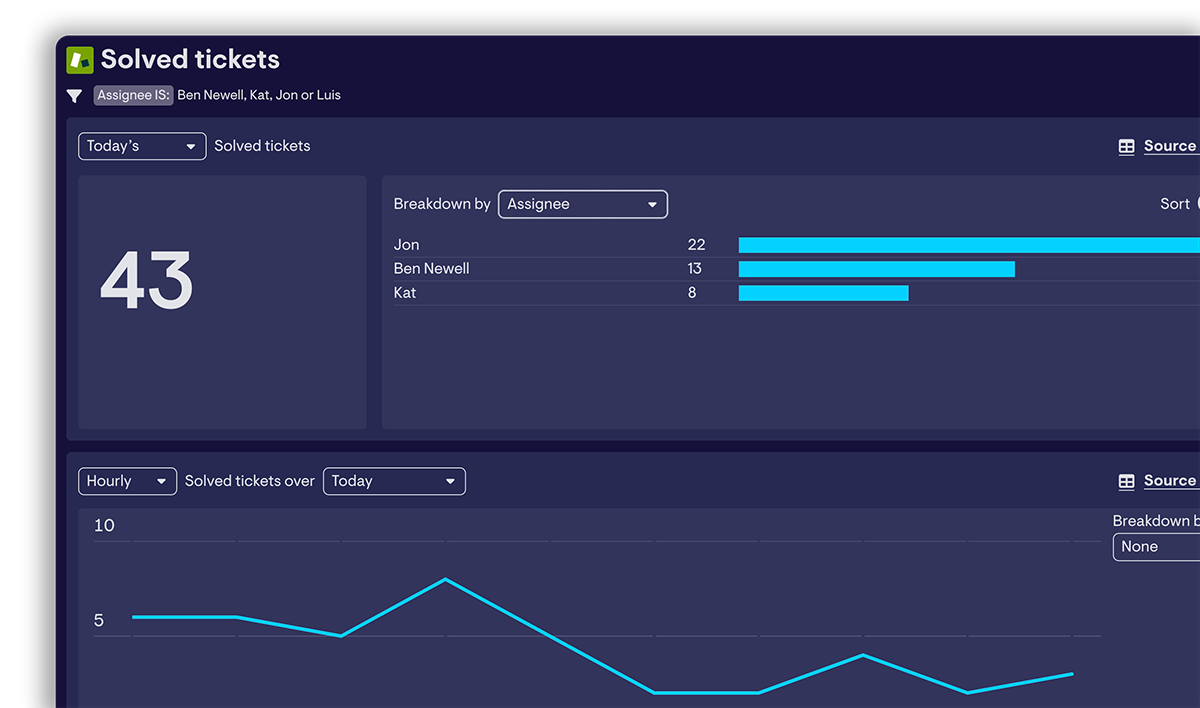

Being reactive is one thing, but being proactive is really where we need to lie. And having that data at our fingertips, showing queue spikes, showing productivity, in the here and now was a big thing for us.
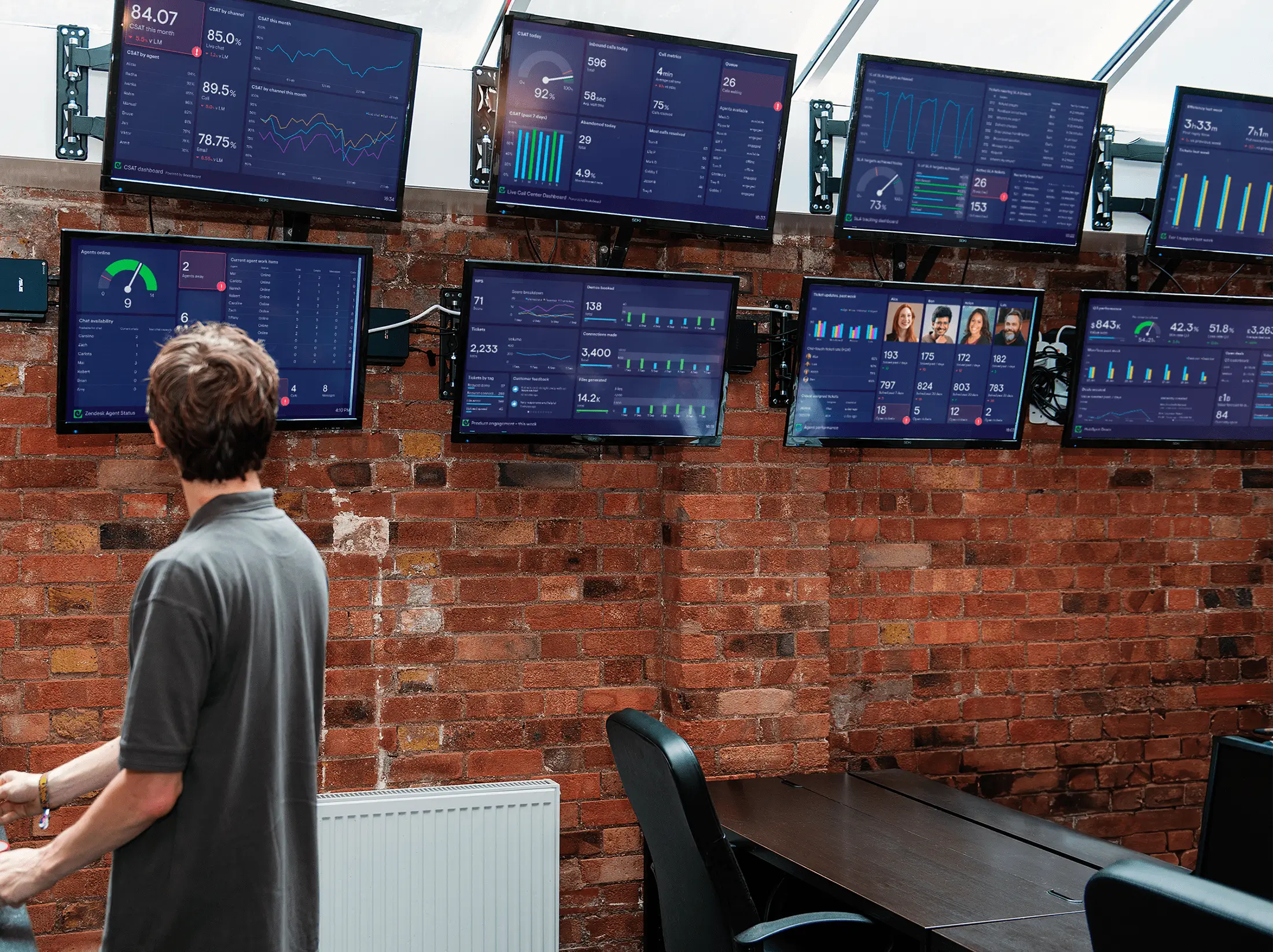
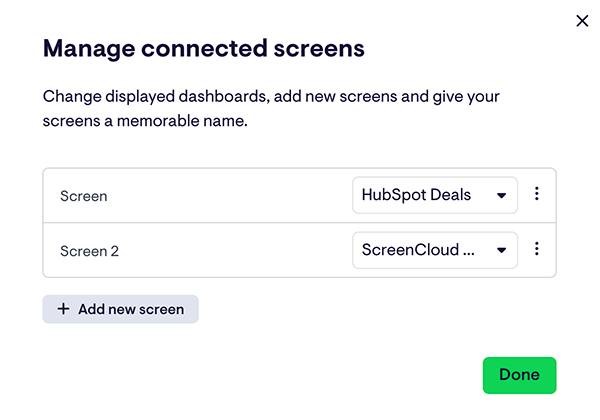
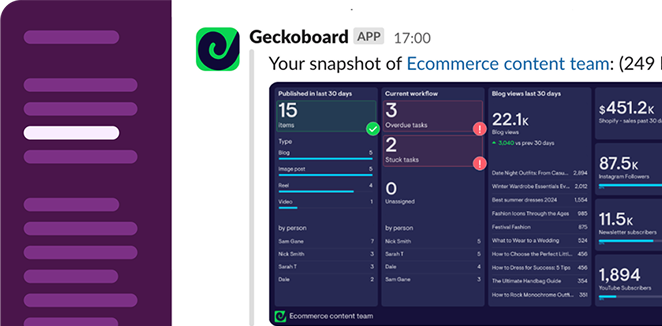
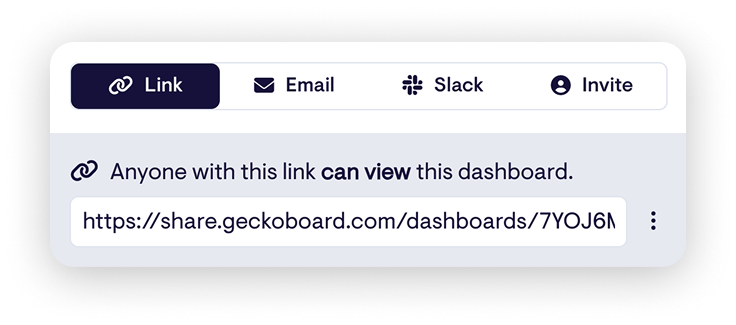
Share HubSpot dashboards with your team
Make it easy for teams and stakeholders to access up-to-date HubSpot data, wherever they’re working from. No HubSpot upgrades required.

Access on mobile
Stay in sync on the move with mobile-friendly dashboards.
Access on mobile
Stay in sync on the move with mobile-friendly dashboards.
Expert help, whenever you need it
With years of experience, we’re here to help you get the most from real-time data.


The Geckoboard support team has been outstanding, even implementing a missing metric for us in record time. Exceptional service.
Every conversation I’ve had has been top-notch. Best dashboard tool for Zendesk by far!
The Geckoboard team is incredibly supportive, helpful, and professional. They always provide real support to the end user.
Geckoboard team are also fantastic. On hand and quick to reply if any issues. Can’t recommend more!
Geckoboard vs HubSpot reporting
HubSpot’s dashboards are there for deep analysis. Geckoboard is built for live, team-wide visibility.

Built for managers to analyze and create reports


Purpose-built for teams to monitor real-time data
Takes time to master
Easy and intuitive
Visualizes HubSpot data only
See data from 90+ sources with HubSpot metrics
Access on desktop
View on desktop, TV, mobile, Microsoft Teams, Slack, and more
Refreshes every 2 hours
Refreshes every few minutes for real-time accuracy
Customer story
How HappyDoc aligns sales, marketing and investors around real-time performance
Being able to show what’s happening, how it’s changing, and what you’re going to do about it, all in one place, makes a huge difference.
A HubSpot dashboard is a real-time view of your most important HubSpot metrics — deals in the pipeline, activities, ticket queues — shown on a single screen and updated automatically. Teams use them to monitor sales and support performance without digging through reports. Geckoboard connects directly to HubSpot and pulls live data into a dashboard anyone can see.
Geckoboard’s HubSpot integration covers deals, deal values, activities (meetings, calls, and tasks), contacts, companies, leads, and tickets. You can track counts, values, conversion rates, and response times — and filter by pipeline, owner, and team. The integration supports both Sales Hub and Service Hub metrics.
Geckoboard’s HubSpot integration currently supports these metrics:
- Deals: deals created, deals won, deals lost, deals closed, open deals, deals forecast to close, time to close, time spent in deal stage, all deals, deals list
- Value of deals: value of deals created, value of deals won, value of deals lost, value of deals closed, value of open deals, value of deals forecast to close, value of all deals
- Weighted value of deals: weighted value of deals created, weighted value of deals closed, weighted value of open deals, weighted value of deals forecast to close, weighted value of all deals
- Conversion: win rate, loss rate
- Feeds: deals created, deals closed
- Activities: activities created, activities completed, all activities, activities list
- Meetings: booked, completed, completion rate, time to book from first contact, all meetings, meetings list
- Calls: calls made, calls received, calls completed, call duration, calls connected rate, all calls, calls list
- Tasks: tasks created, tasks completed, overdue tasks, all tasks, tasks list
- Contacts: contacts created, unassigned contacts, all contacts, contacts list
- Companies: companies created, all companies, companies list
- Leads: all leads, leads created, open leads, leads in progress, qualified leads, disqualified leads, lead qualification rate, lead to deal conversion rate
- Tickets: tickets created, tickets closed, time to close, time to first response, all tickets, ticket list
All metrics can be filtered and broken down by pipeline, and you can show data from different pipelines on the same dashboard. You can also filter most metrics by custom properties if you have them set up in HubSpot.
As for other filters, these depend on the metric you’re visualizing. There are too many to cover here, but below are some examples based on the broad metric types:
- Deal data: Deal name, stage, deal owner, closed lost reason, closed won reason, created by, team, type, last modified date, original source, latest source
- Activity data: create date, activity date, deal, assignee, team, type, contacts
- Contact data: create date, owner, team, lifecycle stage, country, original source, first page seen, lead status, next activity date, date of entering a specific stage
- Ticket data: pipeline, status, create date, close date, ticket name, owner, team, source, priority
Geckoboard is ideal for creating a real-time view of sales metrics that you, your reps or stakeholders should be regularly monitoring. This can include data from several HubSpot pipelines and other sources too. Examples might include dashboards for monitoring progress towards a sales target, performance of team members (replace that manual leaderboard), raising the visibility of which deals are being logged or won, or a mix. For inspiration, check out our HubSpot dashboard examples.
It’s easy to set up a direct connection between HubSpot and Geckoboard without any technical knowledge. You can read our step-by-step guide to connecting HubSpot, but in summary, sign up to Geckoboard and select HubSpot from the list of data sources. You’ll be prompted to log in to HubSpot and then confirm you want to create the connection by clicking ‘choose account’. After a quick import process to pull through the past few weeks of data, you’re ready to add some HubSpot widgets to your dashboard.
Absolutely. If you’re an admin on your Geckoboard account, you can manage and remove your data source connections from the Admin menu in the top right of your Geckoboard account. Disconnecting a data source this way immediately deletes all data and credentials related to it from our system.
10 minutes is the standard refresh rate for our HubSpot integration, but some metrics update instantly. See this help article for refresh rates of all our other data sources.
Absolutely, and you can add metrics from different HubSpot accounts to the same dashboard too.
Geckoboard is designed to be easy for anyone to use without any training or complicated setup.
To help along the way, we’ve put together useful articles answering common questions, and for anything else, our friendly and knowledgeable team is on hand 24/5 to help you succeed with your dashboards, whatever time zone you’re in. Pro and Enterprise plans offer even snappier support, with priority support and dedicated support reps available.
You can try Geckoboard completely free for 14 days by signing up for a free trial — no payment details required. Plans then start from $119/month, with options for more dashboards, users and TVs on your account. View our pricing here.
Ready to get started?