Zendesk Voice call leg metrics now supported
You can now track call leg metrics from Zendesk Voice in our Zendesk Support integration, giving you a more detailed view of everything that happens inside a call.
Call legs break a call down into individual segments (each time an agent’s phone rings, each transfer, each period on hold…), helping you understand patterns that whole-call metrics can miss; for example, how often calls are declined before being answered, how long hold or wrap-up really take, or why a “missed call” wasn’t really missed.
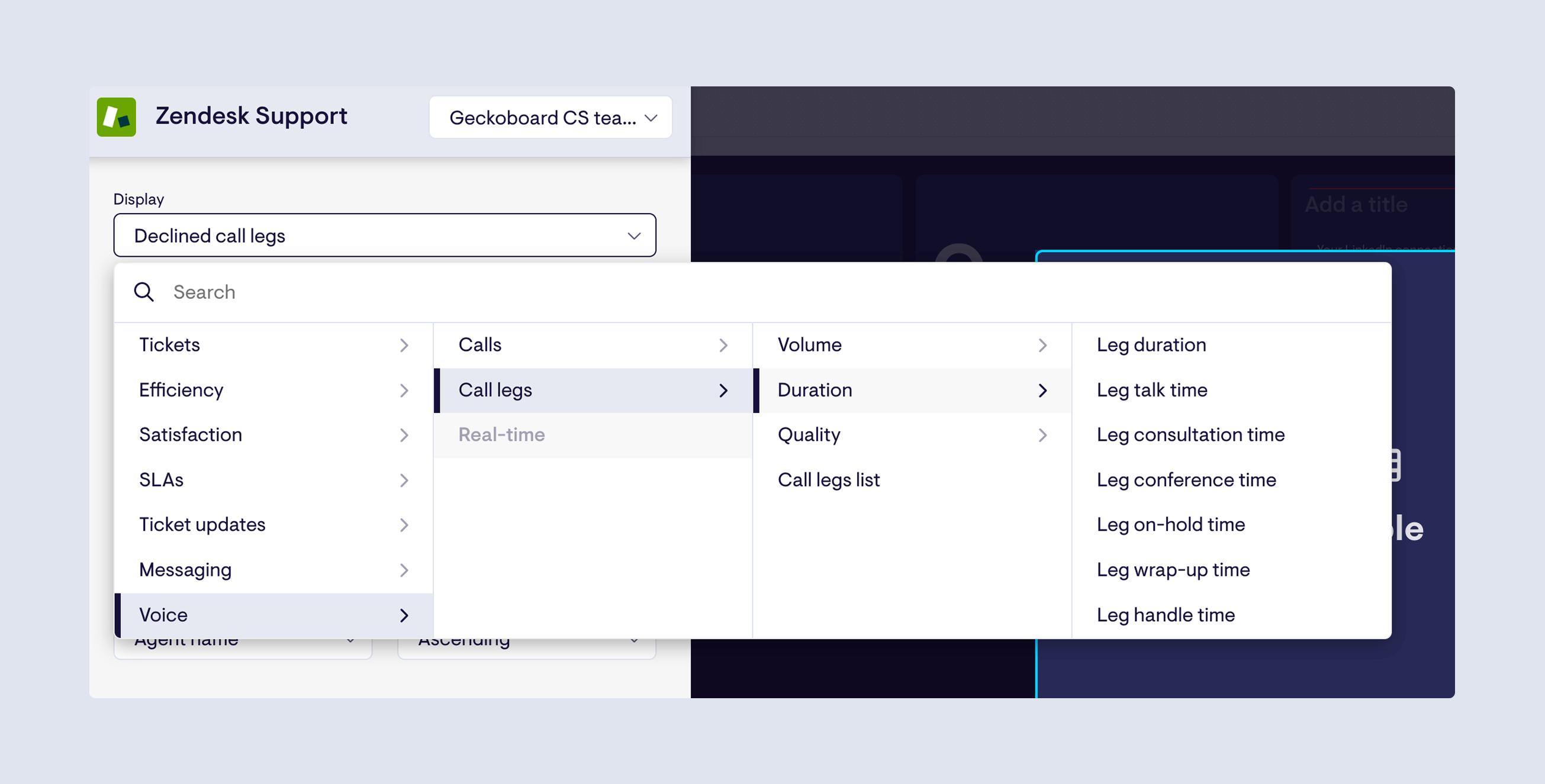
What’s included:
-
Volume: Total legs, Accepted call legs, Missed call legs, Declined call legs, Agent legs, End-user legs, External legs.
-
Duration: Leg duration, Leg talk time, Leg consultation time, Leg conference time, Leg on-hold time, Leg wrap-up time, Leg handle time.
-
Quality: Good quality legs, Bad quality legs, Good quality agent legs, Bad quality agent legs, % Agent leg quality rate, % Leg quality rate.
-
List: Call legs list.
Find the new metrics under Voice → Call legs in the Zendesk Support data source.