
Snapshots and reports
Share a snapshot of your dashboard automatically at a given time, over email, Microsoft Teams or Slack. Perfect for standups, end of day wrap-ups, and keeping the rest of your organisation in the loop.
-
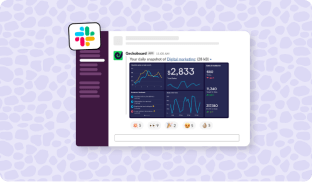
Post dashboards to Slack & Teams
Keep KPIs top of mind for your whole team, wherever they’re located. Connect your Slack or Microsoft Teams account to post regular snapshots of your dashboards to specific channels.
-
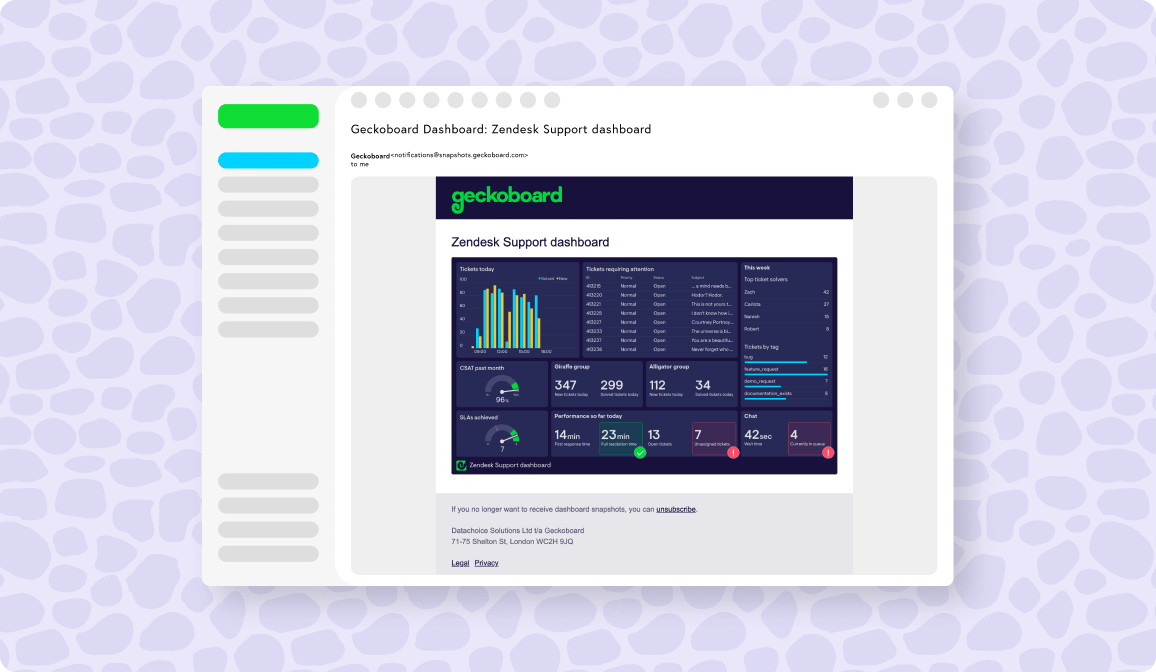
Email snapshots
Deliver regular updates to someone’s inbox by adding their email address and setting a schedule. Ideal for keeping someone up to speed without needing to give them access to your Geckoboard or other analytics tools.
-
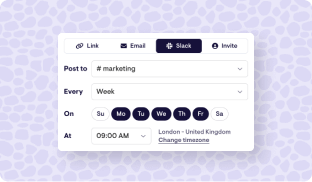
Automate reporting
Take the hassle out of your reporting by scheduling snapshots to be sent out automatically, at the times you choose. Perfect for standups, end of day wrap-ups, company-wide updates and reporting to management.


90+ data sources
Raise awareness of key metrics by making KPIs easy to access and understand, wherever they’re stored.






FAQ
Geckoboard
How do I send dashboards automatically to Slack?
Using Geckoboard’s Slack integration, it’s easy to schedule daily, weekly or monthly posts that include a screenshot of your KPI dashboard. To get started, click the ‘Schedule’ button whilst logged in as a Geckoboard admin. From there you’ll be able to authorize Geckoboard to connect to your Slack account. Once connected, on any of your dashboards, you’ll be able to pick the Slack channels you’d like to post to, and then set a schedule. For more detailed setup instructions, head here.
How do I send dashboards automatically to Microsoft Teams?
Geckoboard’s Microsoft Teams integration makes it easy to schedule posts on a daily, weekly or monthly basis, which include a screenshot of your KPI dashboard. To get started, click the ‘Schedule’ button whilst logged in as a Geckoboard admin. From there you’ll be able to authorize Geckoboard to connect to your Microsoft Teams account. Once connected, on any of your dashboards, you’ll be able to pick the Teams channel you’d like to post to, and then set a schedule. Note - Private channels or group chats are not currently supported. For more detailed setup instructions, head here.
How do I set up an email snapshot?
In the ‘Schedule’ menu, you’ll be able to enter the email address(es) you’d like to send snapshots to, and set which day(s) and times you’d like them to go out. For more detailed setup instructions, head here.
How often can snapshots be sent out?
You can schedule dashboard snapshots to automatically send every day, Monday - Friday, on the 1st of the month, the 1st Monday of the month, or just on specific days. You also have contol over which times your dashboards are sent (down to the hour), and can send the same dashboard multiple times throughout the day.
Can I send snapshots of the same dashboard to different places?
Absolutely - the same dashboard can be sent to multiple Slack or Teams channels, as well as multiple email addresses.
Can I send email snapshots to addresses outside of my organisation?
Yes you can - ideal for sending clients, customers or external stakeholders regular updates.
Which Geckoboard plans include Snapshots?
Snapshots are available on our Core plan and above. View pricing.