Zendesk Metrics MCP Server
Zendesk metrics
for your AI assistant.
Geckoboard’s MCP lets Claude, ChatGPT, and other AI tools work with your Zendesk metrics. Ask questions, automate reports, and build custom tools using the same trusted and reliable figures as your dashboards.
- Read-only access
- No personal customer data
 +
+

Trusted by thousands of data-driven teams
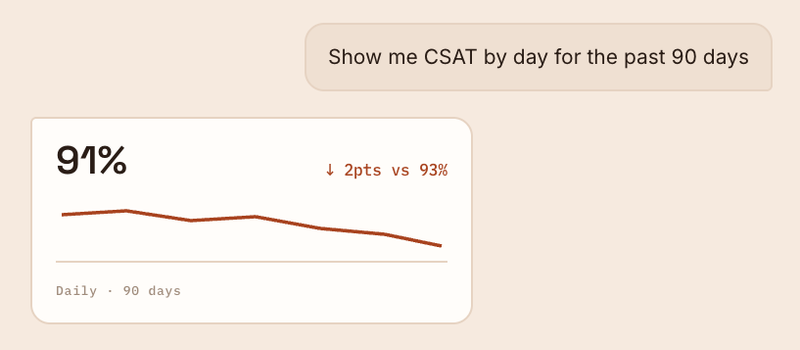
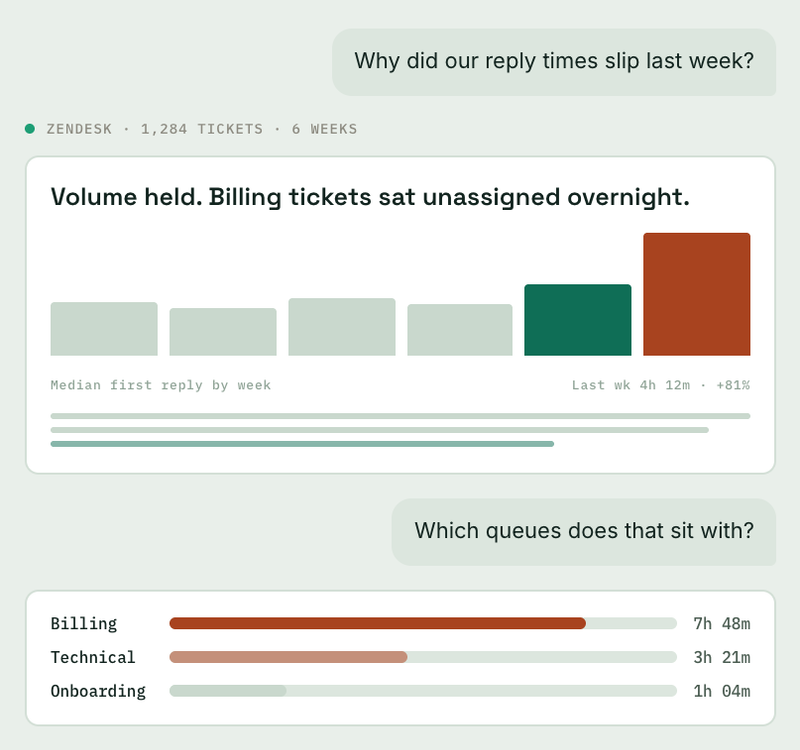
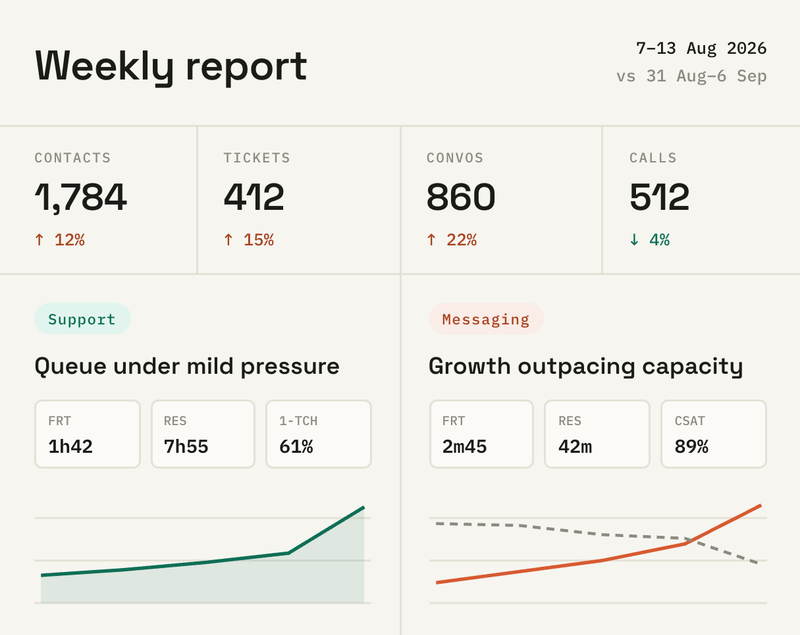
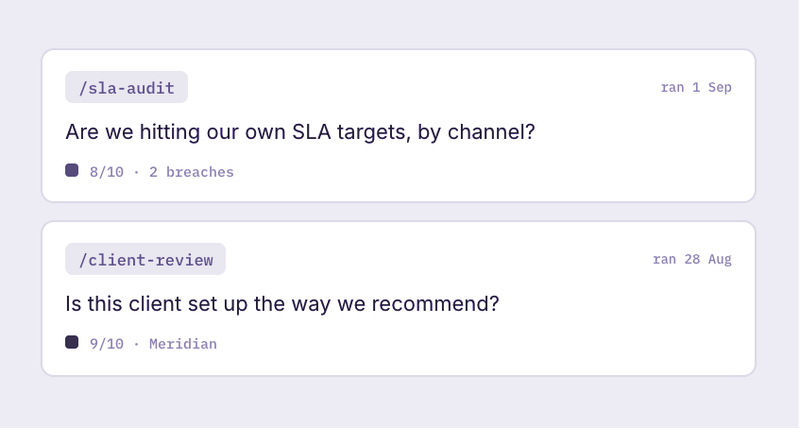
Turn your Zendesk data into answers, updates, and tools
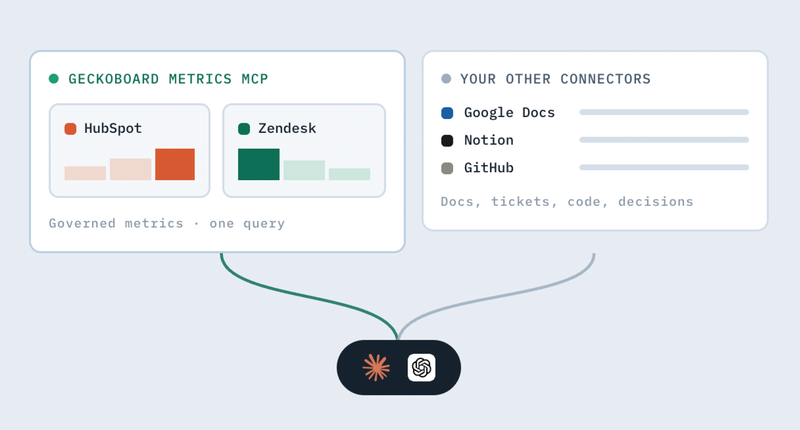
Geckoboard’s MCP makes accurate Zendesk metrics available in your favorite AI tool. Investigate a change, prepare a regular update, or build a custom tool, without exporting data or rebuilding metric definitions from scratch.
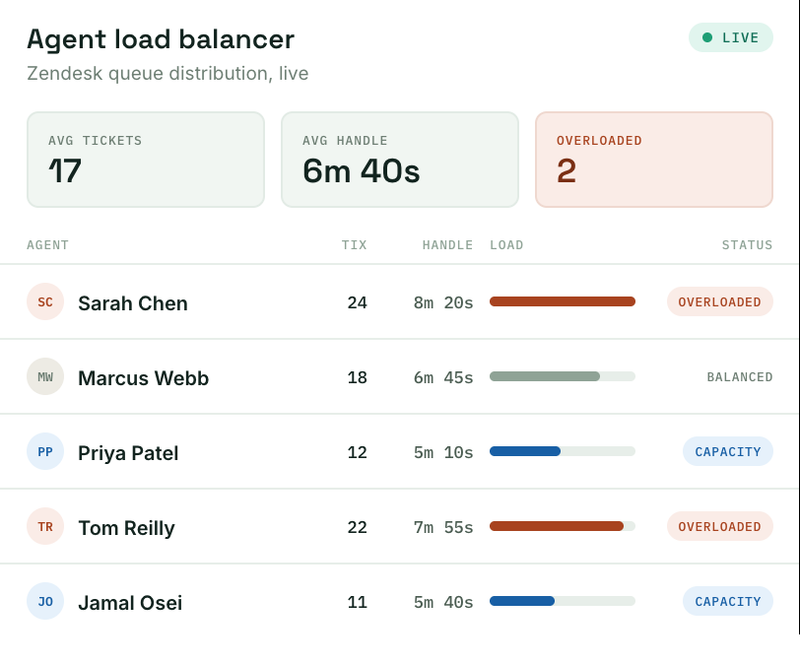

The MCP server is a brilliant value add to my team and my overall analysis. I use it on a daily basis.

It’s like having a data analyst without having a data analyst.

Starter prompts
Not sure where to start? Copy one of the prompts below into your assistant, then adapt it to suit your team.
Find the source of a change
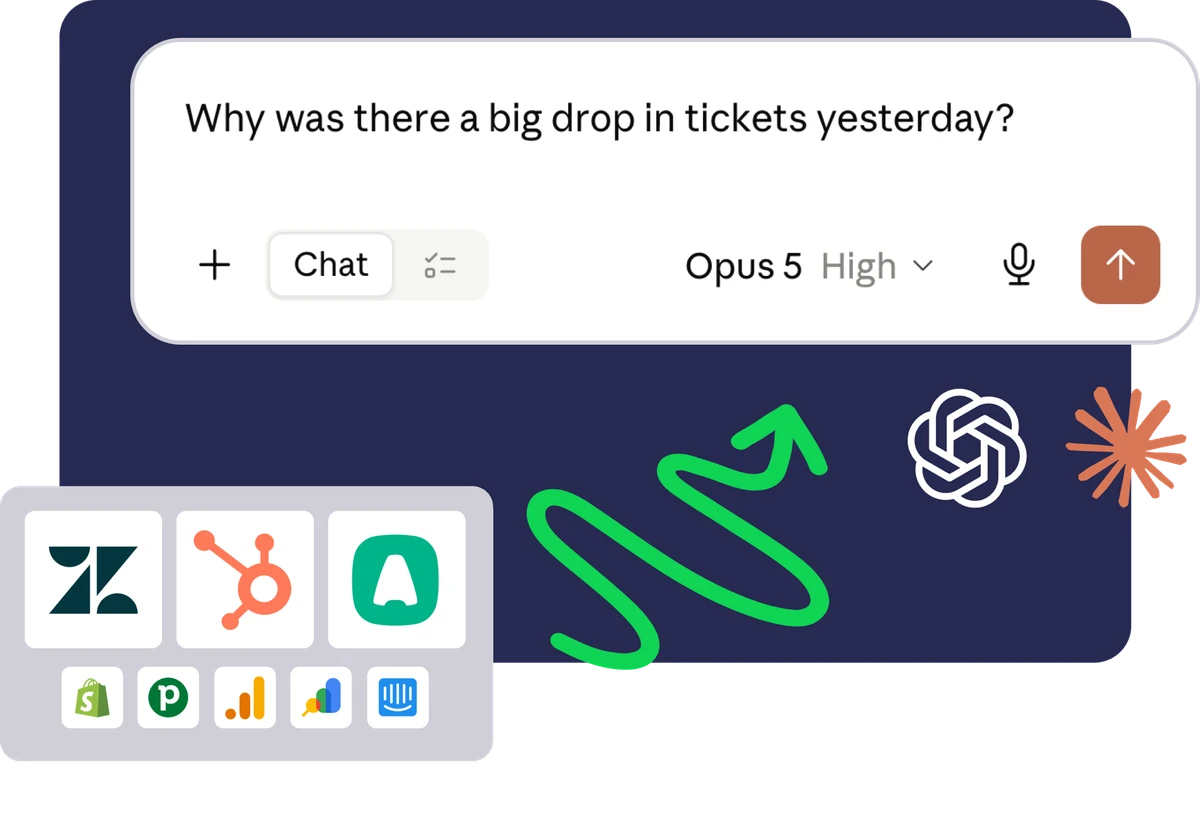
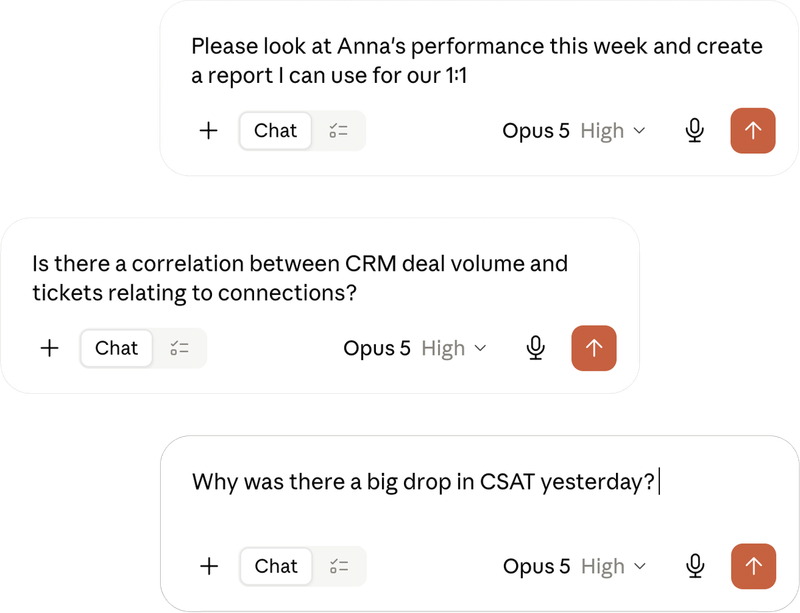
Compare CSAT this week with the previous four-week average. Break down the change by channel, then show me which related metrics moved over the same period.
Prepare the weekly support review
Summarise tickets created and solved, backlog movement, SLA attainment and CSAT for the past week. Call out the largest changes and draft a concise update for the support channel.
Review SLA performance
Show SLA attainment for urgent tickets by SLA policy. Compare it with last month and identify where the largest decline occurred.
Prepare for agent one-to-ones
Summarise first reply time, ticket touches, and CSAT for each agent over the past month. Present the figures as coaching context, without making performance judgements.
Getting started
Getting trustworthy metrics in front of your AI assistant takes minutes.
- 1
Create your Geckoboard account
First, you’ll need a Geckoboard account. Sign up for free. The Geckoboard MCP is available on all plans.
- 2
Connect Zendesk to Geckoboard
Next, connect your Zendesk account to Geckoboard. This gives Geckoboard access to your Zendesk data, so it can calculate the metrics you want to use with AI.
- 3
Add Geckoboard to your AI assistant
Finally, connect the Geckoboard MCP to your AI assistant, such as ChatGPT or Claude. Follow our setup instructions to get connected.
Why use the Geckoboard Zendesk MCP?
- Fast
- Accurate
- Live data
- Read-only access
- No personal customer data
- Token + API efficient
Once you’ve experienced asking your data questions straight from a chat prompt, you won’t go back. You get better results, faster.
True headless access to your data via MCP beats in-app copilot analysis because you stay in control. Use whichever AI tool you like, bring your own context, combine data from multiple sources, and work the way that suits you.
Giving your AI client direct access to Zendesk’s API risks corrupting your data or exposing sensitive customer information.
The Geckoboard MCP only has read-only access to your Zendesk data, and your queries never hit Zendesk’s API directly. We also never return sensitive customer information, such as email addresses, phone numbers, or ticket content.
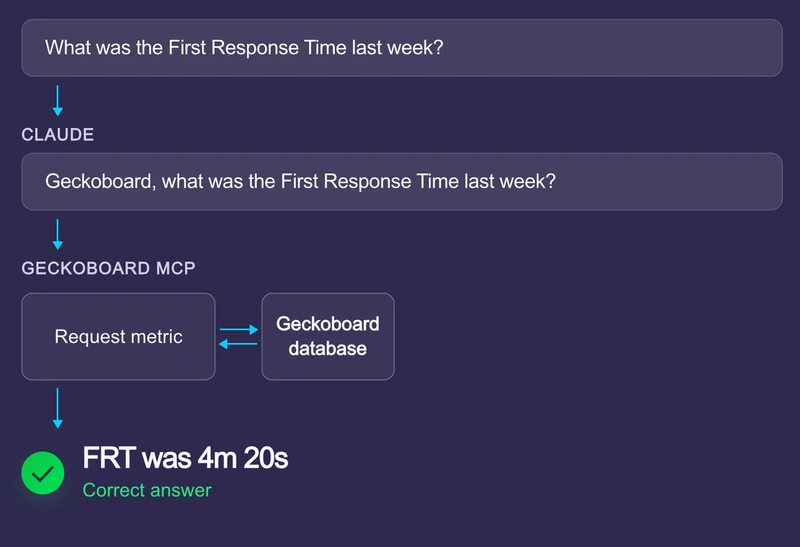
Geckoboard makes your Zendesk data useful
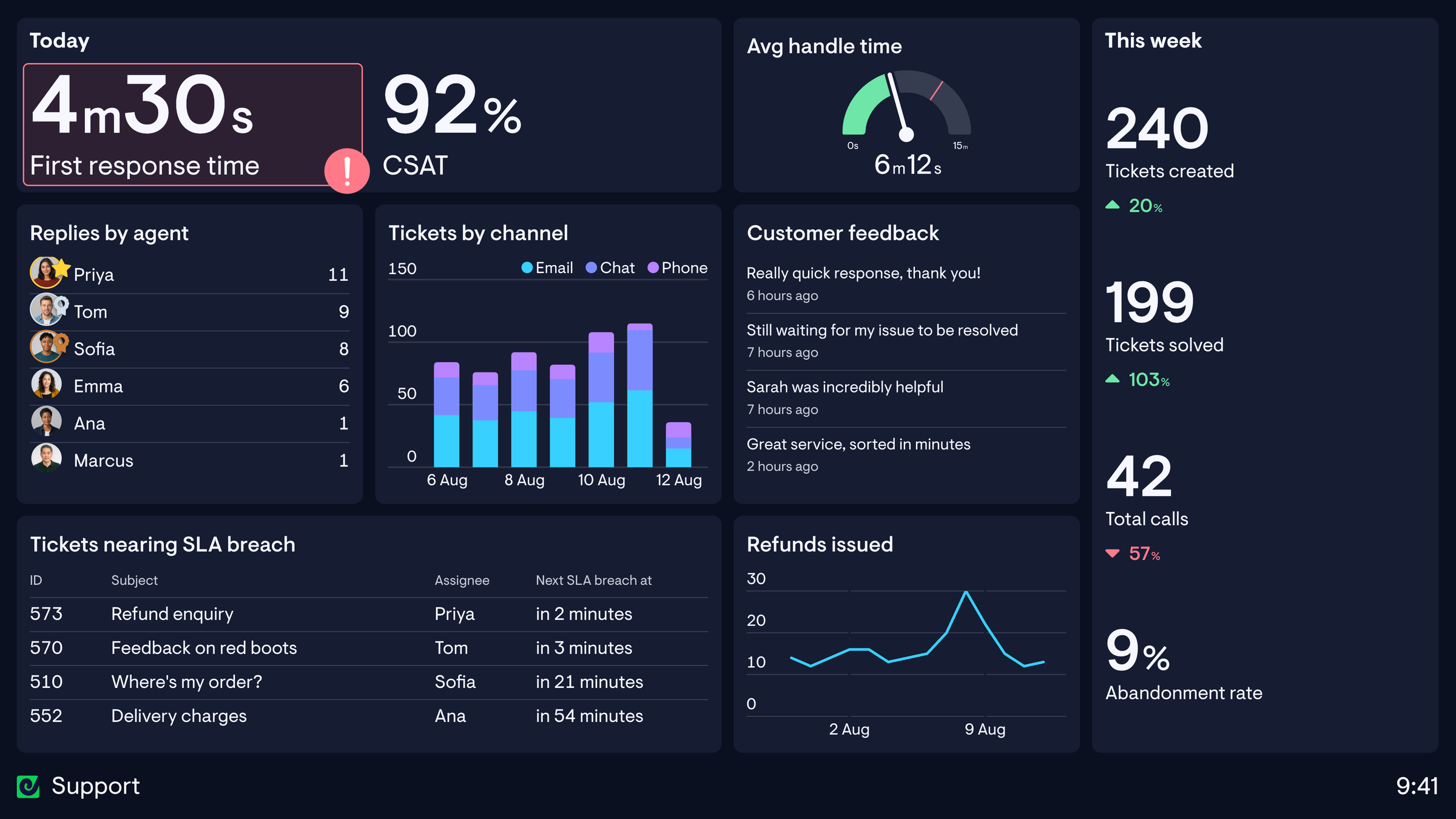
Live support dashboards
Put your support KPIs where they won’t get missed.
Our customizable real-time dashboards help your team spot problems earlier, stay on track, and act without being asked.
From wallboards to agent coaching reports, Geckoboard lets you combine data from across your CX tech stack.


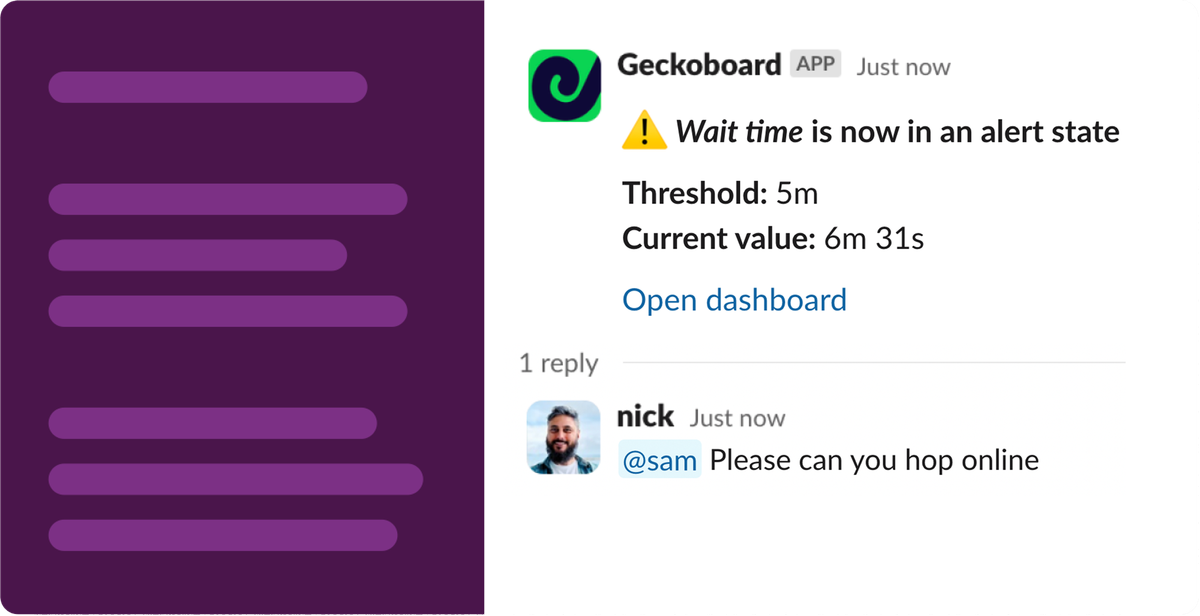
Get alerted when something needs attention
Set alerts on your key Zendesk metrics and notify the right people when something changes or crosses a threshold.
From there, they can drill into the data and click straight through to the relevant tickets in Zendesk.
Proud Zendesk partners
We’ve been helping Zendesk customers for over a decade. You won’t find many people who understand Zendesk’s APIs better than we do.


Anyone responsible for understanding or reporting on Zendesk performance can benefit from direct access to their support metrics: support leaders, Support Ops teams, analysts and people building internal tools.
It is particularly useful for investigating changes, preparing regular updates, automating reports and building tools that need consistent Zendesk metrics.
Zendesk doesn’t have an MCP yet, although one is expected mid-2026. When it arrives, it will be built for looking up and acting on tickets, rather than calculating support metrics. That makes it useful for things like help desk automation, but it’s not a reliable way to calculate metrics such as first reply time, SLA attainment, or CSAT.
Geckoboard’s MCP provides pre-calculated metrics with consistent definitions that can’t change from one chat to the next. See our comparison of the different Zendesk MCP options for more detail.
No. Connecting an AI tool directly to ticket data would leave it to work from raw records and reconstruct each metric. Geckoboard provides pre-calculated Zendesk metrics with consistent definitions, so the answers match the dashboards your team already uses.
The Geckoboard Metrics MCP requires a Geckoboard account. You can start a 14-day free trial here.
Once you’ve connected Zendesk to Geckoboard, follow our instructions for connecting the Geckoboard Metrics MCP to your AI assistant. The whole process can be done in a few minutes.
Geckoboard’s MCP works with any MCP-compatible client. You can add it as an MCP server today; native connectors for Claude and ChatGPT are coming soon.
As well as Zendesk, Geckoboard’s MCP also supports HubSpot, Pipedrive, Intercom, Aircall, Google Analytics, Google Ads, and Google Search Console, with more being added. If you need another source, tell us what you’d like to see.
The MCP uses the same Zendesk data as Geckoboard’s dashboards and metrics. See what data is processed by the Zendesk integration for the full list of objects and fields.
Dashboards and the MCP use the same Zendesk metrics in different ways. A dashboard gives the whole support team a shared, live view of performance, with secure sharing and permissions handled for you. The MCP is suited to one-off questions, automations and custom tools. The two work alongside each other.
No. Geckoboard’s MCP provides read-only access to your Zendesk metrics. It can answer questions about your data, but it cannot edit tickets, dashboards or account settings.
The MCP is available to try free for 14 days. It is included on all Geckoboard plans during this pre-release phase. Data limits may apply.