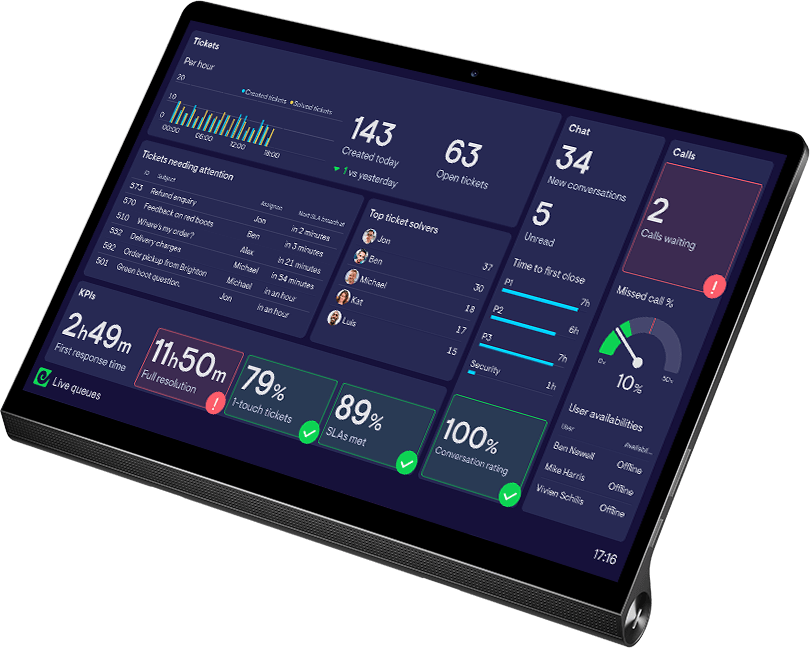
Alerts
Never miss an important change in your metrics, with alerts in Microsoft Teams and Slack.
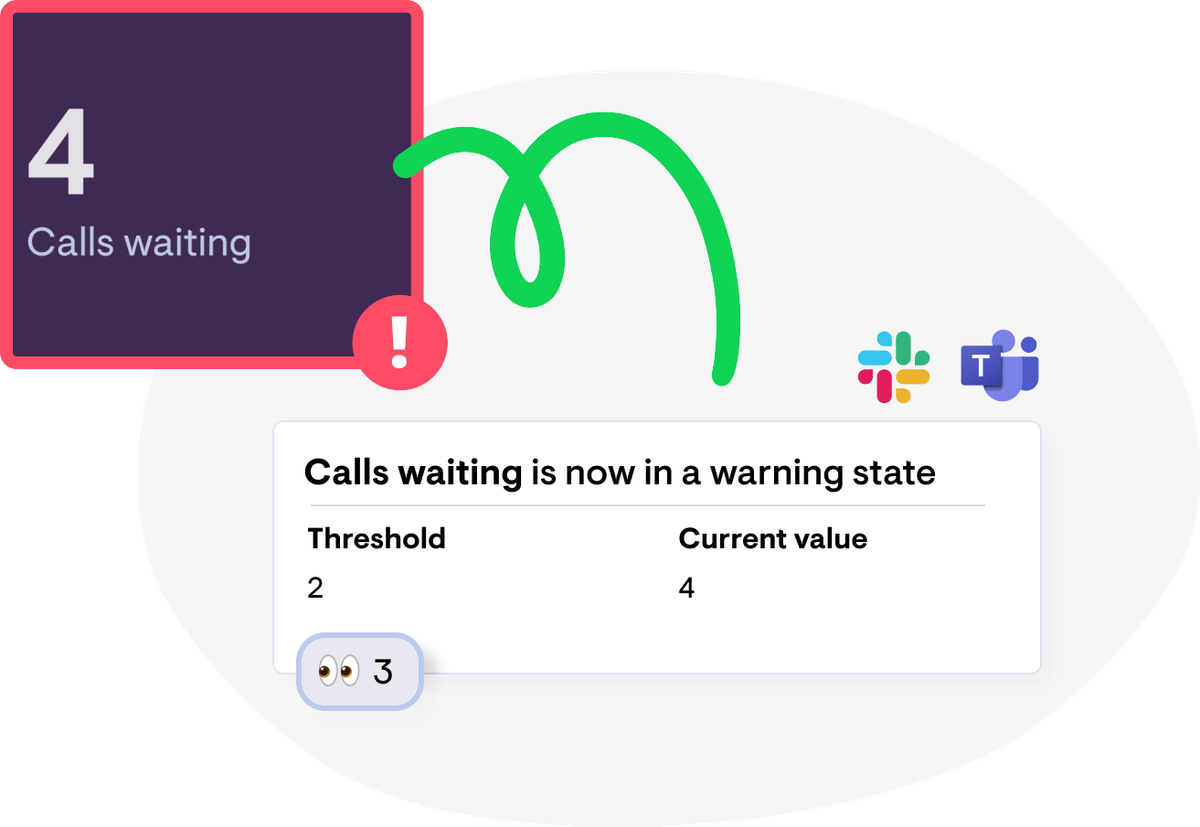
Stay on top of what matters
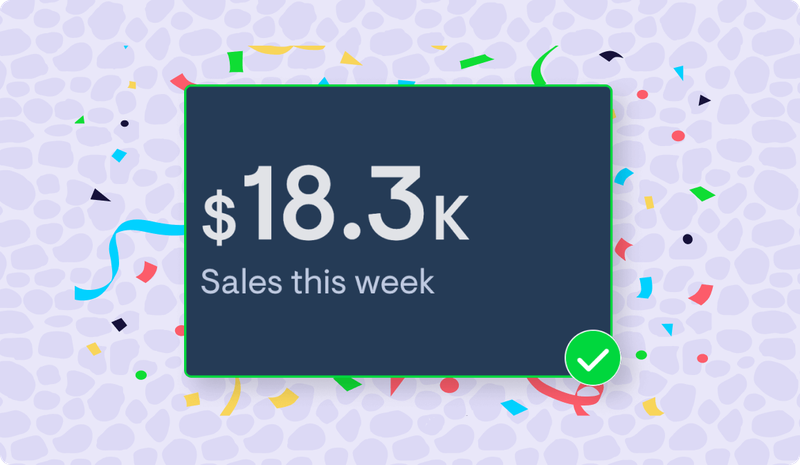
Simple setup
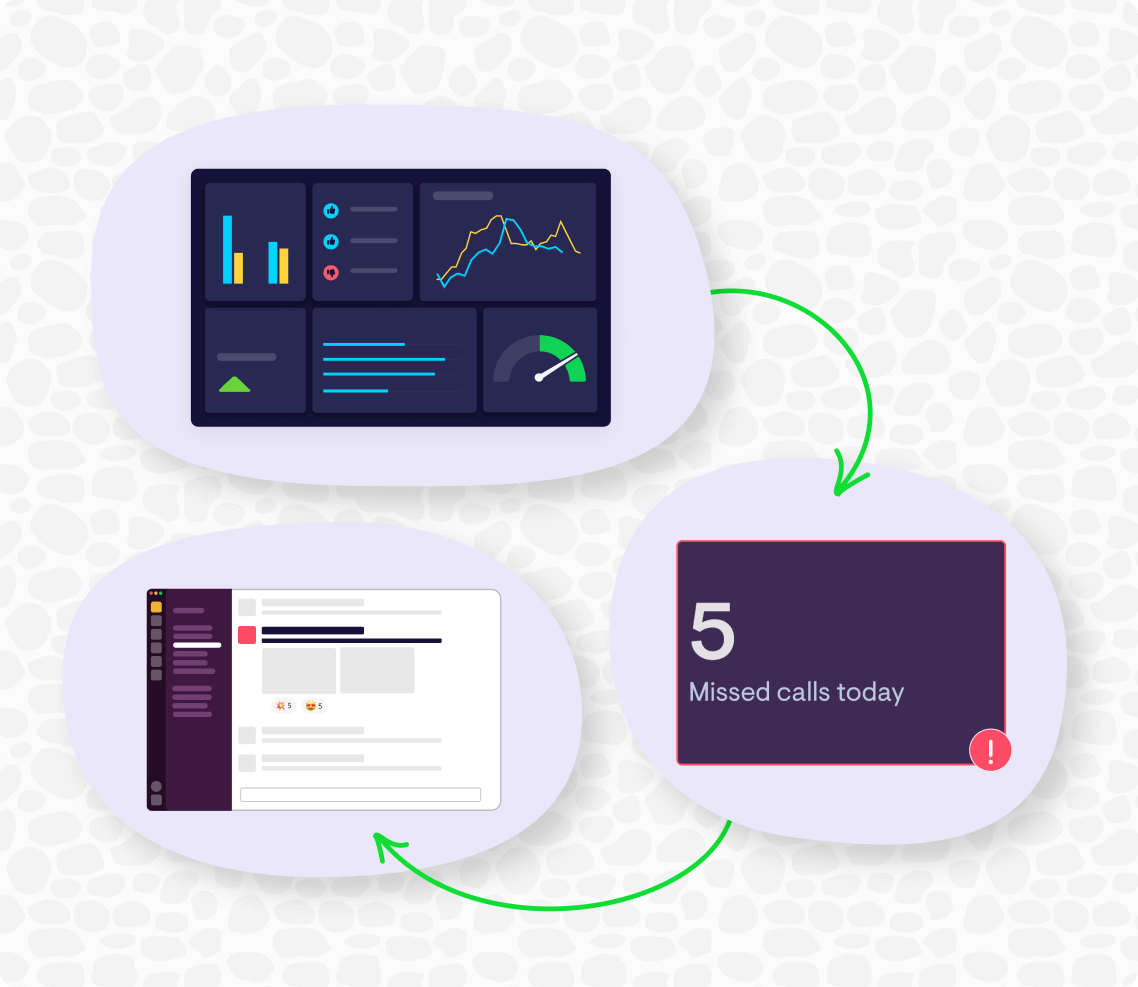
1. Create a widget
Sign up and create a number or gauge widget using one of 90+ data sources.
2. Add a status indicator
Set the values that trigger a ‘warning’ or ‘success’ state — shown in red or green on your dashboard.
3. Set up an alert
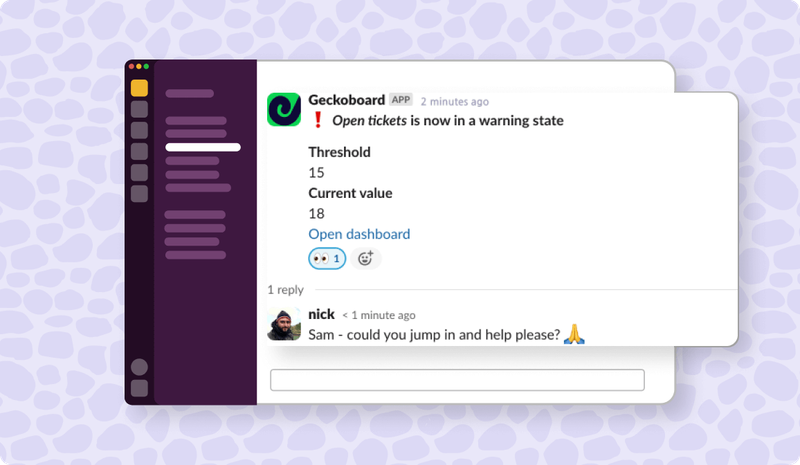
Connect Slack or Microsoft Teams and pick the channel you want to be notified in.


Geckoboard gives an immediate insight into what’s happening without me having to check the system for the type of queries that are coming in.
Alerts are supported on number and gauge widgets.
Expect alerts within a minute of the data changing on your dashboard.
You can set the triggering values from your dashboard. The formatting of the Slack or Microsoft Teams message can’t currently be customized.
The metric name, its state (warning or success), whether it entered or exited that state, the threshold crossed, the current value, and a link to the dashboard.
Alerts are available on the Pro plan and above. See our pricing for details.
Ready to get started?