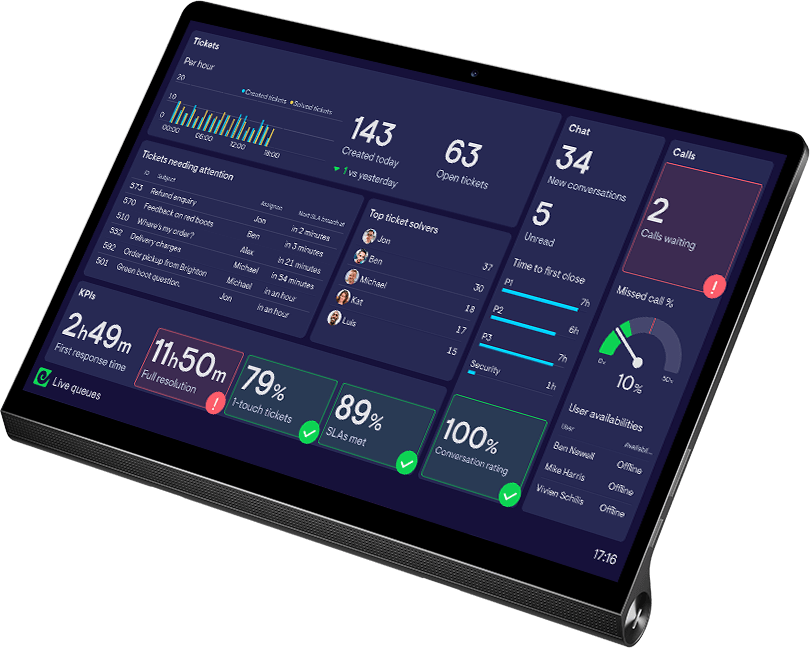
KPI notifications for MS Teams and Slack

KPI notifications

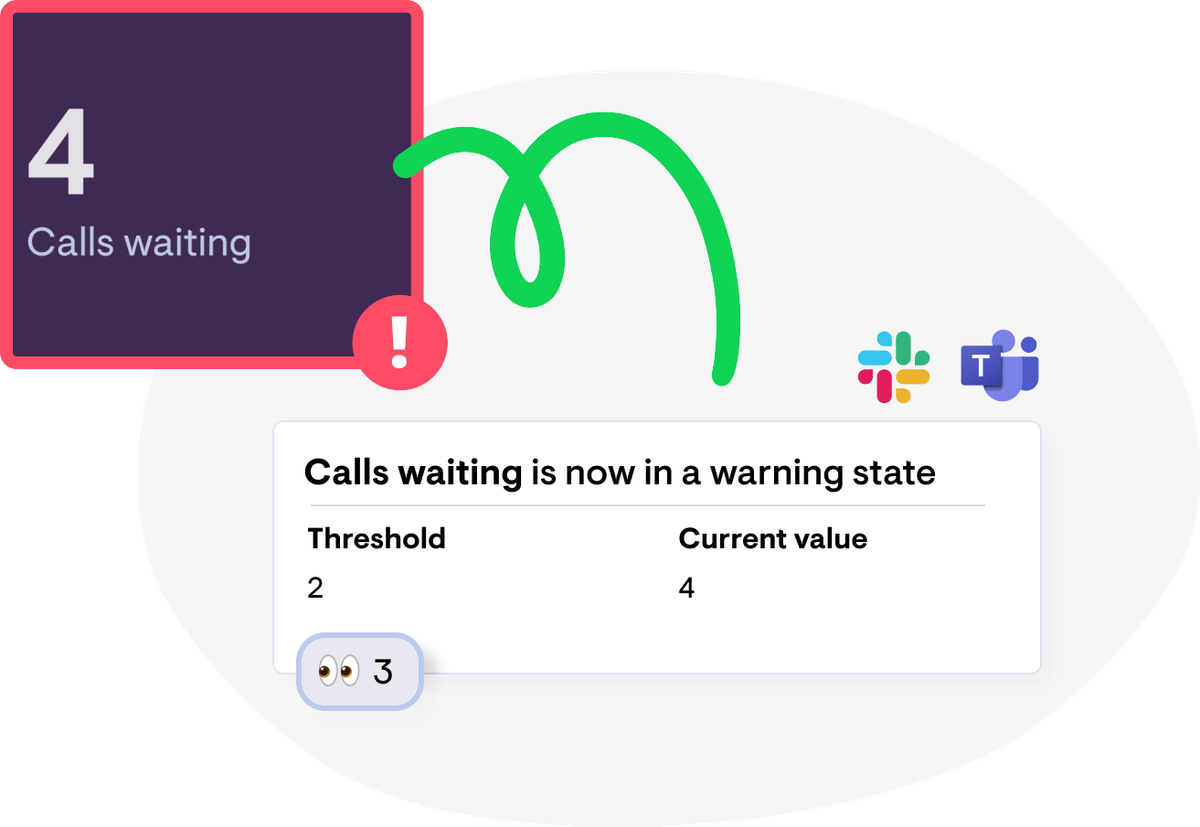
Never miss an important change in your metrics, with status indicators and KPI notifications in Microsoft Teams and Slack.

  • Status indicator

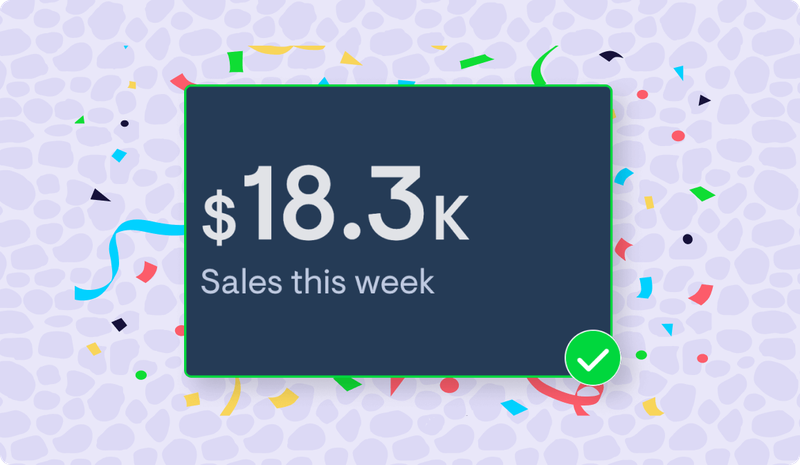
    Celebrate team wins

    Raise awareness of team wins as they happen - from hitting sales targets, to lowering response times in Support, to achieving a company-wide objective for the quarter.

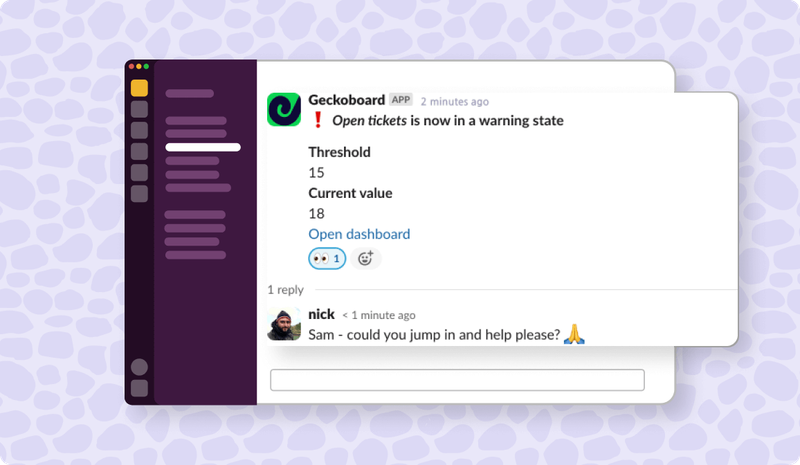
  • Notification in Slack

    React to problems faster

    Get instant alerts when specific metrics see a drop in performance – then continue the discussion in your Slack or MS Teams channel.

Simple setup

Set up a KPI alert in seconds, and never miss important changes in your data.

alt description
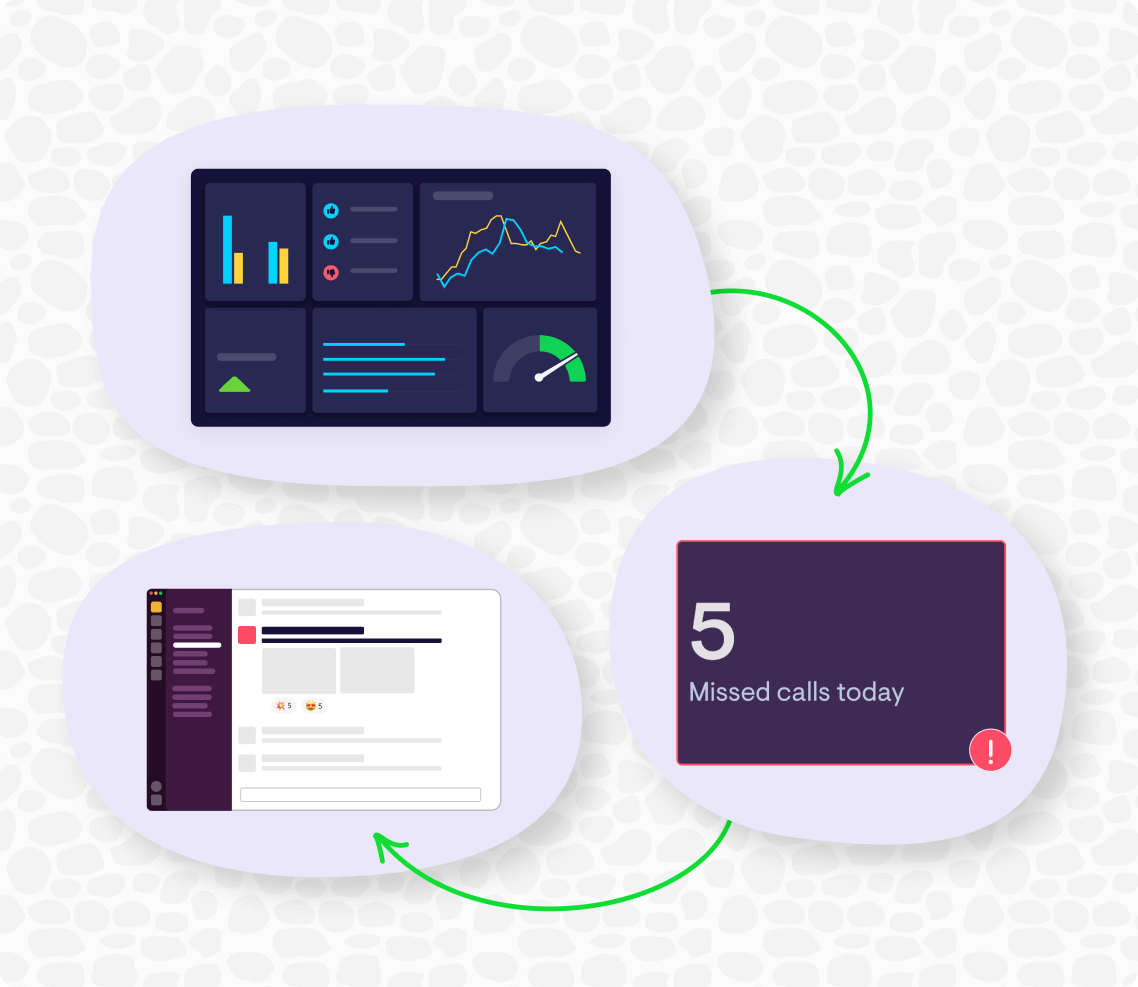
  1. 1. Create a widget

    Sign up to Geckoboard and create a number or gauge widget, using one of Geckoboard’s 90+ data sources.

  2. 2. Add a status indicator

    Set the values that should trigger a ‘warning’ or a ‘success’ state, which will turn your metric red or green on your dashboard.

  3. 3. Set up a notification

    Click ‘Add notification’ to connect a Slack or Teams account and pick the channel you want to send a notification to. See detailed instructions here.

Geckoboard allows the team to track their key metrics, and for management, it allows us to have a quick oversight of what’s happening.

Francis GwanduHead of Operationsat One Acre Fund

FAQ

What visualizations support notifications?

Notifications are supported on number and gauge widgets.

What data sources support notifications?

Activecampaign, Aircall, Airtable, Amplitude, Asana, Baremetrics. Campaign Monitor, ClickUp, Close, Copper, Databases, Datasets API, Delighted, Dixa. Dotdigital, Facebook Ads, Freshdesk, Freshservice, Google Analytics, Google Search Console, Gorgias, Help Scout, HubSpot, Intercom, Klaus, Klaviyo, Linear, Matomo, Monday, Nicereply, Orbit, Pipedrive, ProfitWell, QuickBooks, Redash, RringCentral, Satismeter, SendGrid, ShipStation, Shopify, Stripe, TikTok, Wistia, YouTube, Zendesk Support, Zendesk Chat, Zendesk Sell.

What's in the notification that gets sent to Slack/Teams?

Notifications include the name of the metric, the state (warning or success), whether it’s entered or exited that state, the threshold that was crossed, the current value, and a link to the dashboard the metric is on.

Can I customize the notification at all?

You can currently set the value(s) you’d like notifications to trigger for from your dashboard. The message that gets sent to Slack or Microsoft Teams can’t be customized currently.

Just how 'real-time' are Geckoboard's real-time notifications?

Expect to see a notification post to Teams or Slack within a minute of seeing the data change on your dashboard.

Which Geckoboard plans include Notifications?

Snapshots are available on our Pro plan and above. View pricing.

Where can I learn more about setting up notifications?

We’ve got a helpful guide for that here.