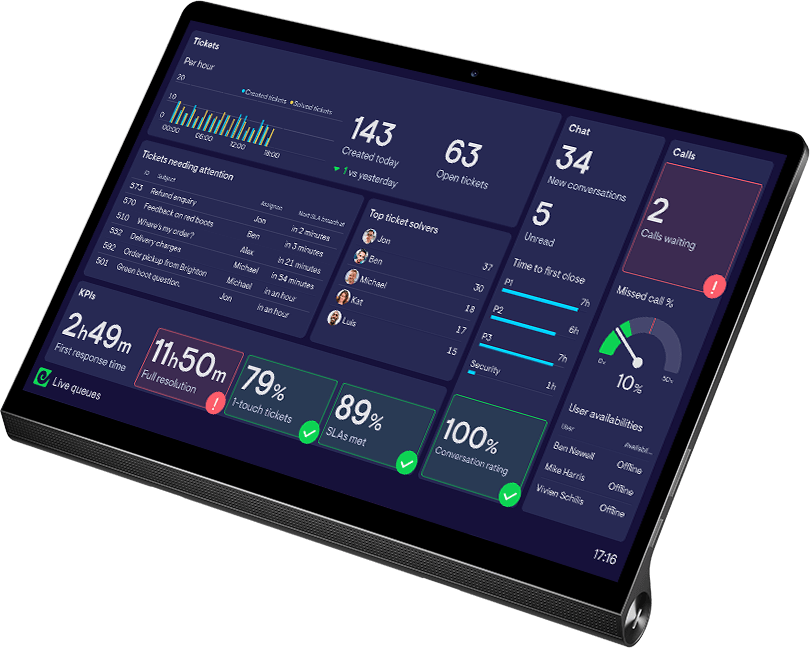
Real-Time Dialpad Dashboards for Contact Center Teams
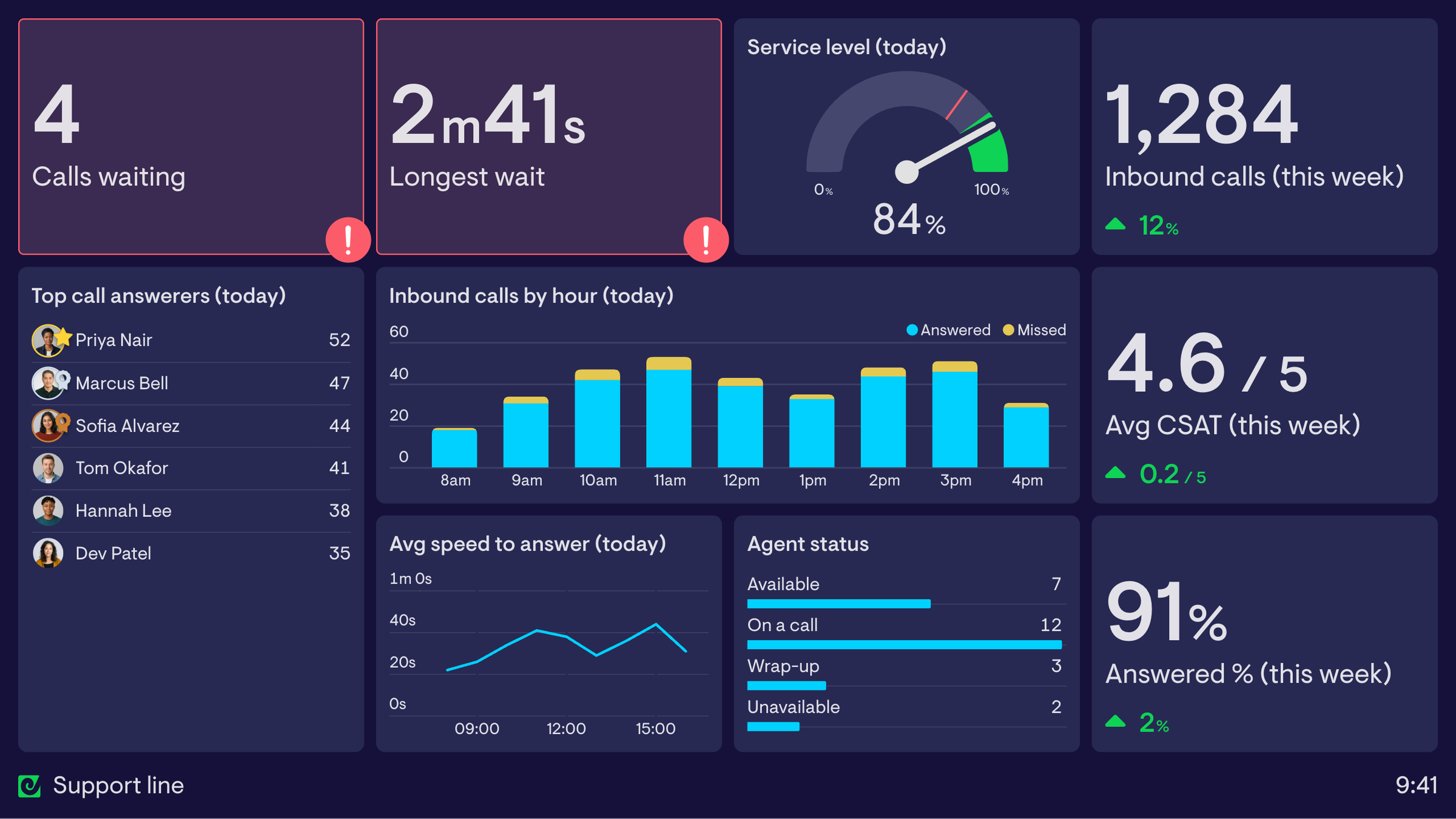



Real-time Dialpad data alongside 90+ other tools
Trusted by 1,000s of customer service and sales teams
When sales and support teams can see their data, they thrive
In most contact centers it’s only managers who regularly look at the data. It’s out of sight, hard to use, and arrives late. But when the whole team can see what’s happening in real time, they self-correct and leaders don’t have to micromanage.
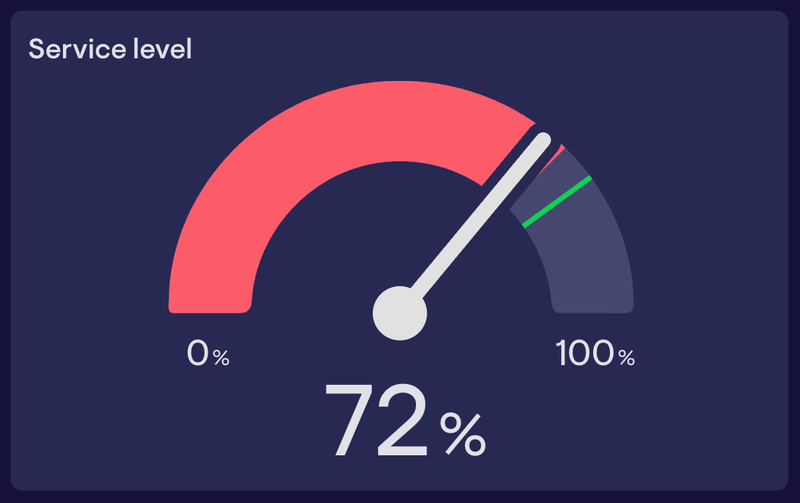
See when service level slips while there’s still time to fix it.
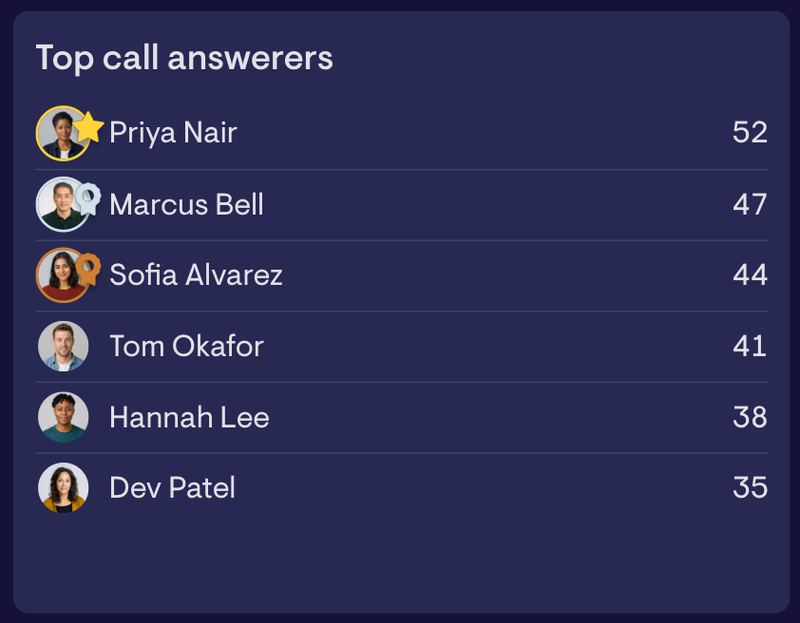
Recognize great work and boost motivation.
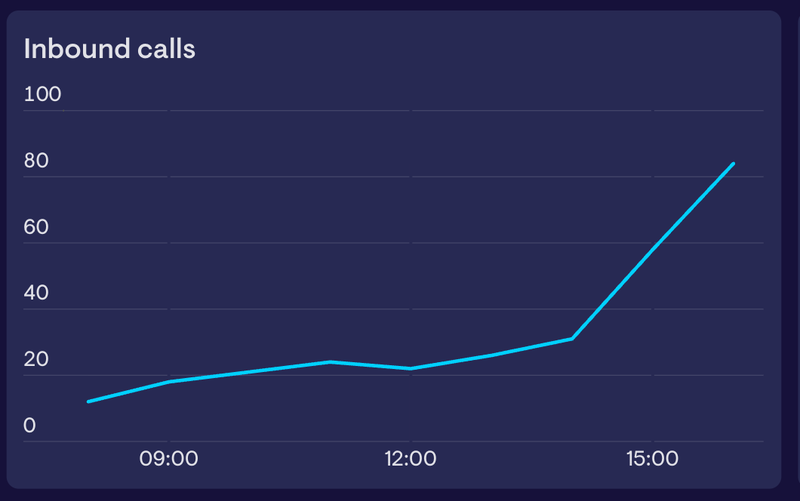
Manage workloads when call volumes spike.
See the difference it makes

We believe we should have no missed calls. There is never an excuse for a customer not getting through.

The dashboard is a great incentive for our teams, we use it throughout the day to motivate agents with competitions around top call answerer or top ticket resolver.

The dashboard creates transparency for the team and autonomy for the agents. It helps them to figure things out by themselves, removes unnecessary communication and avoids micromanagement.

Geckoboard makes your Dialpad data useful
Customize your Dialpad metrics
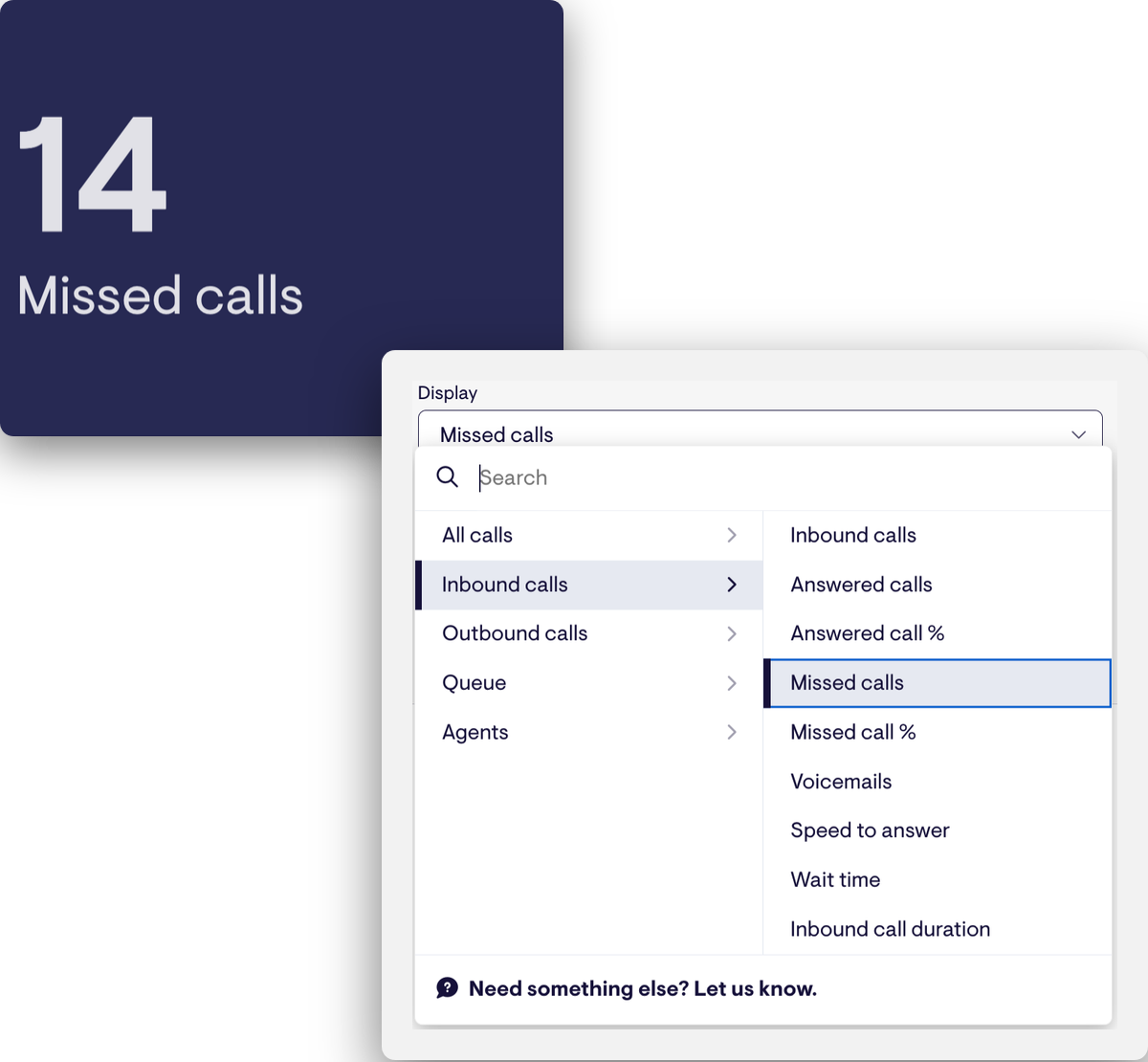
Geckoboard comes with all the key call center metrics for Dialpad, covering live queue activity, inbound and outbound calls, queue health, agents and CSAT, pre-calculated and ready to customize.
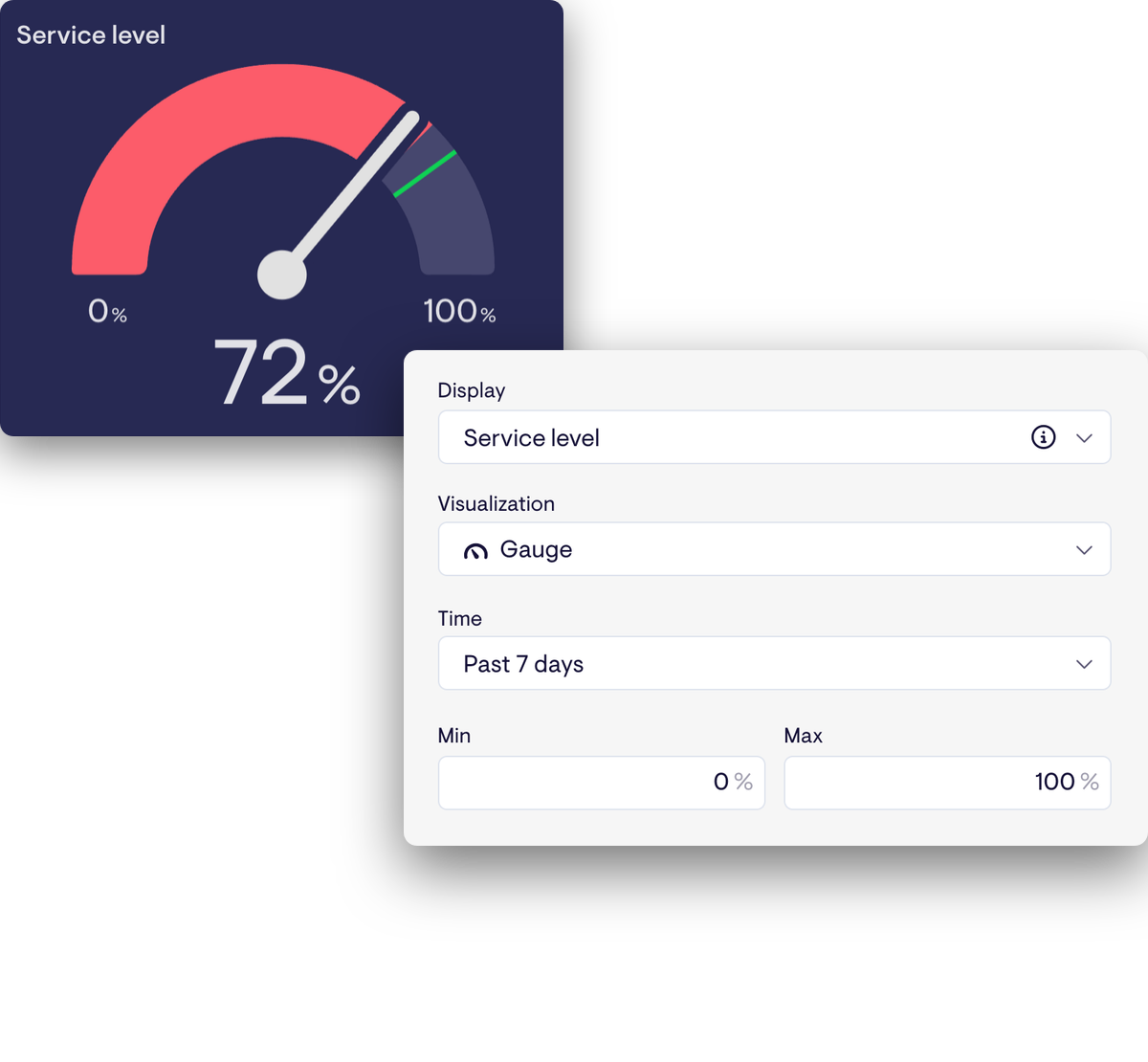
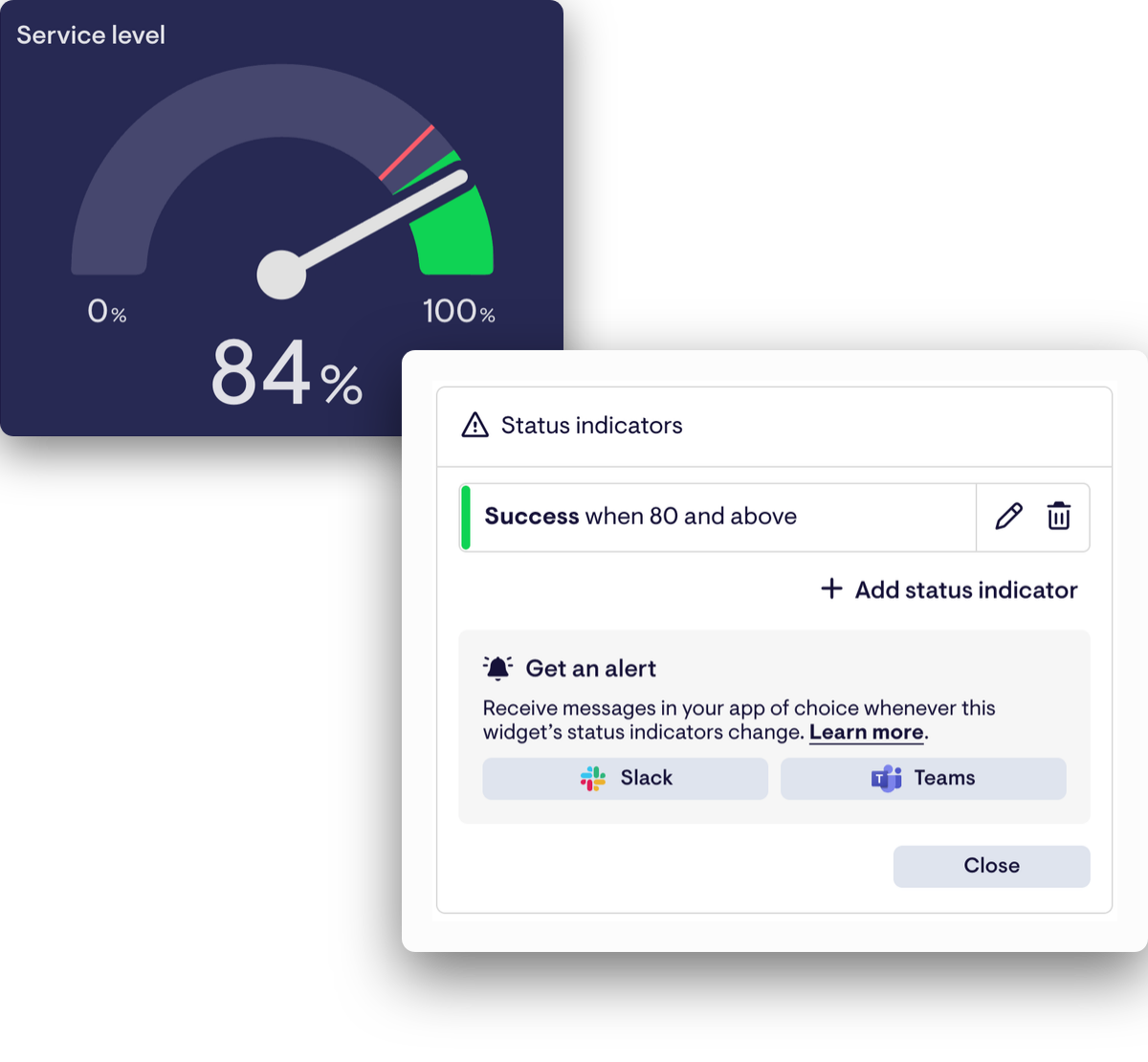
Filter, split and visualize them however you need, set a target, and get a Slack message when a number crosses it. If there’s something missing, we can usually add it.
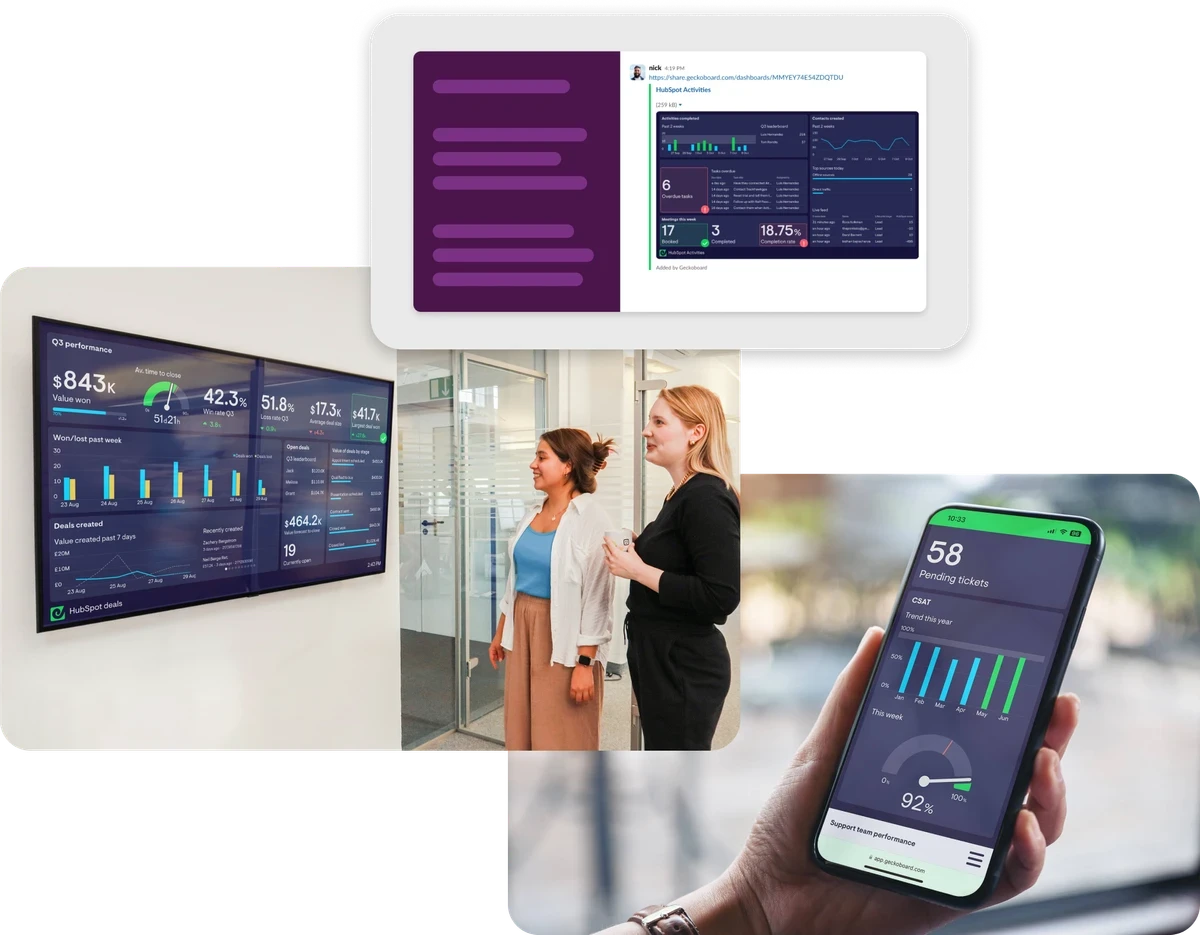
Share your metrics with the whole team
Geckoboard is built to get your data in front of people. Put dashboards on TV wallboards, send snapshots to Slack and Microsoft Teams, embed them in your wiki, or create shareable dashboards with a link. Leaders and other teams can access the numbers without needing a Dialpad seat.
Track your Dialpad data alongside the rest of your stack
Combine call data with your ticketing system, CRM and other tools, as well as multiple call centers, on the same dashboard.
Also add data from 90+ other sources, including Salesforce, HubSpot, Intercom, Pipedrive, Shopify, Freshdesk, Jira and Google Sheets.




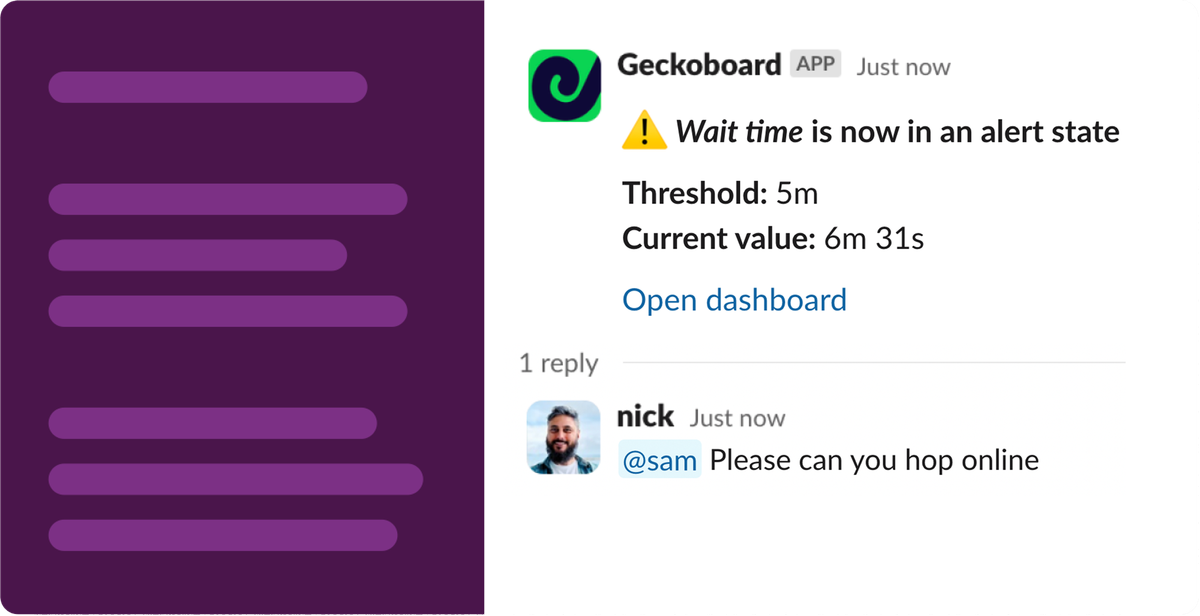
Get alerted when something needs attention
Set alerts on your key Dialpad metrics, like the queue getting too long or missed calls spiking, and notify the right people in Slack or Microsoft Teams the moment something changes.
From there, they can drill into the data and see exactly what needs attention.
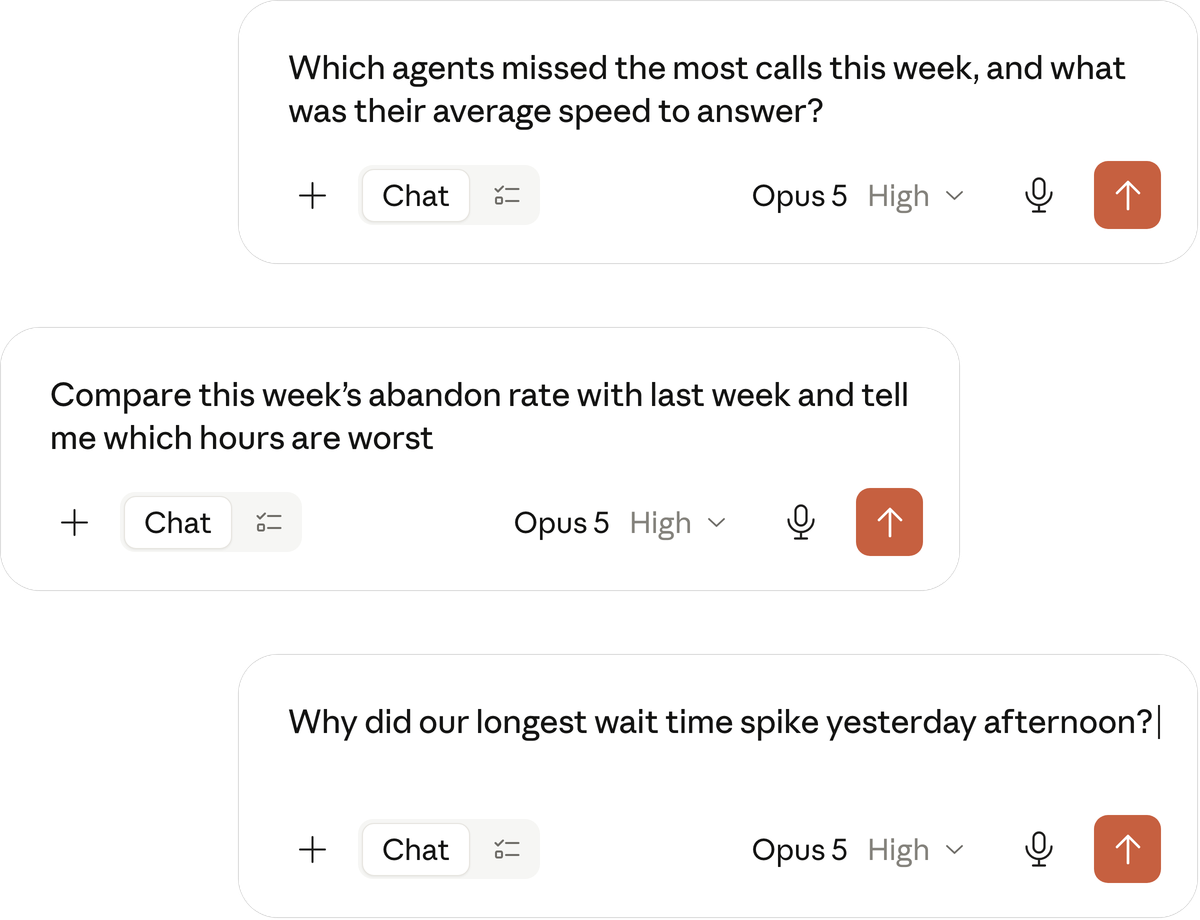
Use your Dialpad metrics with AI
Geckoboard unlocks your Dialpad data for Claude, ChatGPT and other AI tools. Instead of asking AI to interpret raw call logs and work out your metrics itself, it gets direct access to trusted, pre-calculated metrics from the same engine that powers your dashboards.
See what you can build with your Dialpad data
Browse dashboards used by different contact center teams, get ideas for your own, and go beyond what you can build in Dialpad.
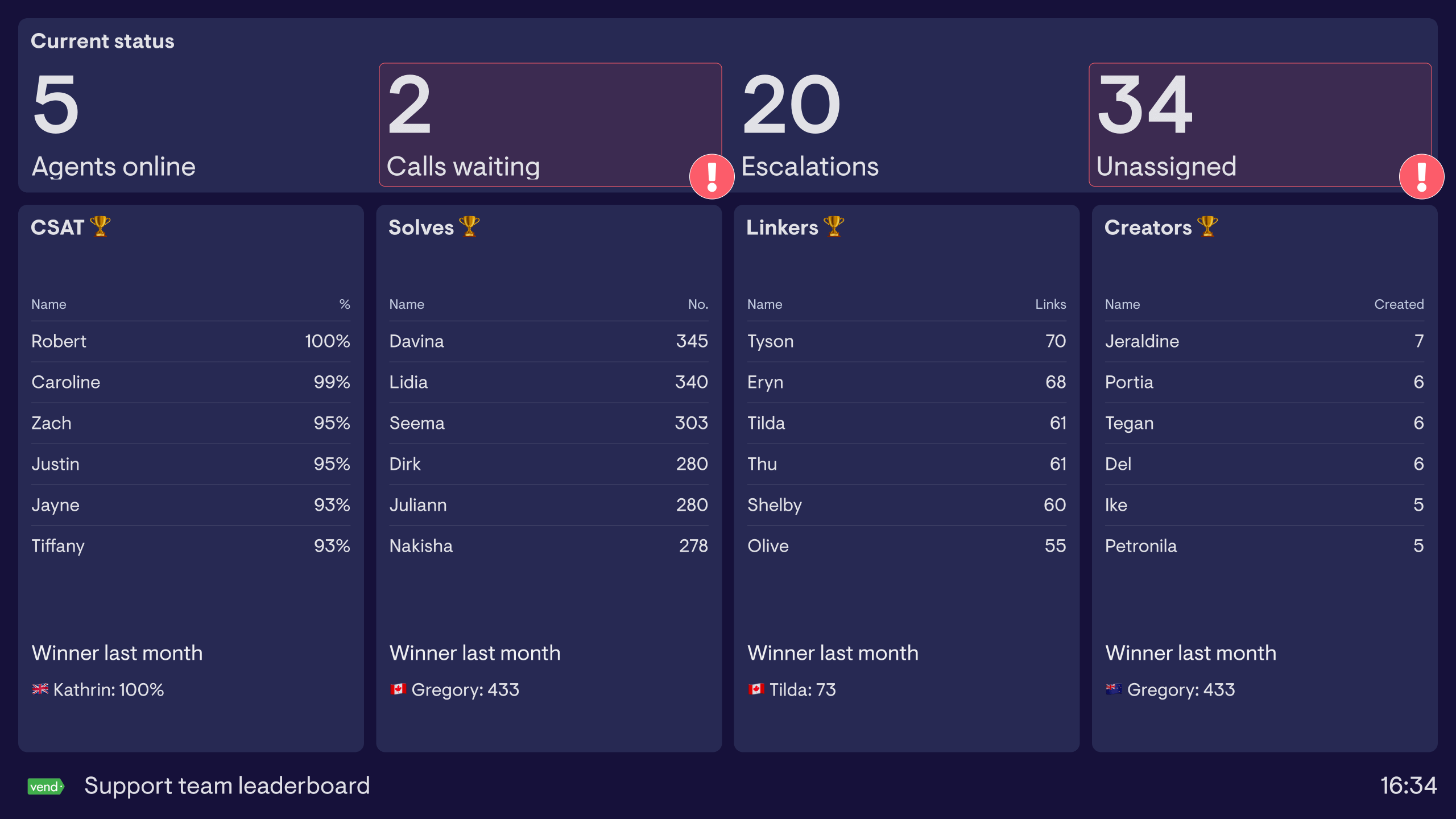
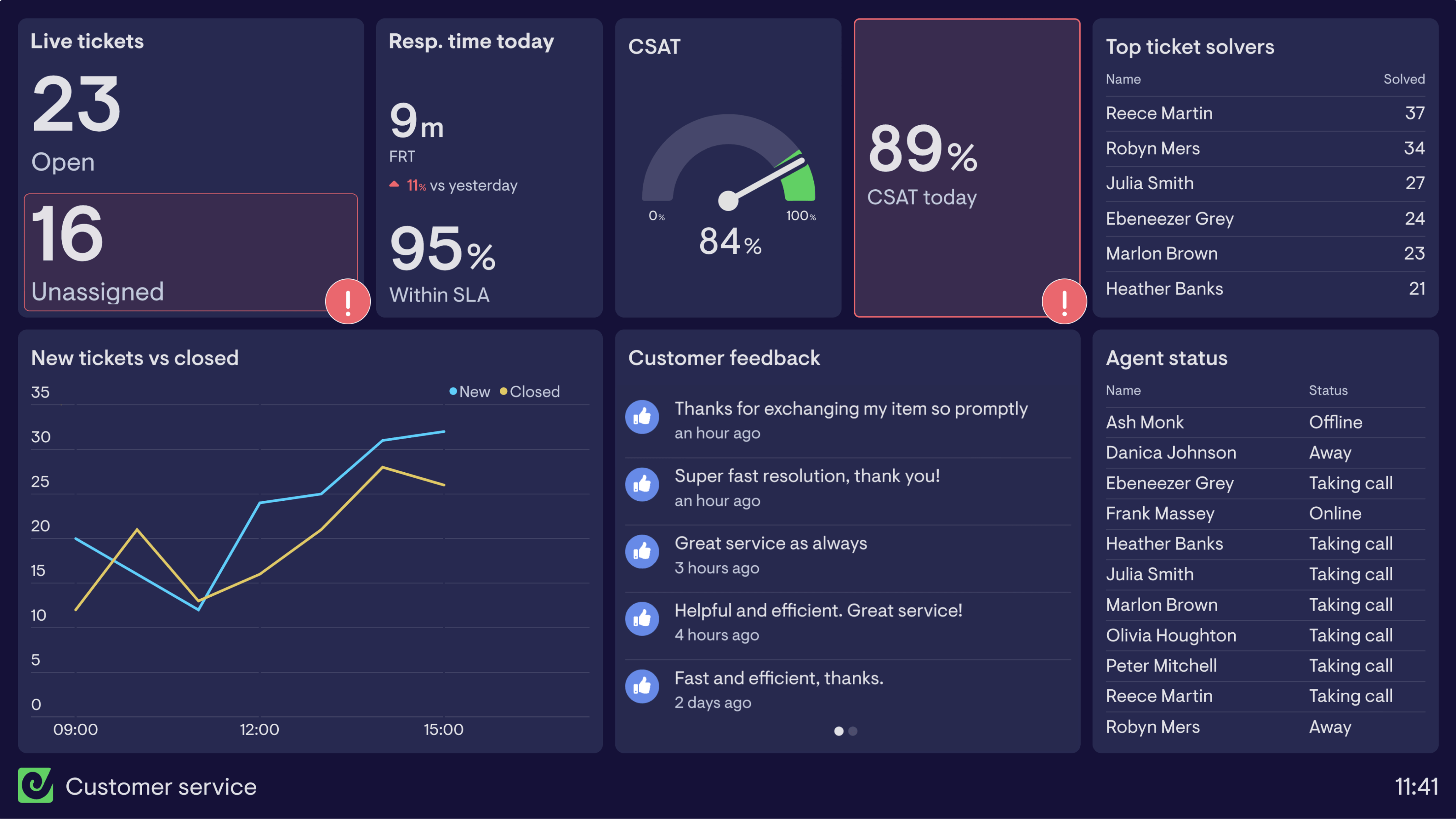
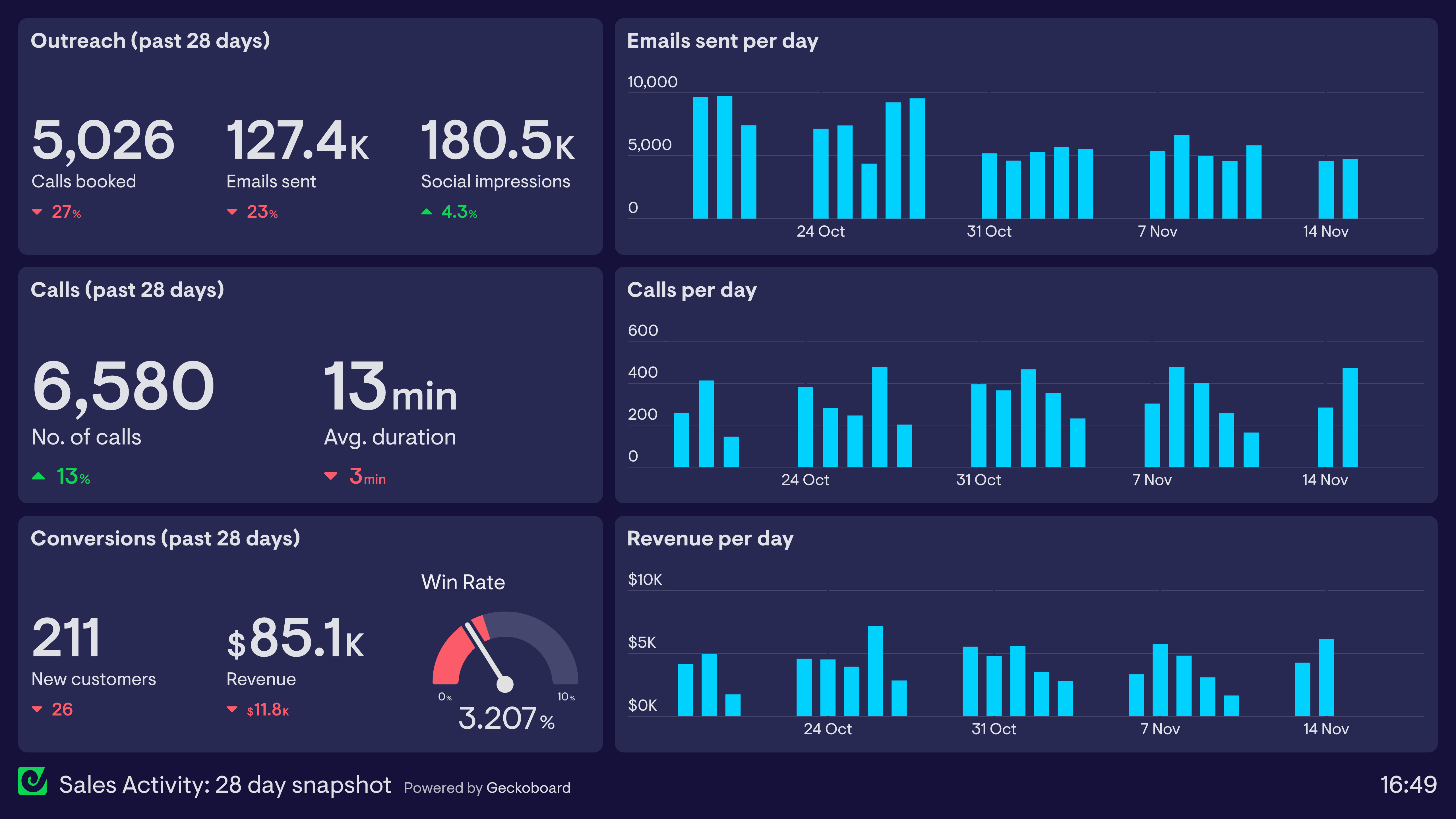
Call center dashboard
A call center dashboard (or contact center dashboard) visualizes live metrics such as number of calls, wait time, and customer satisfaction.
See more call center dashboards
Support agent dashboard
A support agent dashboard visualizes the performance of individual CS agents in order to foster a spirit of friendly competition.
See more support agent dashboardsCustomer service dashboard
A customer service dashboard visualizes a support team’s performance in real-time, so they can react to important changes and make progress toward their goals.
See more customer service dashboardsSales activity dashboard
Monitor the quantity and quality of the day-to-day activities used by sales people, such as calls, emails, social-selling and product demos.
See more sales activity dashboardsContact center teams deserve great service too
Get expert help from a team that knows Dialpad, dashboards and call center metrics inside out.

The Geckoboard support team has been outstanding, even implementing a missing metric for us in record time. Exceptional service.
Every conversation I’ve had has been top-notch.
The Geckoboard team is incredibly supportive, helpful, and professional. They always provide real support to the end user.
Geckoboard team are also fantastic. On hand and quick to reply if any issues. Can’t recommend more!
Someone asking why you can’t just use Dialpad’s own analytics?
Dialpad’s dashboards are there for managers to dig into the data. Geckoboard is built to put live numbers in front of the whole team. If you need to convince someone else, we’ve got you covered.

Built for managers to analyze and create reports


Purpose-built for teams to monitor real-time data
Takes time to master
Easy and intuitive
Visualizes Dialpad data only
See data from 90+ sources alongside Dialpad data
Access on desktop
View on desktop, TV wallboards, mobile, Microsoft Teams, Slack, and more
Geckoboard connects directly to Dialpad, allowing you to pull live data directly from your Dialpad account. Popular metrics that Geckoboard’s Dialpad integration supports include:
Live queue metrics: calls waiting, longest wait, active calls, longest active call
Inbound calls: inbound calls, answered calls, missed calls, answered call %, voicemails, speed to answer, wait time, inbound call duration
Outbound calls: outbound calls, connected calls, connected rate, outbound call duration
Queue health: abandoned calls, abandon rate, service level
Agents: agents on duty, available agents, agents on a call, agents in wrap-up, unavailable agents, busy agents, agent status table
CSAT: average CSAT, overall or per agent
The best way to check if a specific Dialpad metric is supported by our integration is to try it for yourself. Alternatively, ask our friendly support team.
Geckoboard is ideal for creating a shareable, real-time view of metrics that you, your team or stakeholders should be regularly monitoring. This can include data from several Dialpad call centers and other sources too.
Examples might include dashboards for monitoring live call activity alongside agent availability, high level metrics your call center is looking to improve (e.g. lowering wait times), or more specific dashboards focused around metrics related to a specific team or even specific agents. For inspiration, check out our support dashboard examples.
Live queue metrics, such as calls waiting, longest wait, active calls and longest active call, update as soon as something changes in Dialpad. Other metrics refresh on the usual schedule. See this help article for refresh rates of all our other data sources.
Service level is measured against the service level target you set in Dialpad for each call center.
Yes, you’ll need to connect Geckoboard with a Dialpad company admin account.
Geckoboard is designed to be easy for anyone to use without any training or complicated setup.
To help along the way, we’ve put together useful articles answering common questions, and for anything else, our friendly and knowledgeable team is on hand 24/5 to help you succeed with your dashboards, whatever time zone you’re in. Pro and Enterprise plans offer even snappier support, with priority support and dedicated support reps available.
You can try Geckoboard completely free for 14 days by signing up for a free trial — no payment details required. Our prices are available here.
Ready to get started?