Product updates
New: Google Analytics 4 data source beta
Now you can visualise data from your Google Analytics 4 properties using our brand new data Google Analytics 4 data source. Our existing Google Analytics data source remains unchanged, but has been renamed to Universal Google Analytics.
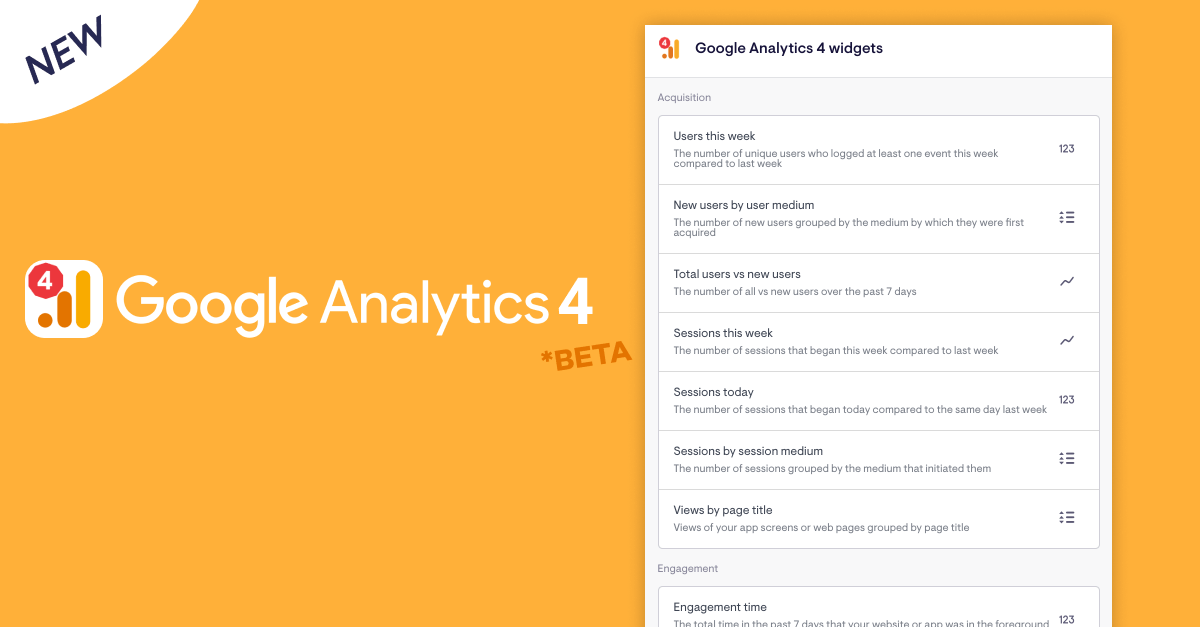
Additional metrics and filtering on GA4 metrics is coming soon, but the initial release already includes handy presets for things like new users by medium, new users Vs total users, views per page, engagement time and more.
We'd love to know how you get on - get in touch if you have any feedback to share!
Note: To avoid discrepancies between what you see in GA Vs Geckoboard, please double-check your dashboard’s timezone matches the timezone of your GA property.
Three new data sources - Aircall, Baremetrics and ProfitWell
We’ve quietly added three new data sources to Geckoboard in the past few weeks:
- Aircall: Keep an eye on useful information from your call centre operation in real time, including current agent availability, calls and wait times
- Baremetrics: Share key metrics like MRR, active customers and LTV with your team and investors
- ProfitWell: Get eyes on subscription KPIs like churned, downgraded, upgraded and reactivated MRR, number of customers, and more
All three data sources are currently in beta, and we’re keen to hear your feedback. Log in to your account to give them a try, and let us know what you think.
Our new Shopify data source is out of beta
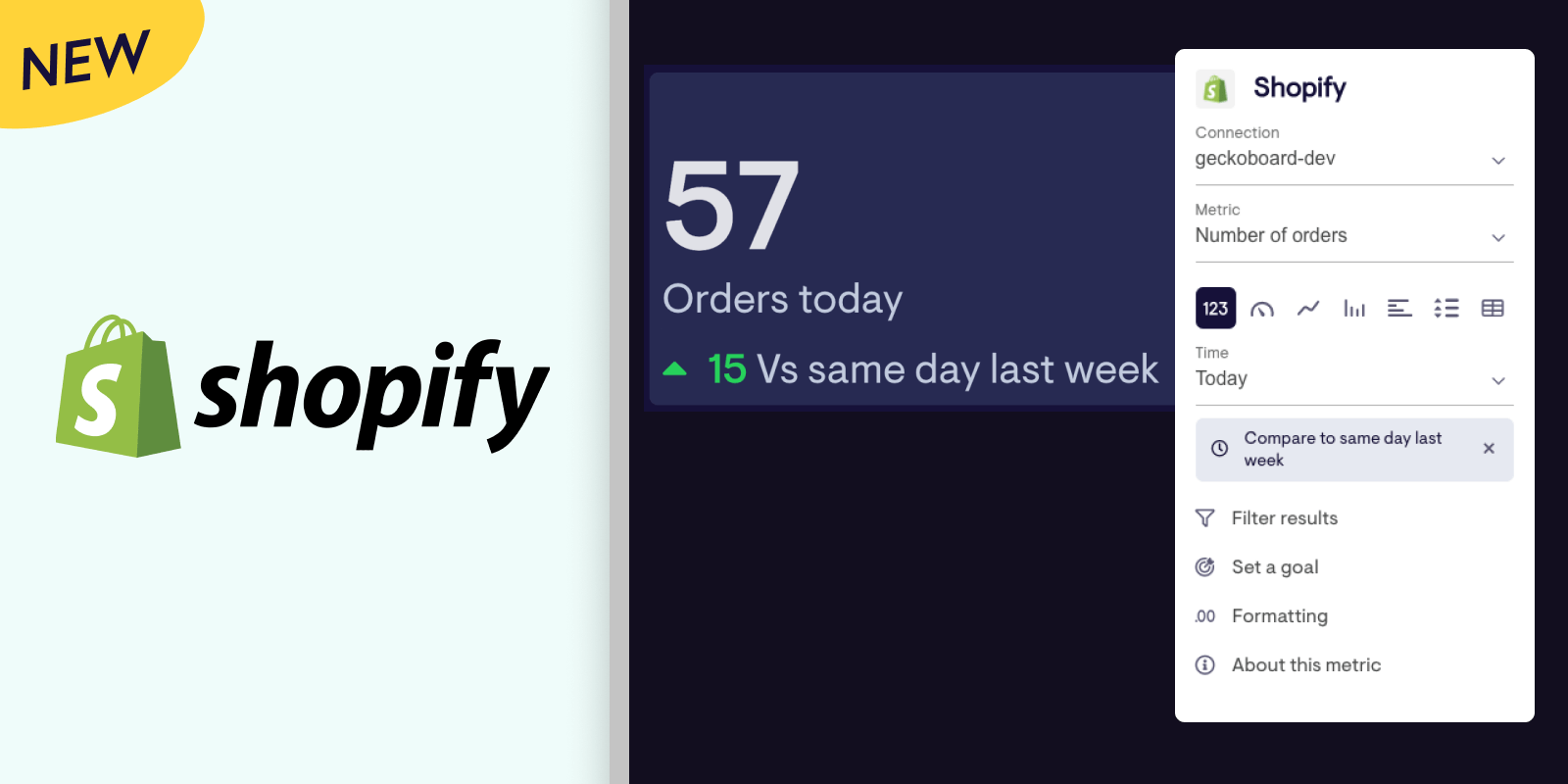
We've been refining our new Shopify data source and are thrilled to bring it out of beta! If you haven't tried it already, our rewritten integration with Shopify brings:
- More metrics, including sales, orders, orders that have been cancelled, unfulfilled, fulfilled or that are pending, and average order value and more
- New ways to break these metrics out, for example by location, order tag or channel, and now you can compare these on the same visualization
- Easy comparison of today's performance against previous periods, and the same day last week
- Simpler authentication between Geckoboard and Shopify accounts
- The ability to pull data from multiple Shopify accounts
- And much more!
For more information check out our docs, or give it a spin yourself!
Bring 1000s of new data sources onto your dashboard through Zapier
We’re always expanding the range of data sources you can access in Geckoboard, and today we’re excited to add Zapier to the mix. With over 3000 of their own integrations, connecting Zapier to Geckoboard means you can now visualize and share interesting data from almost anywhere. (See the full range of information Zapier can pull here).
How it works
Our Zapier integration is a little different to our other integrations, and starts with an empty dataset you create in Geckoboard. You’ll then need to log in to Zapier (or create an account), and make a zap that pulls data from your chosen source and then sends it to the dataset you created. Your data can then be visualized, filtered, and aggregated in a variety of ways by clicking Datasets in your Geckoboard account.
For more detailed setup instructions, check out our setup guide!
Overhauled New Relic data source (beta)
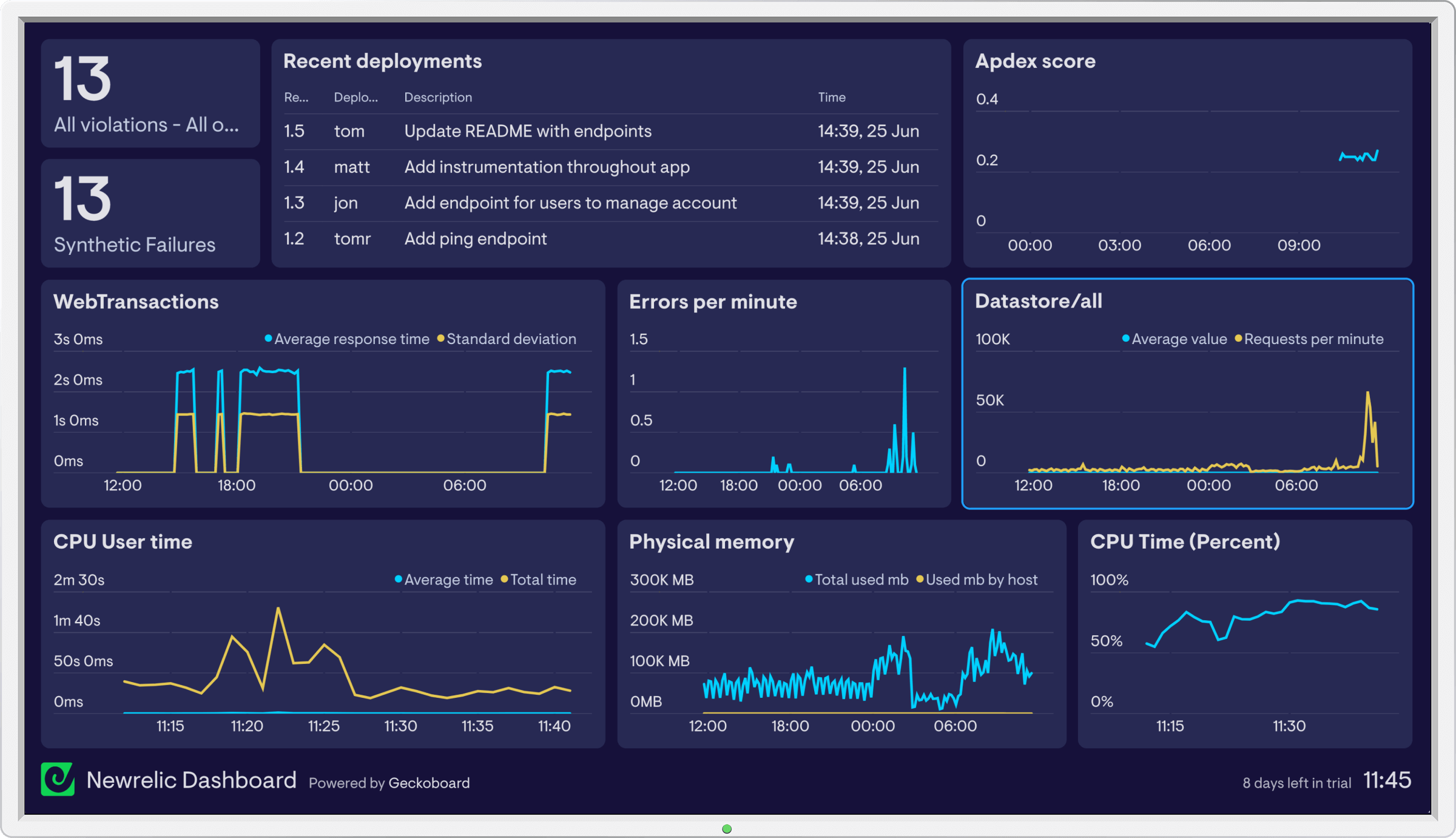
We’ve rewritten our New Relic integration from the ground up to support more metrics and improve the experience of building New Relic widgets. Currently in beta, the new integration offers:
- Full coverage of metrics for your web and mobile applications including the ability to compare multiple metrics on one chart
- A way to display recent deployments
- The ability to track violations
- Support for both US and EU data regions
- Improved reliability
Support for EU data residency for Mixpanel data
Our Mixpanel data source now supports Mixpanel accounts that have EU data residency enabled 🇪🇺.
Stripe data source (beta)
Our new Stripe data source is now available 🎉. This beta version is under active development, and currently supports subscriber metrics, enabling you to visualize things like:
- All-time subscriber counts
- Active vs cancelled subscribers, including trends over time
- Trialists, including trends over time
- Filter and split subscriber counts by plan, product or customer’s country
- Compare active and cancelled subscribers or trialists on the same chart (i.e multiple metrics)
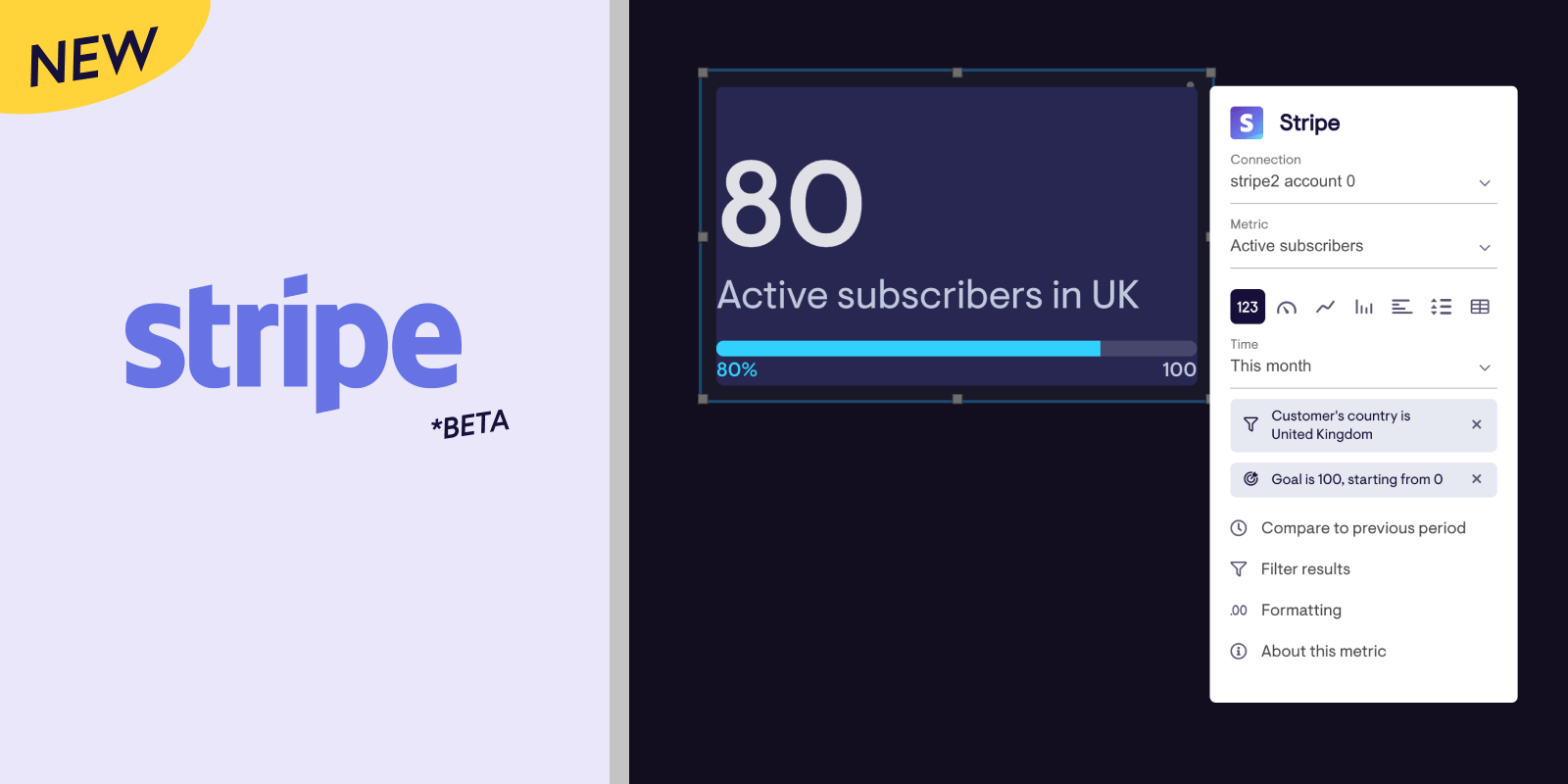
eCommerce and Connect metrics aren't available yet, but if you have any requests or feedback let us know!
Send dashboards to Slack with a custom schedule
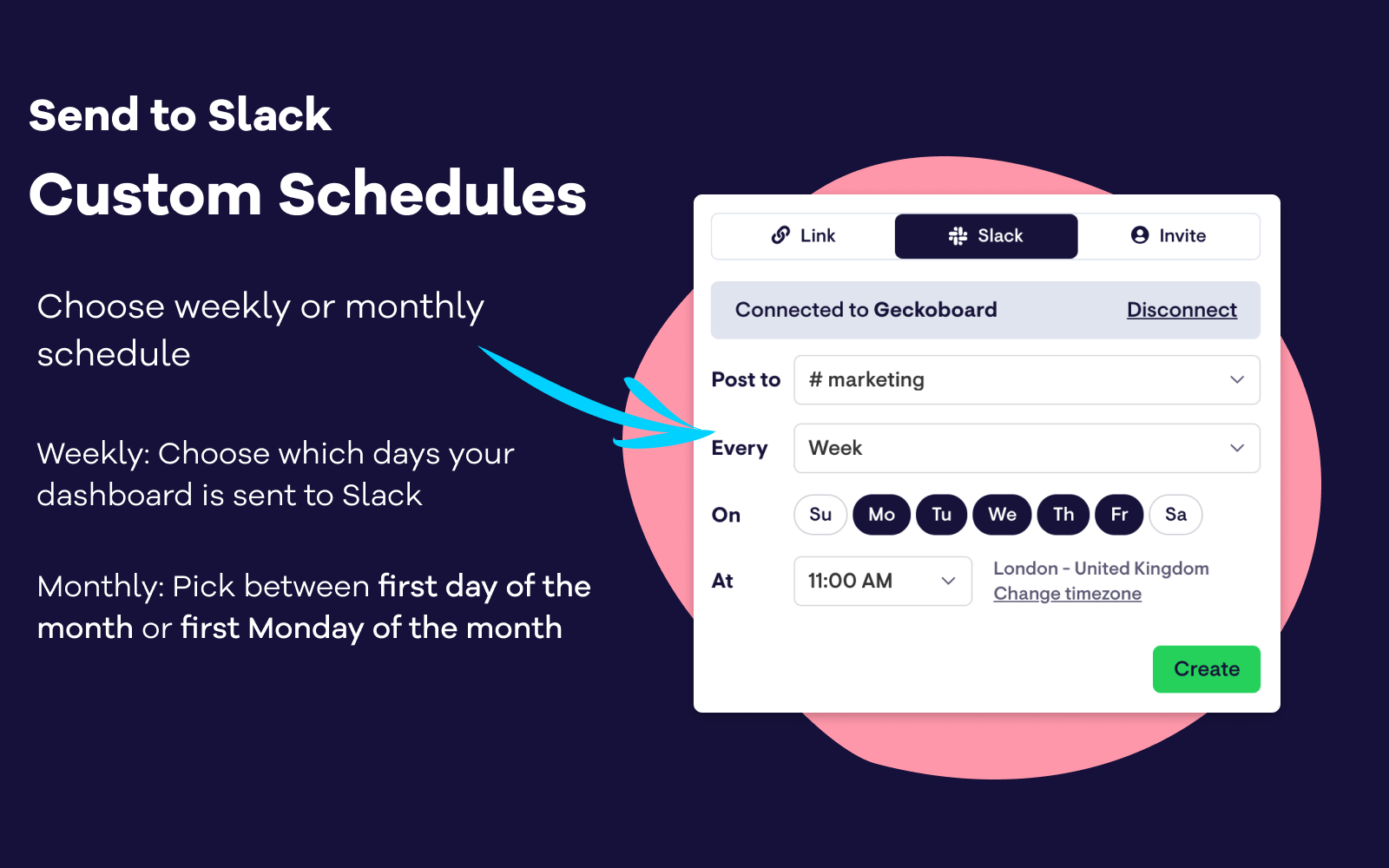
Our latest update to our Slack integration gives you full control over when your dashboards post to a Slack channel. Dashboards can now be set up to send to Slack on specific days of the week (for example, on weekdays Monday to Friday, or just on Tuesdays). We've also added the option to send dashboards on a monthly basis on the first day of the month, or the first Monday of the month.
Filters for Shopify widgets
We’ve shipped several improvements to the beta of our Shopify data source, adding powerful new ways to drill into your Shopify data:
- Apply a whole new range of filters to your Shopify data, including billing city, discount code, order tag, order cancel reason and more.
- Split data on your line and column charts by billing country, order tag, currency, and more.
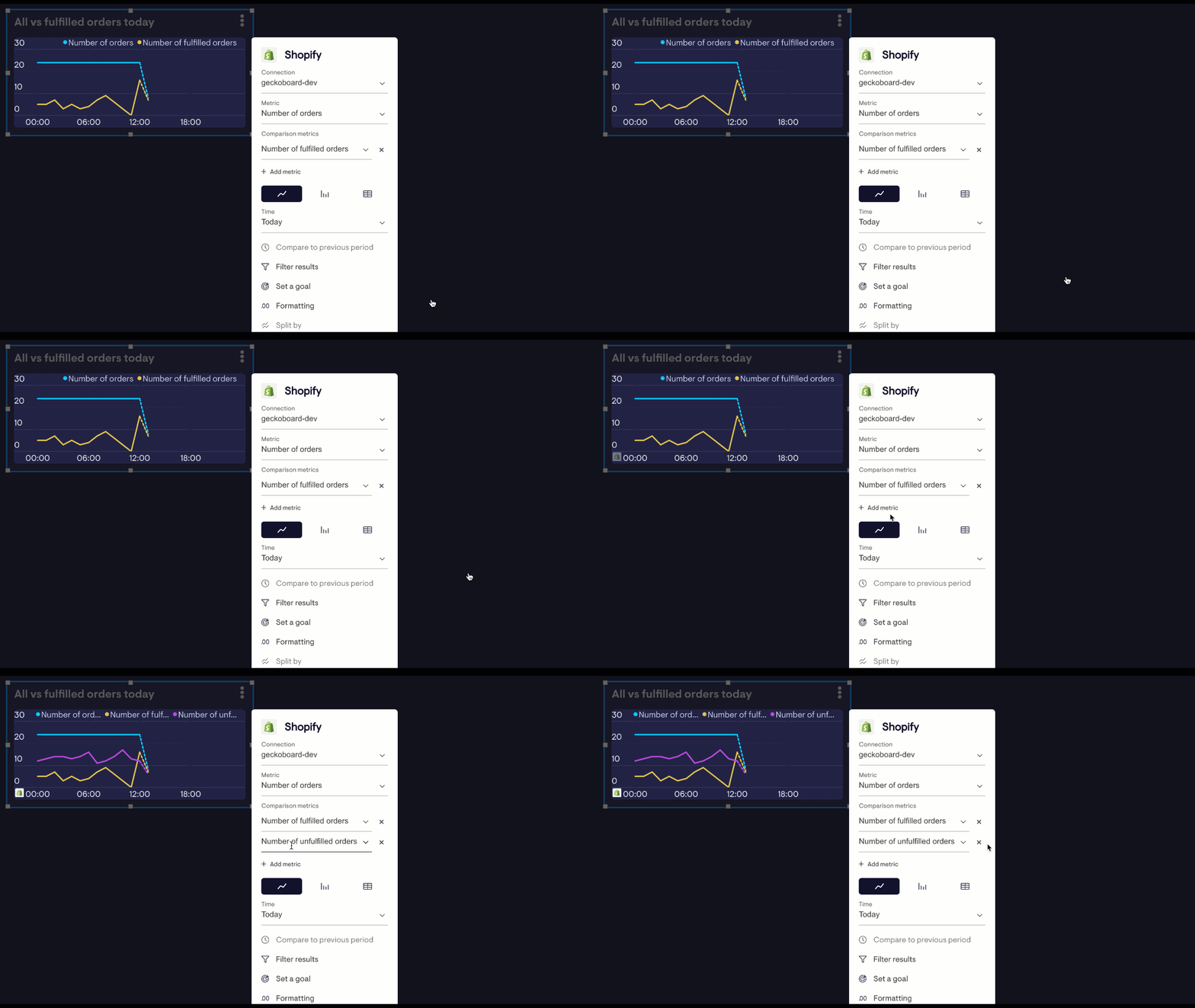
- Compare multiple metrics of the same type on one visualization; show fulfilled, unfilled and total orders on the same line chart, for example.
Compare up to 5 data series on column charts
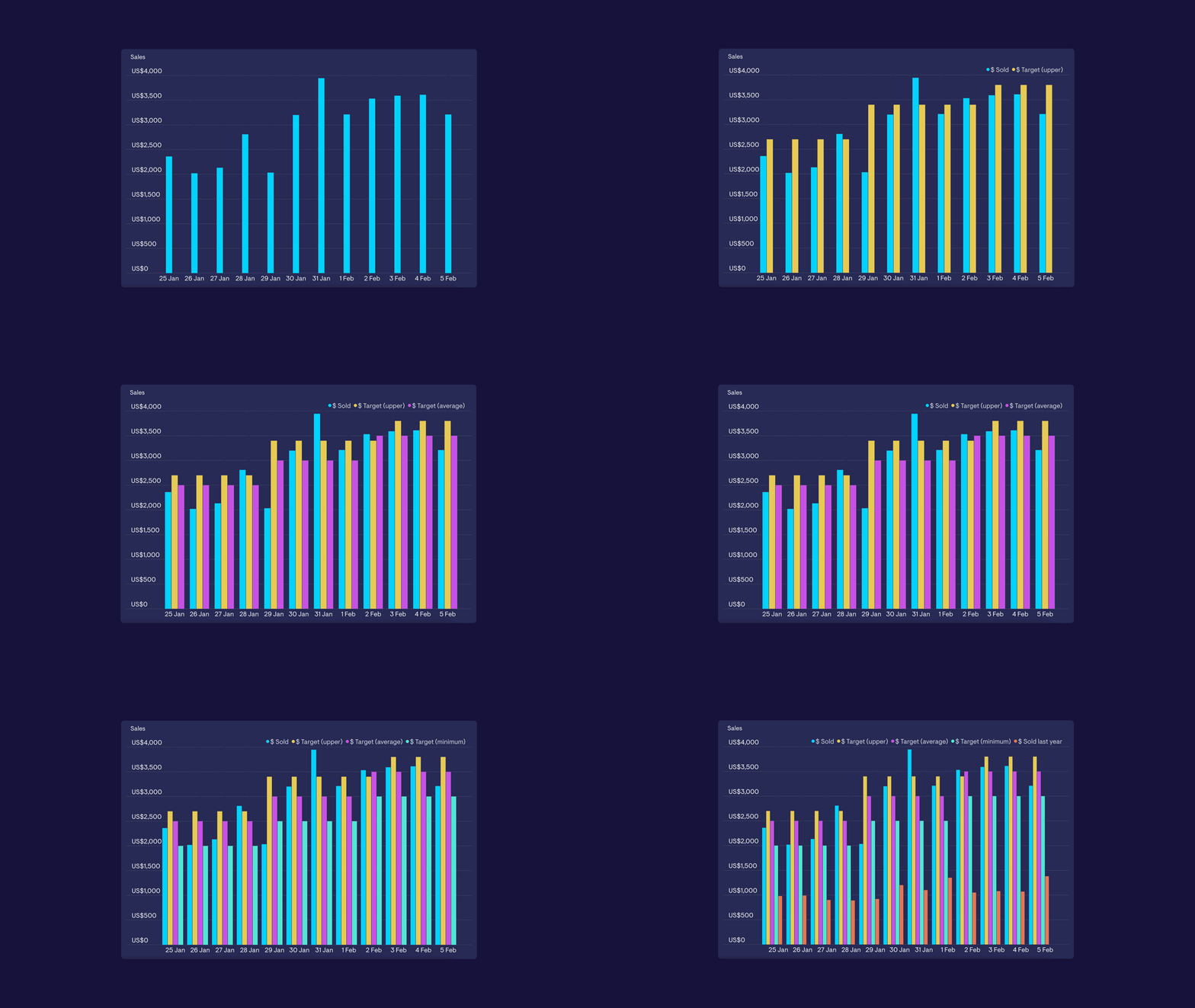
You can now compare up to five series to column charts that are powered by a Spreadsheet or Custom Dataset (boosting the limit up from three series). You’ll also find it possible to add more series to visualizations that use our ‘split by’ feature, which includes Google Analytics, Zendesk and Intercom.